

SQUARESPACE DESIGN INSIGHTS
Explore expert Squarespace blogs covering design tips, tutorials, SEO strategies, and customizable templates to help you create stunning websites that rank and convert.


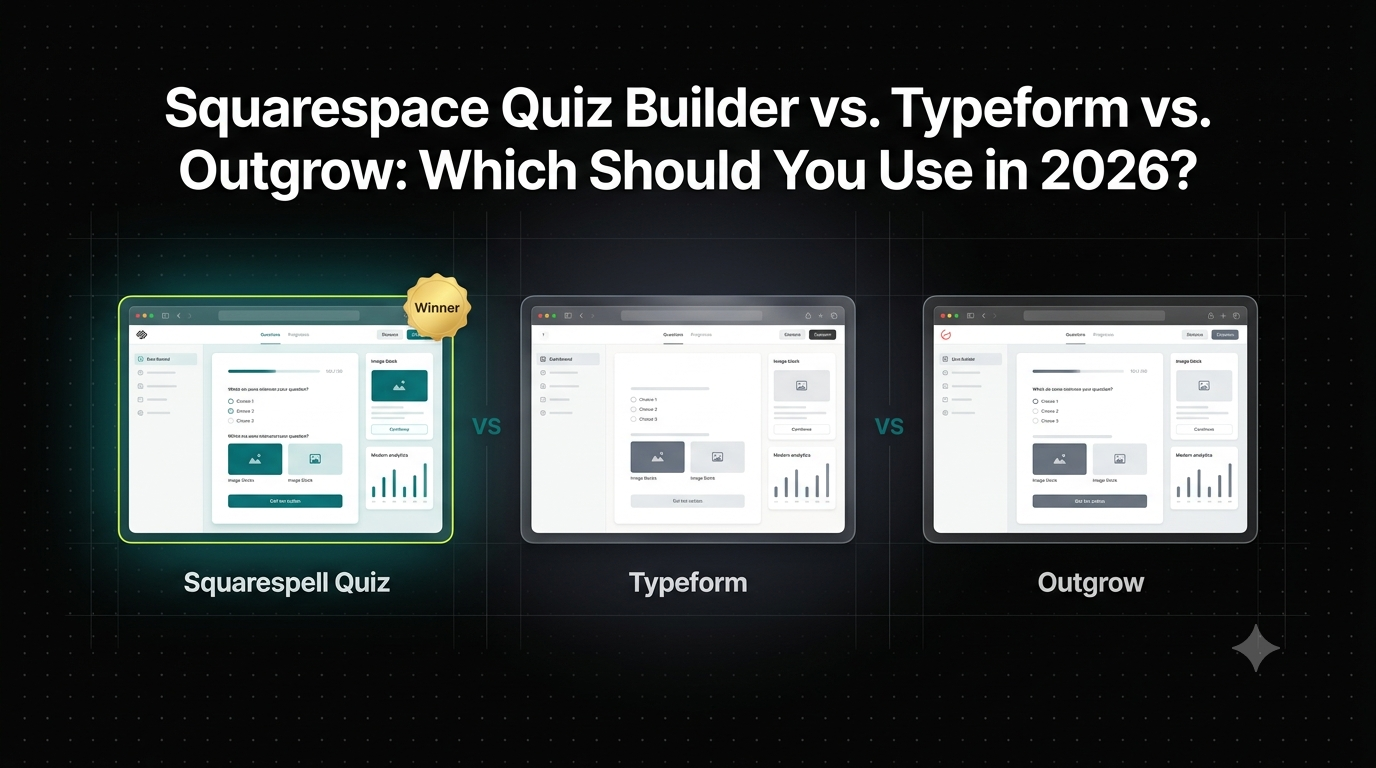
Squarespace Quiz Builder vs. Typeform vs. Outgrow: Which Should You Use in 2026?
Honest 2026 comparison of quiz tools for Squarespace pricing, setup time, embed quality, and lead scoring, side by side.
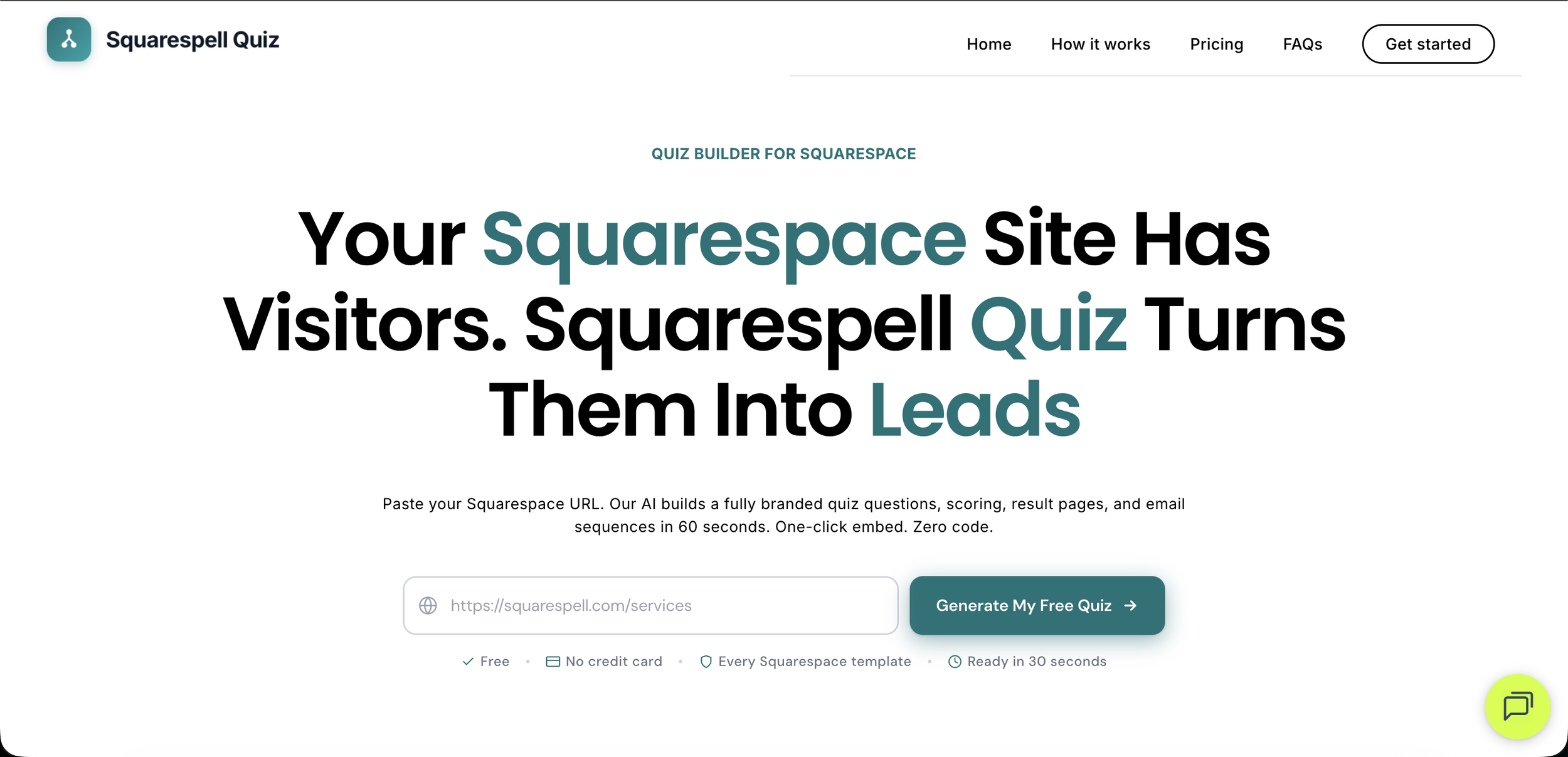
How to Add a Quiz to Your Squarespace Website (2026 Guide)
You can add a fully branded, AI-generated quiz to any Squarespace site in approximately 2 minutes using Squarespell Quiz. Paste your Squarespace URL, the AI reads your site's brand, and generates a ready-to-embed quiz with scoring and lead capture. Plans start at $9/mo (annual billing). No code required.
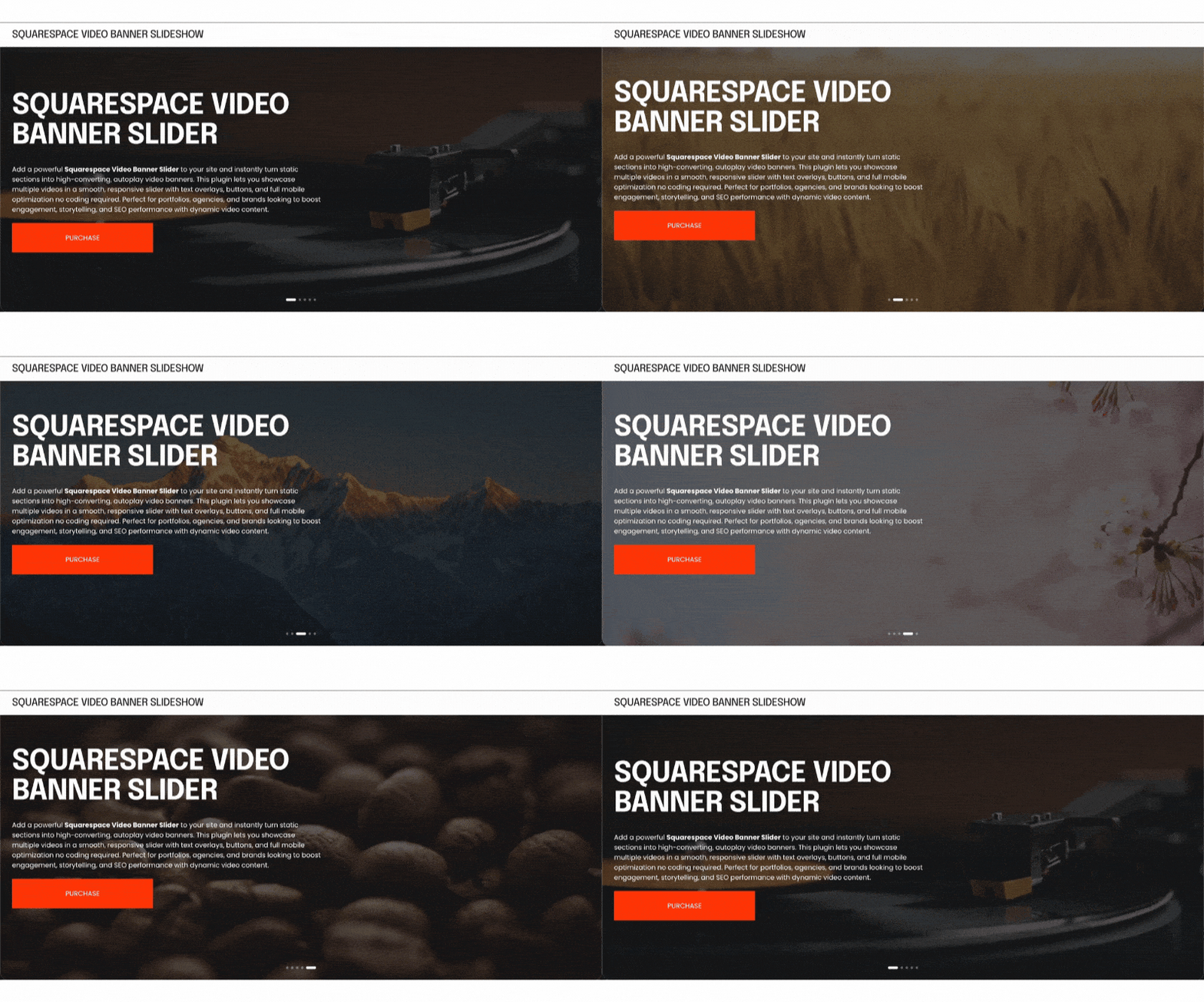
How to Add a Video Banner Carousel to Squarespace 7.1 (The Complete 2026 Guide)
If you've tried to add multiple autoplay videos to your Squarespace hero section, you've already run into the wall. Squarespace 7.1 supports exactly one background video per section. There is no video slider, no video carousel, and no native way to cycle between clips. And on mobile? That single video doesn't play at all on a significant portion of iOS and Android devices.

How to Add an Infinite Circle Scrolling Logo Carousel to Squarespace (No Code, 5 Minutes)
Squarespace does not have a built-in infinite logo carousel. To add one, you need a no-code plugin that converts a native Gallery block into a continuously looping animation. Squarespell offers two dedicated logo carousel plugins for Squarespace 7.1 a flat horizontal ticker and a circular orbit version both installed with a single code paste and no developer required.
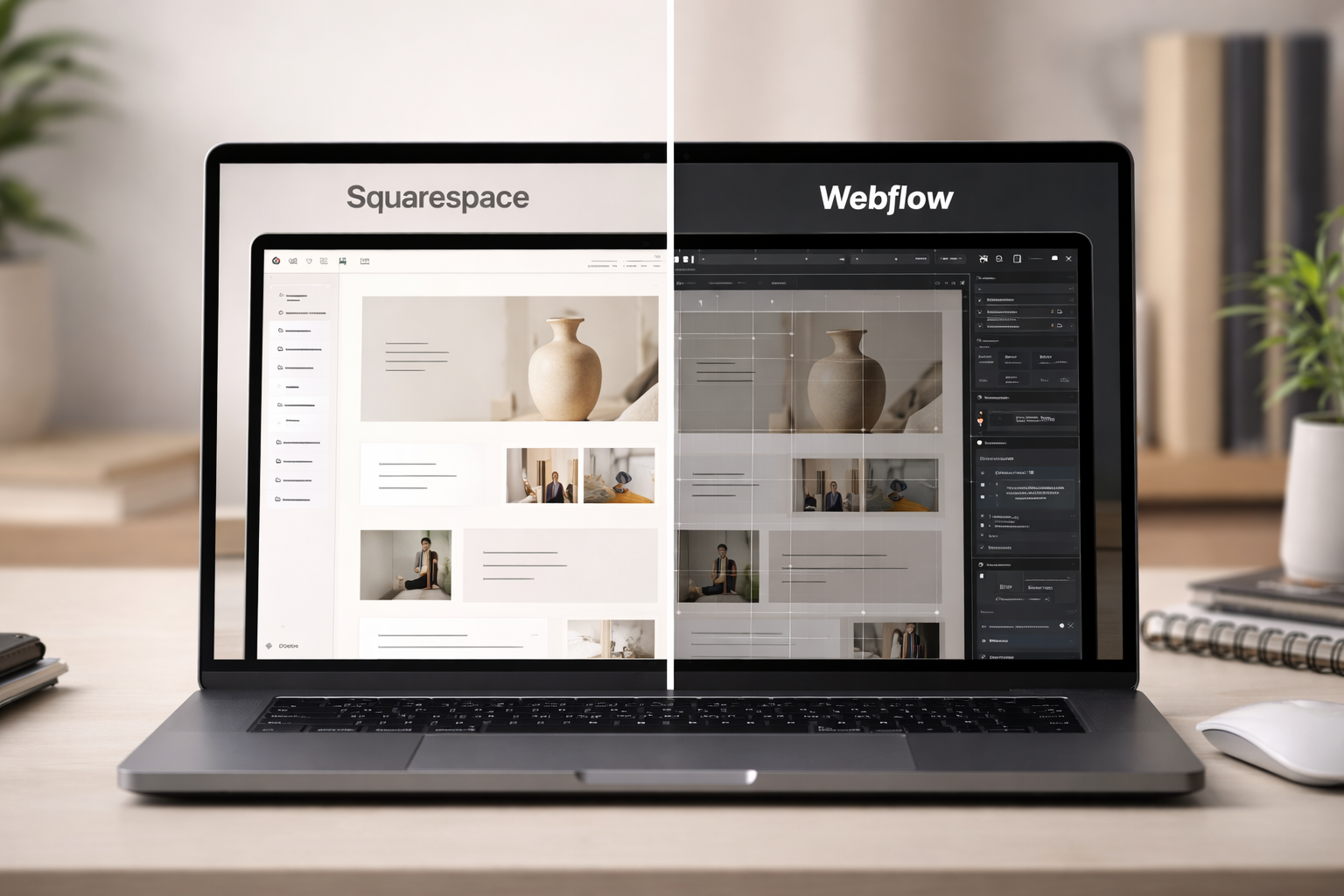

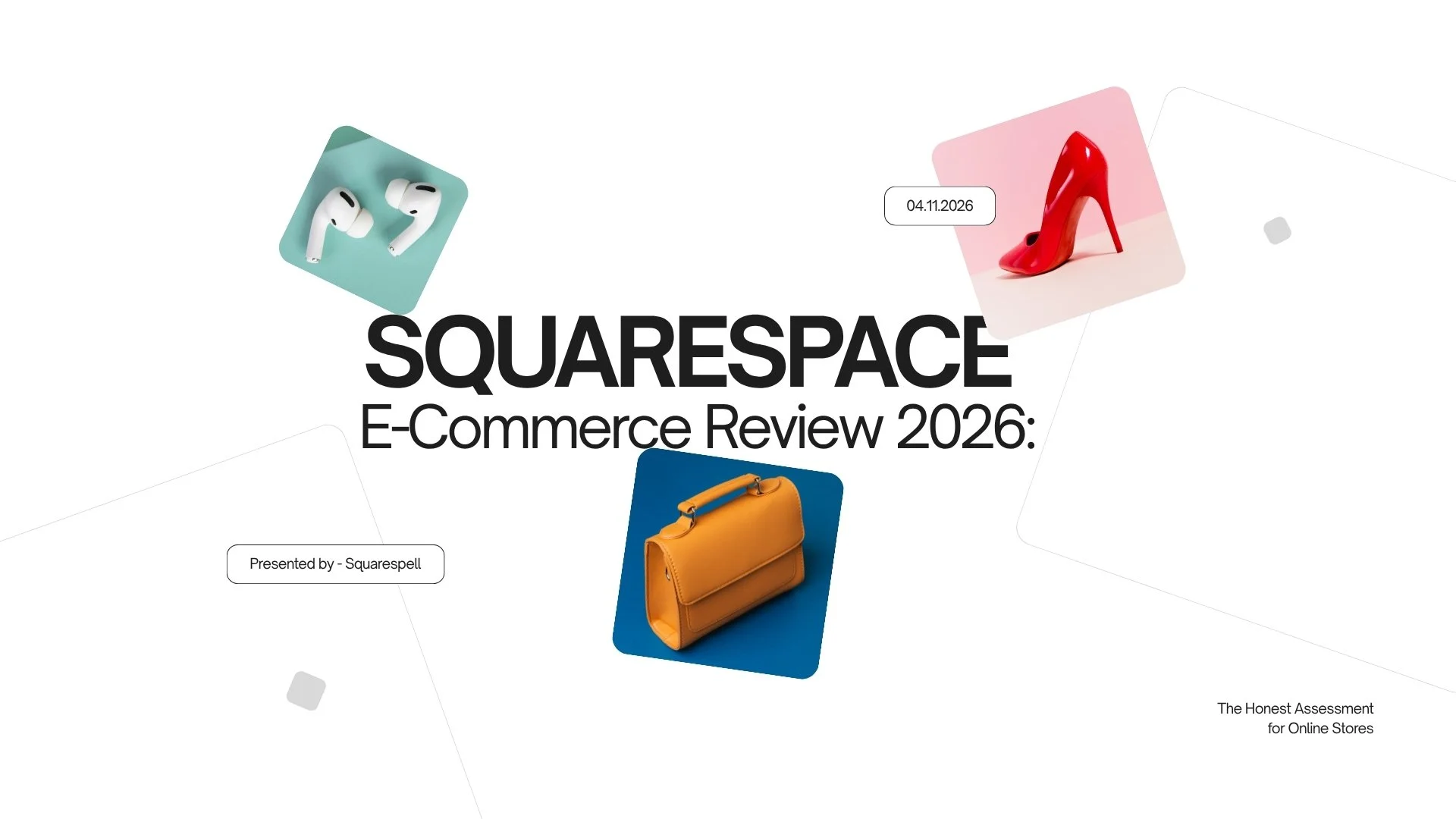
Squarespace E-Commerce Review 2026: The Honest Assessment for Online Stores
Squarespace has come a long way from its origins as a blog-and-portfolio builder. In 2026, it powers hundreds of thousands of online stores worldwide from ceramic artists in Brooklyn to boutique skincare brands in Austin. But is it the right platform for you?

Squarespace Product Filter Plugin Filter by Color, Size & Price | Auto Detects Variants | No Code
Add a product filter to any Squarespace 7.1 store in under 5 minutes. Smart Filter Pro auto-detects your color, size, and price variants no tagging, no code, no developer. One paste. $45 one-time.

How to Add an Infinite Scrolling Video Carousel to Squarespace YouTube, Vimeo & Native Videos (2026 Guide)
Learn how to add an infinite scrolling video carousel to Squarespace using YouTube, Vimeo & native videos. Step-by-step guide to grow your business in 2026.

Squarespace Plugins for Coaches: 9 Tools That Fill Your Pipeline (Not Just Look Nice)
Your Squarespace coaching website looks great. But is it actually booking clients? These 9 Squarespell plugins turn a pretty site into a lead-generating, pipeline-filling machine one-time payment, no monthly fees.
Squarespace Extensions vs Third Party Plugins: What's the Difference and Which Do You Need?
Searching for Squarespace extensions? You might be looking at the wrong thing entirely. This guide breaks down the real difference between official Squarespace extensions and third-party plugins and why thousands of Squarespace users are ditching monthly fees for one-time plugins instead.
The 29 Best Squarespace Plugins in 2026 Tested, Ranked, Version Verified
Every plugin on this list has been installed, stress-tested on Squarespace 7.1, and verified for version compatibility. No filler. No outdated picks. Just the plugins that actually move the needle for your site.

The Best Squarespace Hamburger Menu Plugin in 2026 - Fullscreen, Auto Colors, No Coding
Click the hamburger icon. A stunning fullscreen overlay opens three columns, your logo, your page images, your latest blog posts, your shop products, your social icons, and a scrolling ticker. All of it generated automatically from your existing Squarespace site. No design work. No block building. No monthly fees. Just paste two code snippets and save.
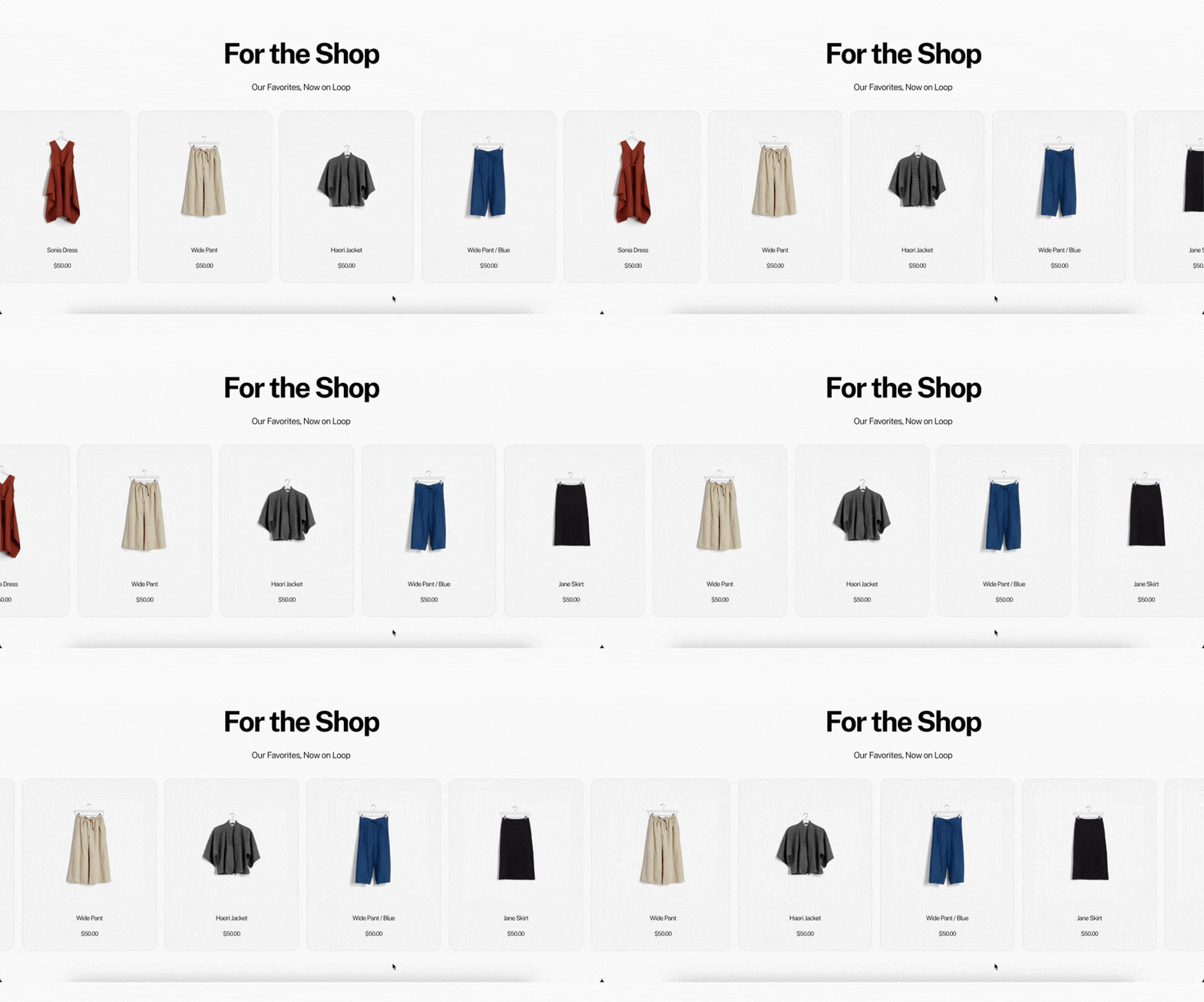

The easiest way to add a mega menu to Squarespace 7.1 in 2026. No coding, no CSS, no design work. Paste two code snippets and your existing navigation transforms instantly. Step-by-step guide.