

Squarespace vs Webflow 2026: Which Platform Is Right for Your Project?
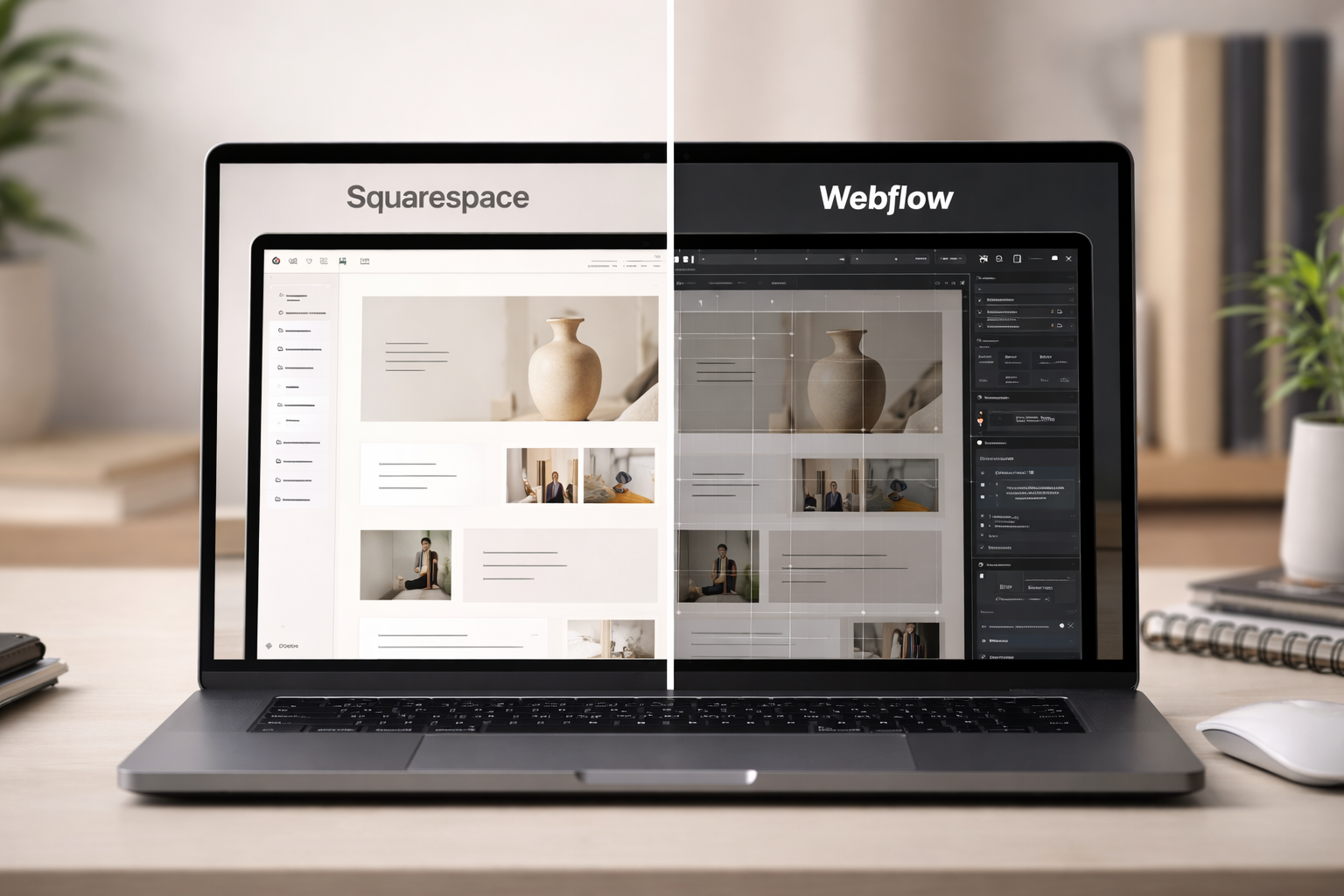
The Squarespace vs Webflow debate is one of the most common questions designers, freelancers, and agencies face in 2026 and the honest answer is that both platforms win in different situations. This comparison covers every dimension that actually matters when choosing for a real project.
💡 Quick Answer: Who Each Platform Is Built For
-
you're building for non-technical clients, need a fast timeline, want an ecosystem of plugins to extend functionality, or you're running an e-commerce shop that doesn't require enterprise-level customization.
-
you're building highly bespoke sites with complex animations, need developer-grade CMS relationships, or work on a team where multiple developers collaborate on the same project.
Neither platform is universally better. The right choice depends on your client, your timeline, and what "done" looks like for the project.
Squarespace was designed with a specific user in mind: someone who wants a professional website without learning to code. Webflow was designed with a different user in mind: a designer who thinks in CSS and wants pixel-perfect control over every interaction. When you pick the wrong platform for the wrong user, the project suffers regardless of which one you chose.
Squarespace Pros and Cons for Designers
Squarespace 7.1 is a mature, stable platform. After years of iteration, it handles the core needs of most client websites portfolios, service pages, blogs, e-commerce, scheduling, and memberships without requiring any custom code. Here's where it stands in 2026.
| ✓ PROS | ✗ CONS |
|---|---|
| Fastest path from brief to live site | Less control over markup and DOM structure |
| Templates are polished and mobile-ready by default | Complex custom animations require code injection |
| Non-technical clients can edit without breaking layouts | CMS has no relational content (no linking collections) |
| Native e-commerce, scheduling, and memberships built in | Template switching is limited post-launch |
| Squarespace Circle partner program with agency perks | No version history or staging environment on standard plans |
| Growing plugin ecosystem for advanced features | Less flexibility for large-scale content architectures |
| Flat, predictable monthly pricing with no per-seat costs | |
| Excellent 24/7 customer support |
For most freelancers and small agencies, the pros heavily outweigh the cons. The limitations only become genuine pain points on large-scale, animation-heavy, or content-complex projects a minority of real-world briefs.
Webflow Pros and Cons for Designers
Webflow has matured into a genuinely powerful platform for designers with development knowledge. It deserves its reputation in certain categories particularly animations and CMS flexibility. But it comes with real trade-offs that matter for client work.
| ✓ PROS | ✗ CONS |
|---|---|
| Interaction and animation system is class-leading | Steep learning curve — requires CSS knowledge |
| Relational CMS link collections to each other | Client editor is harder to use than Squarespace |
| Full control over HTML/CSS output | Pricing is higher, especially for agencies with multiple clients |
| Strong collaboration tools for design teams | E-commerce feature set lags behind Squarespace |
| Exportable clean code (static HTML/CSS) | No native scheduling, memberships, or email marketing |
| Robust logic and conditional visibility | Per-seat Workspace pricing adds up for teams |
| Active Finsweet/community ecosystem for developers | Slower to build on for straightforward projects |
Webflow's cons aren't flaws in the platform they're intentional trade-offs for a tool built for advanced users. The problem arises when designers choose it for projects where those advanced capabilities aren't needed, and end up paying in time and client friction.
Side By Side: Pricing, Learning Curve, CMS, E-Commerce, Plugin Ecosystem
| Category | Squarespace | Webflow | Winner |
|---|---|---|---|
| Starting price | $16/month (Basic) | $14/month (Basic Site) | Tie |
| Agency / multi-client pricing | Circle Partner discounts available | Workspace seats add cost per editor | Squarespace |
| E-commerce plan | $28–$65/month, strong native features | $29–$212/month, fewer native features | Squarespace |
| Learning curve | Low — visual drag-and-drop | High — requires CSS knowledge | Squarespace |
| Custom animations | Basic scroll animations + code injection | Class-leading Interactions panel | Webflow |
| CMS / content collections | Single-level collections, no relational data | Relational CMS — link collections to each other | Webflow |
| Client editor experience | Clean, simple — clients can manage confidently | More complex — higher risk of accidental edits | Squarespace |
| Plugin / extension ecosystem | Squarespell + third-party plugins growing fast | Finsweet attributes (developer-focused) | Squarespace |
| Native scheduling & memberships | Yes — Acuity + Member Areas built in | No — third-party integrations required | Squarespace |
| SEO capabilities | Strong — all fundamentals covered automatically | Strong — more granular developer control | Tie |
| Code export | No (hosted only) | Yes — export clean HTML/CSS | Webflow |
| Support | 24/7 email + live chat | Forum + ticket-based | Squarespace |
Pricing: Closer Than You'd Think
At entry level, both platforms are comparably priced. The gap widens for agencies. Squarespace's Circle Partner program provides meaningful discounts and benefits for designers managing multiple client accounts. Webflow's Workspace pricing adds a per-seat cost that can compound quickly when you're collaborating with clients or team members.
CMS: Webflow's Clearest Win
Webflow's CMS is genuinely more powerful for content-heavy sites. The ability to link CMS collections — for example, linking blog authors to a separate Authors collection, or products to brand collections — is something Squarespace doesn't natively support. If your project involves complex content architecture with many interconnected content types, Webflow is the stronger choice.
E-Commerce: Squarespace's Practical Advantage
Squarespace Commerce is more fully featured out of the box for typical online stores. It handles subscriptions, digital products, inventory management, abandoned cart recovery, and automatic discounts without third-party plugins. Webflow Commerce has improved, but for most e-commerce clients, Squarespace remains the faster, more complete solution especially when extended with Squarespell's shop plugins for advanced filtering and product display.
When Squarespace Wins

Client Projects with Tight Deadlines
Squarespace's template system and drag-and-drop editor mean a competent designer can take a project from kickoff to live in days rather than weeks. For client work where the brief is clear, the design straightforward, and the timeline tight, Squarespace consistently outperforms Webflow on delivery speed. Webflow's power comes with setup time configuring the CMS, building the style guide, testing interactions. When that setup time doesn't add corresponding value to the client, it's wasted.
Non-Technical Clients Who Need to Self Manage
This is Squarespace's most underappreciated advantage. When you hand a site off to a client, they'll need to update content, add products, and publish blog posts often without calling you. Squarespace's client-facing editor is remarkably robust for non-technical users. They can edit text, swap images, add products, and update pages without touching the design. Webflow's editor, while improved, still presents concepts and panels that confuse clients who've never thought about CSS. The result is more client support calls and more risk of a broken layout.
E-Commerce with Plugin Extended Features
For small to mid-size e-commerce clients, Squarespace Commerce handles the fundamentals excellently. When clients need features beyond the native toolkit advanced squarespace shop filters, Shop summary block carousels, pill-style variant selectors Squarespace plugins fill those gaps without requiring custom development. This makes Squarespace a genuinely capable e-commerce platform for most real-world shop briefs.
Agencies Managing Many Client Sites
Squarespace's Circle Partner program is designed for agencies offering discounts, extended client trials, and a streamlined way to manage multiple sites under one account. For agencies running 10, 20, or 50+ client sites, the economics and workflow advantages of Circle Platinum status (with providers like Squarespell) are significant.
When Webflow Wins
Complex, Custom Animations and Interactions
Webflow's Interactions panel is genuinely excellent and deserves its reputation. Scroll-triggered animations, parallax effects, multi-step hover states, element transforms tied to scroll position these are areas where Webflow offers visual tools that Squarespace simply doesn't match natively. If your project is an agency showreel, a heavily animated product launch page, or a site where the animation is the design, Webflow gives you the precision control you need without writing GSAP from scratch.
Developer Grade CMS Architecture
If your content architecture requires referencing one CMS collection from another a use case common on media sites, real estate platforms, directories, or job boards Webflow's relational CMS makes this possible. Squarespace's flat collection structure forces workarounds for these scenarios. On the right project, Webflow's CMS is meaningfully more powerful.
Large Design Teams Collaborating on One Project
Webflow's collaboration features design mode, editor mode, and comment tools are built for teams. If you're running a studio where a lead designer, a developer, and a content editor all work on the same site simultaneously, Webflow's infrastructure supports that workflow better. Squarespace's contributor system is more limited in scope.
Projects That Require Code Export
Webflow allows you to export clean HTML and CSS a feature that has no equivalent in Squarespace. For projects where a client needs to move to a custom hosting environment, hand code off to a developer, or simply own the files outright, Webflow is the right choice.
How to Extend Squarespace to Close the Gap with Webflow
The most common reason designers consider switching to Webflow is that Squarespace feels limited for advanced features. In many cases, the right answer isn't switching platforms it's extending Squarespace with the right plugins. Here's how the Squarespell plugin ecosystem bridges the gap.
Advanced Shop Filtering
Squarespace doesn't have native shop filtering by tag, category, or product attribute. This used to mean recommending Webflow for e-commerce clients with large catalogs. The Squarespell Shop Filter plugin adds real-time, AJAX-powered filtering to any Squarespace store no code required. Clients can filter by multiple attributes simultaneously, with URL state saved for sharing.
Squarespell tip: The Shop Filter plugin (SQF) supports GBP, EUR, USD, and other currencies natively and handles Squarespace's non-standard pagination without breaking filter state. A common pain point for custom solutions, solved out of the box.

Squarespace does not include a native product filter for color, size, or price on store pages. Smart Filter Pro adds a complete filter bar to any Squarespace 7.1 store automatically. It reads your product variants, categories, and prices the moment it loads. No manual tagging. No configuration. No developer. One code paste into Footer Code Injection and it works. Requires Squarespace Business plan or higher.
Works on: Squarespace 7.1
Requires: Business plan or higher (for Code Injection access)
Install time: Under 5 minutes
Method: Paste one code block into Custom Code → Code Injection → Footer
No configuration file No CSS No developer
WHO THIS IS FOR
Squarespace store owners selling clothing, accessories, or any product with Color or Size variants
Store owners selling 20+ products where customers need to narrow down by price
Squarespace web designers and agencies building stores for clients (use the Multi-Site License)
Anyone who tried Universal Filter, found it required too much coding, and needs a drop-in replacement
Store owners on Squarespace Business, Commerce Basic, or Commerce Advanced plans
Video Carousels and Gallery Layouts
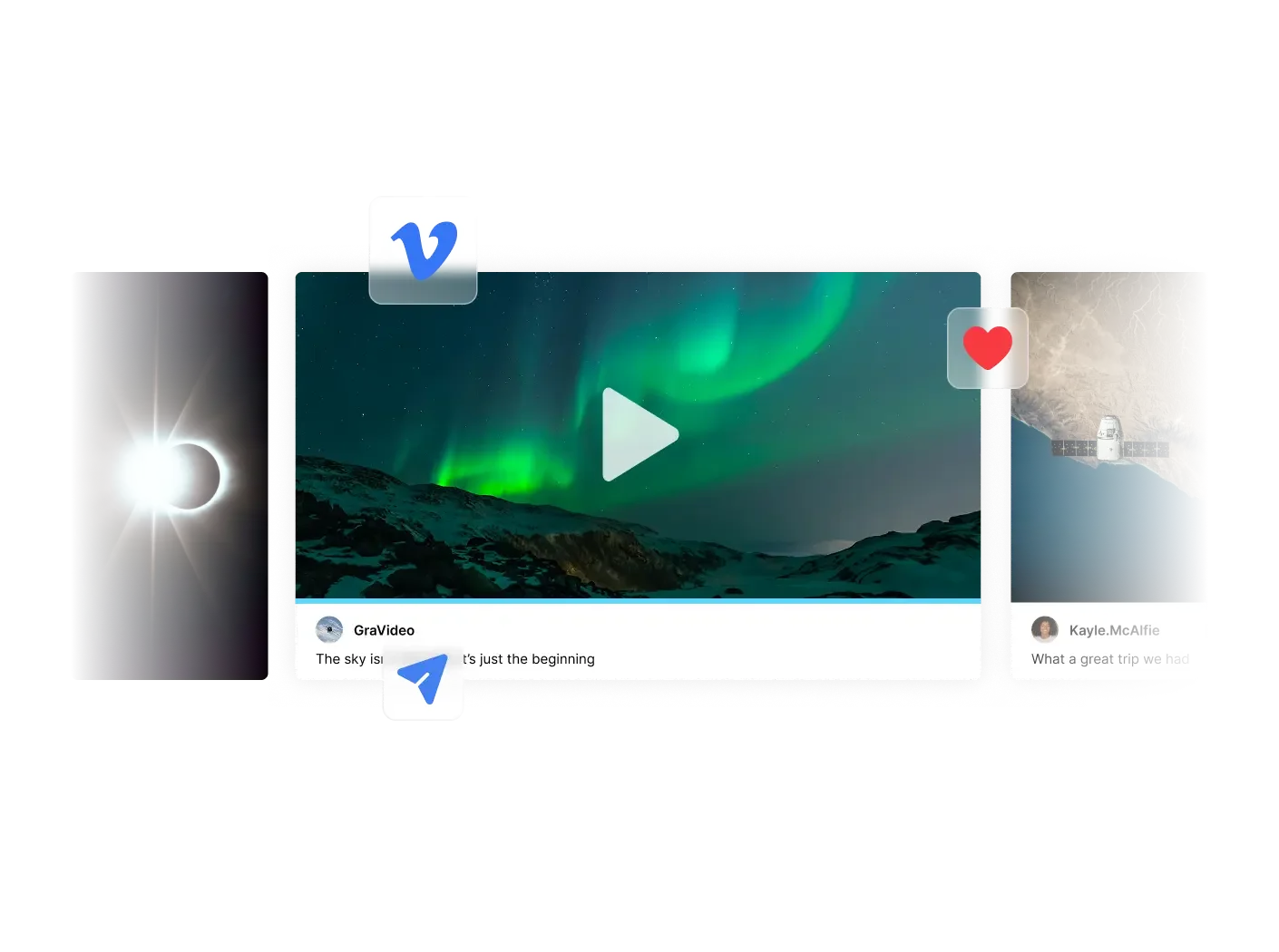
Webflow makes it relatively straightforward to build custom video layouts with CMS. Squarespace's native video blocks are limited. The Squarespell Video Carousel plugin adds multi-row, dual-direction, auto-playing video galleries that integrate directly with Squarespace's native video blocks no separate CMS setup needed.

Supports YouTube, Vimeo & native uploaded videos all three auto detected, no configuration needed
Choose between Single Row with dot navigation or cinematic Dual Row with opposite-direction scroll
Videos auto-detected from your page just add Video blocks and the carousel finds, hides and displays them automatically
Click any card to open full-screen lightbox with autoplay visitors watch without leaving your site
Correct 16:9 aspect ratio on every device no more square or broken videos on mobile
Cards dim, brighten on hover and scale on focus professional visual hierarchy with zero CSS
No coding required paste into a Squarespace Code block, set to HTML, done in under 10 minutes
One-time purchase, yours forever
Animated and Interactive UI Components
For clients who want more visual dynamism animated counters, scroll-triggered reveals, product pill showcases, infinite scrolling marquees Squarespell's plugin library covers these components with install and go simplicity. Webflow would require building these from scratch in the Interactions panel or using a developer. The result on Squarespace is faster, and the client can manage it without help.
The Practical Outcome
For the vast majority of client briefs service businesses, portfolios, e-commerce stores, restaurants, event sites Squarespace extended with Squarespell plugins can match or exceed what you'd build in Webflow in a fraction of the time. The remaining gap (relational CMS, code export, developer-grade animations) only matters on a minority of projects.
Related from Squarespell: Squarespace case studies · Nova — Squarespace Copywriter Template
Browse All Plugins






















Frequently Asked Questions
-
Squarespace is significantly better for beginners. It uses a drag-and-drop editor with no code required, pre-built templates that look great out of the box, and a flat learning curve. Webflow requires understanding CSS layout concepts Flexbox, Grid, and positioning before you can build confidently. Most non-technical users and clients will find Webflow's visual editor overwhelming.
-
Yes, generally. Squarespace plans start at $16/month (Basic) and go up to $65/month (Commerce Advanced). Webflow's site plans start at $14/month but agency and CMS-heavy projects often land on the $39–$74/month range. Webflow also charges separately for Workspace seats, which adds cost for agencies managing multiple client sites.
-
For most client websites yes, especially when paired with plugins from Squarespell. Squarespace handles blogging, e-commerce, memberships, and scheduling natively. Where Webflow genuinely pulls ahead is in complex custom animations, developer-grade CMS relationships, and highly bespoke interactions that can't be achieved with CSS alone.
-
Squarespace is better for straightforward online shops especially when extended with plugins for features like shop filters, product carousels, and custom layouts. Webflow's e-commerce offering (Webflow Commerce) is more limited in terms of native features and payment gateway support. For complex, large-scale stores, neither competes with Shopify.
-
Both platforms are well-equipped for on-page SEO custom meta tags, canonical URLs, sitemaps, and clean HTML output. Webflow gives developers more granular control over markup. Squarespace handles the fundamentals automatically and is SEO-friendly for most projects. The difference rarely matters unless you're building very large, technically complex sites.
-
Squarespace wins this decisively. Clients can log in and edit text, images, and products without breaking the design. Webflow's editor is harder for non-technical clients to use confidently a small change in the wrong panel can break a layout. For agencies handing off to non-technical clients, Squarespace is the safer choice.
-
Squarespace 7.1 includes native scroll animations and section transitions. For advanced animations scroll-triggered SVG paths, complex keyframe sequences, GSAP-level interactions Webflow's Interactions panel is genuinely more powerful. You can achieve more on Squarespace via custom code injection, but it requires a developer.
-
Squarespace has a growing plugin ecosystem, with providers like Squarespell offering premium plugins for shop filters, video carousels, animated counters, product showcases, and more all without touching code. Webflow relies more on third-party integrations (Zapier, Make) and Finsweet attributes, which typically require developer involvement.
-
Yes especially through the Squarespace Circle partner program, which gives agencies discounts, trial extensions, and priority support. Paired with a plugin ecosystem like Squarespell, agencies can deliver advanced client websites quickly without custom development overhead. Circle Platinum status unlocks the deepest benefits.
-
Only if your projects consistently require complex CMS relationships, advanced scroll animations, or developer-grade customization that falls outside Squarespace's capabilities. For most design studios and freelancers building client sites, Squarespace extended with the right plugins covers 95% of project requirements faster and at lower cost.
Choosing Squarespace? Fill Every Feature Gap.
The Squarespell plugin ecosystem gives your Squarespace projects advanced filtering, video carousels, animated components, and more all without custom code.


Section Builder by Common Ninja. Easily create and customize website sections with Section Builder. Multiple layouts and designs.
Get This Plugin →