

How to Add an Infinite Circle Scrolling Logo Carousel to Squarespace (No Code, 5 Minutes)

💡 Quick Answer
Squarespace does not have a built-in infinite logo carousel. To add one, you need a no-code plugin that converts a native Gallery block into a continuously looping animation. Squarespell offers two dedicated logo carousel plugins for Squarespace 7.1 a flat horizontal ticker and a circular orbit version both installed with a single code paste and no developer required.
Why Squarespace Has No Native Logo Carousel
If you've spent any time in the Squarespace editor looking for a way to make client logos scroll automatically, you already know the answer: it doesn't exist.
Squarespace's Gallery block is great for image grids and lightboxes. It is not designed for infinite horizontal animation. If you want logos to loop continuously the kind of "as seen in" or "trusted by" ticker you see on every serious agency and SaaS landing page — you need something outside what Squarespace ships with.
This matters because that section converts. Recognisable client logos or press mentions placed just below your hero increase perceived credibility immediately. Visitors who might have scrolled past stop, look, and stay longer. The section works whether you have five logos or fifty.
The problem is how you build it. Custom CSS and JavaScript solutions you find on forums are often half-finished, break on mobile, or require editing raw code every time you want to add a new logo. There's a better way.
Two Squarespace Logo Carousel Plugins Which One Is Right for You?
Squarespell builds and maintains two separate logo carousel plugins for Squarespace 7.1. They serve different design goals, and it's worth understanding the difference before you pick one.
Option 1: Infinite Animated Scrolling Logos Plugin
The Infinite Animated Scrolling Logos Plugin is the classic horizontal ticker. Logos scroll left in a continuous, seamless loop no jumps, no resets, no gaps.
This is the right choice if you want a clean, linear logo strip. It works with a native Squarespace Gallery block, so adding or removing logos is as simple as editing images in your normal Squarespace editor. No code changes needed after setup. Speed and logo size are both adjustable. Hover pause is included on desktop. Mobile is fully responsive.
Best for: "Trusted by" sections, press mentions, partner logos displayed in a straight row.
Price: $25 single site / $45 multi-use

Easy Integration: Add animated scrolling logos to Squarespace 7.1 effortlessly
Infinite Scroll: Seamless, continuous logo animation
Customizable: Adjust speed and logo size with ease
Responsive Design: Works perfectly on all devices
Future Updates: Includes free updates to the original code
Option 2: Infinite Smooth Circle Scrolling Logos Plugin
The Infinite Smooth Circle Scrolling Logos Plugin takes a completely different approach. Instead of a horizontal line, logos orbit in a continuous circular path a smooth, looping wheel that runs using requestAnimationFrame for true, lag-free motion.
This is the right choice if you want something visually distinctive. The orbital effect catches attention in a way a flat ticker doesn't. It works identically through a Gallery block but produces an entirely different visual output — a Squarespace logo wheel that feels custom-built.
Best for: Agency homepages, portfolio sites, any brand that wants their logo section to be a design feature rather than a utility row.
Price: $25 single site / $45 multi-use
Both plugins are one-time purchases. No subscriptions. No external libraries. No performance overhead.

The Squarespace Infinite Scrolling Logo Carousel by squarespell is a smooth, no-code plugin that transforms your standard gallery into a circular, orbiting logo animation that runs infinitely.
Unlike basic sliders, this Squarespace circular logo animation creates a continuous loop where your client logos, partner logos, or brand logos rotate smoothly in a dynamic orbit. It’s designed specifically for users searching for a Squarespace logo wheel plugin or an auto scrolling logos Squarespace solution without dealing with complex code.
This plugin works directly with a native Squarespace Gallery block. Simply upload your images, paste one script, and your Squarespace infinite logo carousel starts running instantly.
Whether you're building a client logo showcase, a partner logos section, or an “as seen in” display, this smooth looping logo carousel for Squarespace helps your website feel modern and interactive while keeping performance fast.
No developer needed. No libraries. No subscriptions.
How to Install a Infinite Circle Logo Carousel Plugin on Squarespace 7.1
01
In your Squarespace editor, search for "Gallery" block and select it

03
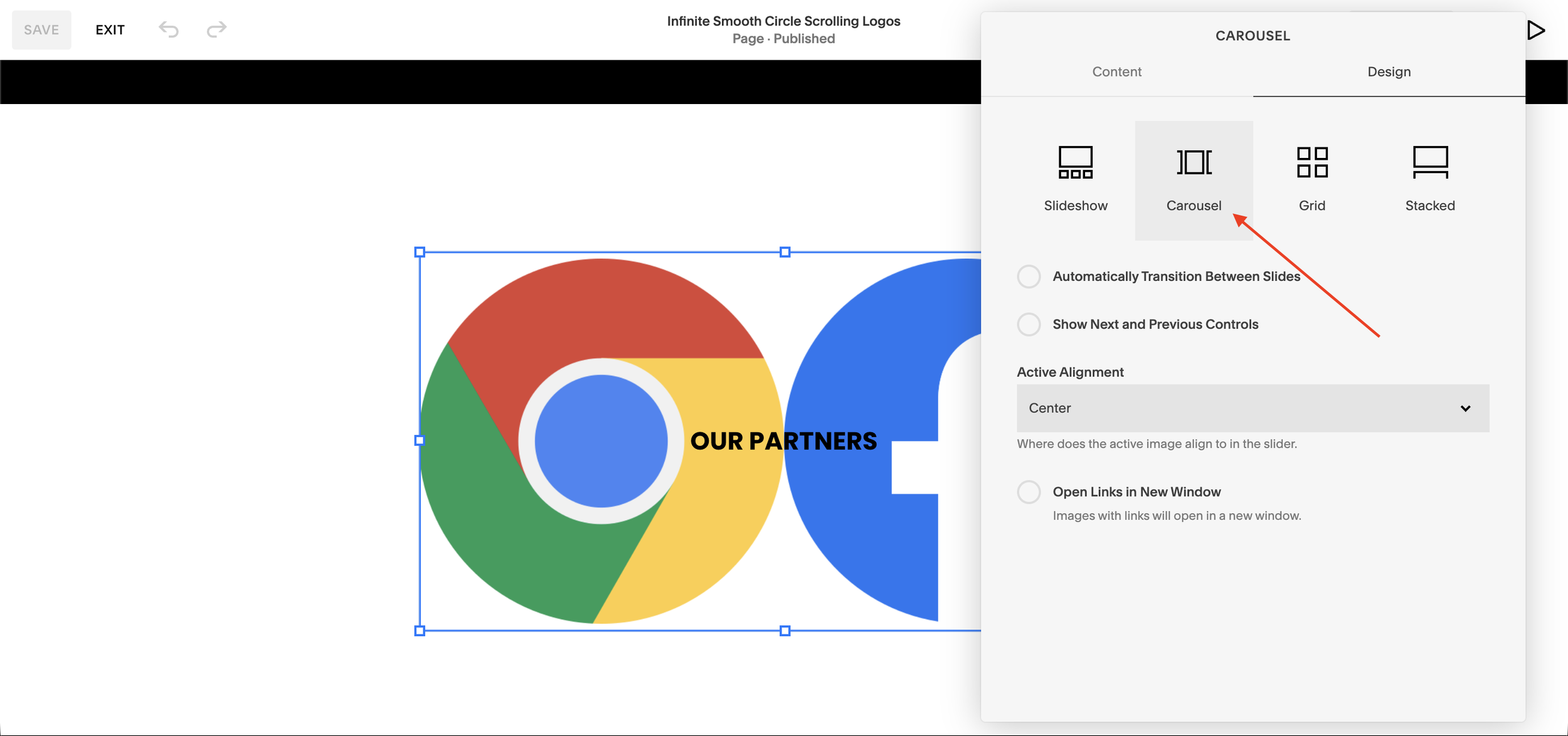
In the Design tab, switch the gallery type to "Carousel"
05
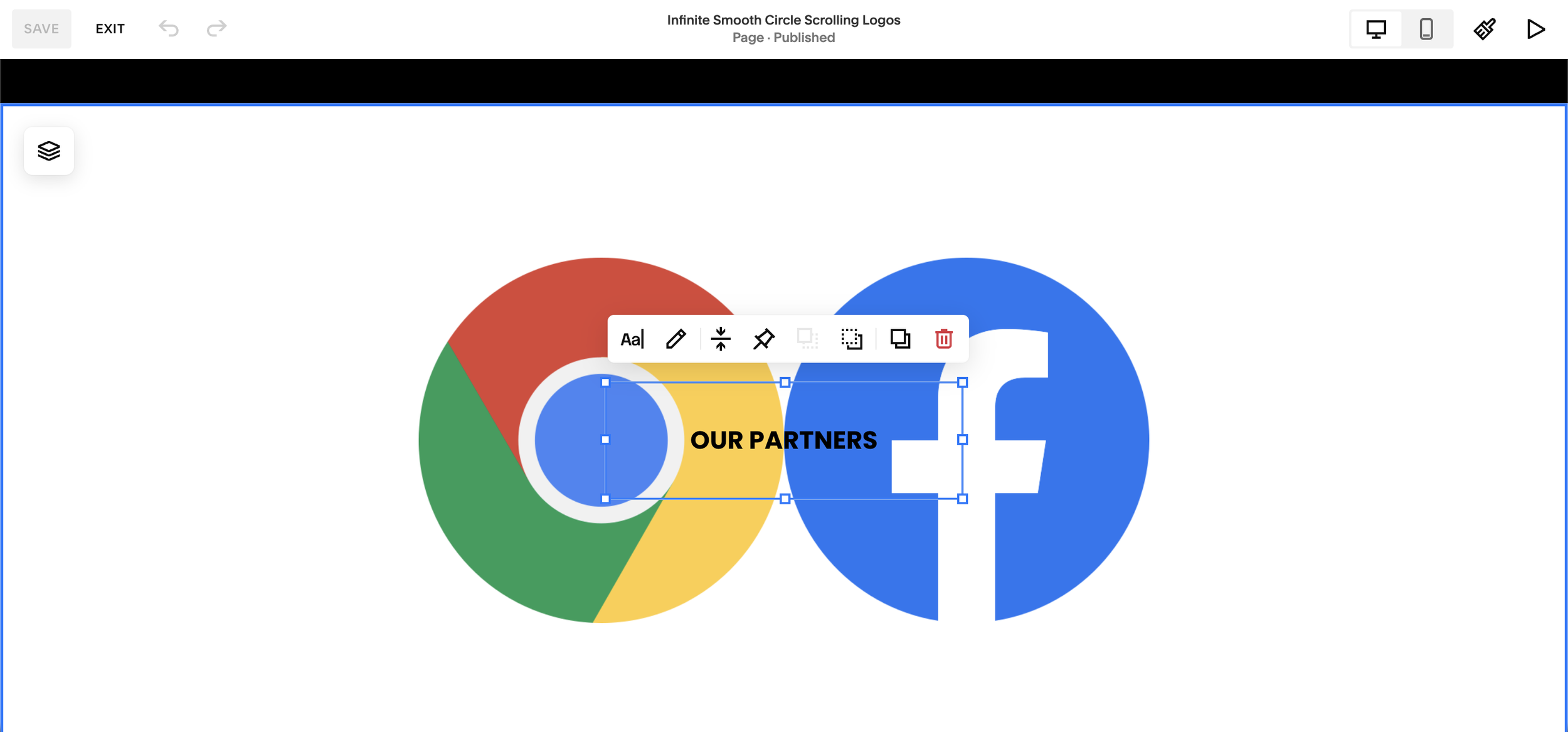
Position and style the text label in the center of your section
07
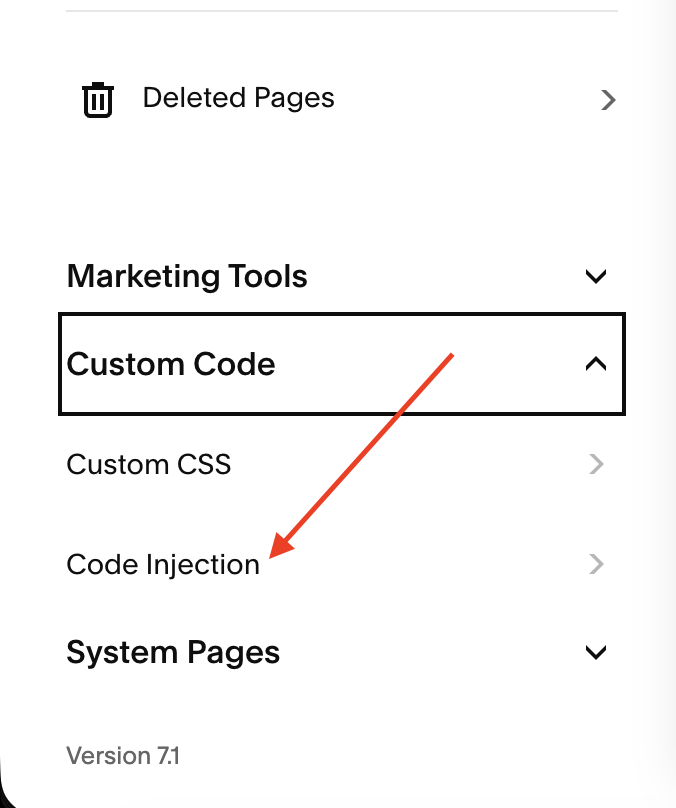
Go to Pages → Custom Code → Code Injection
02
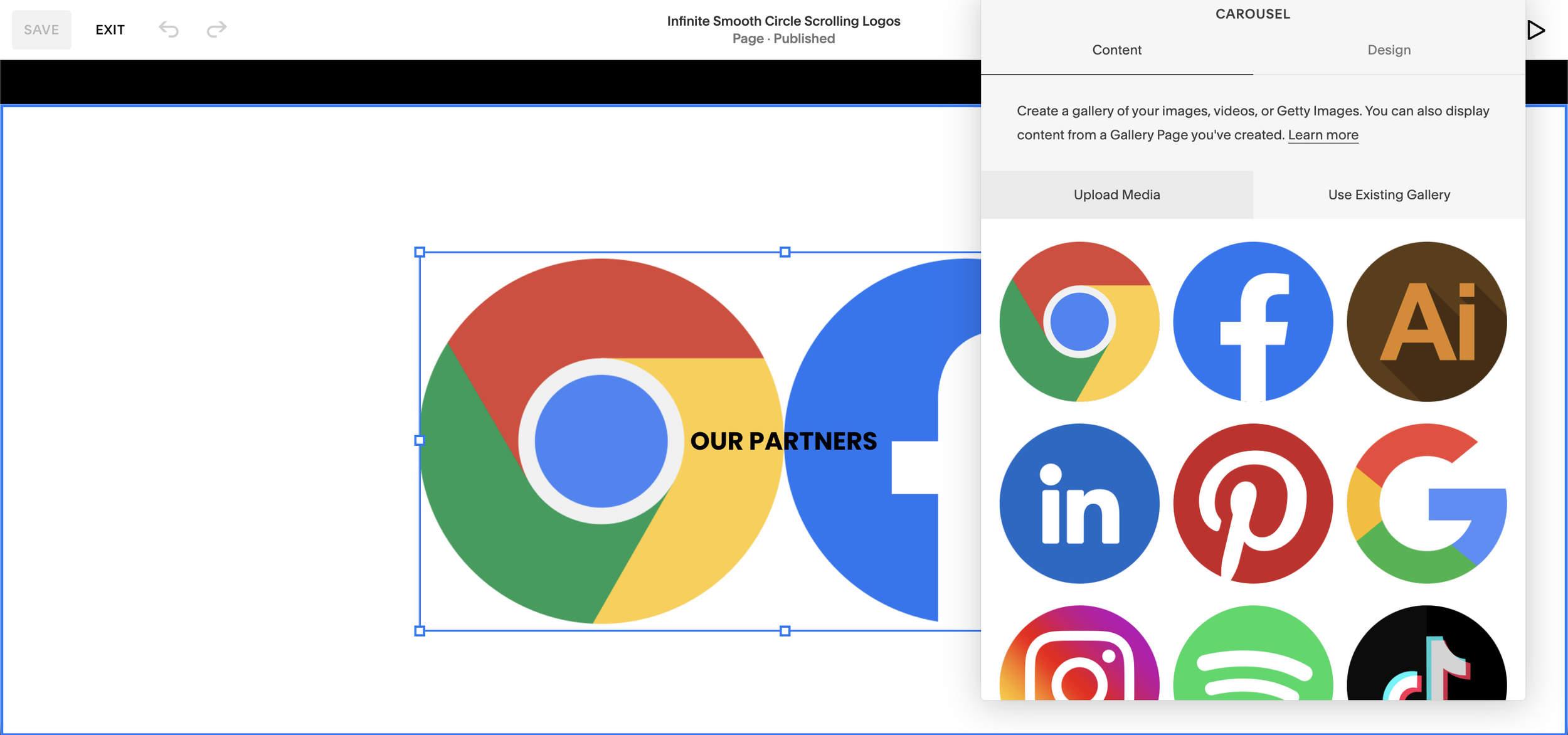
Upload your logo images into the Gallery (Carousel) block
04
Add a Text block to your section (for the "OUR PARTNERS" label)
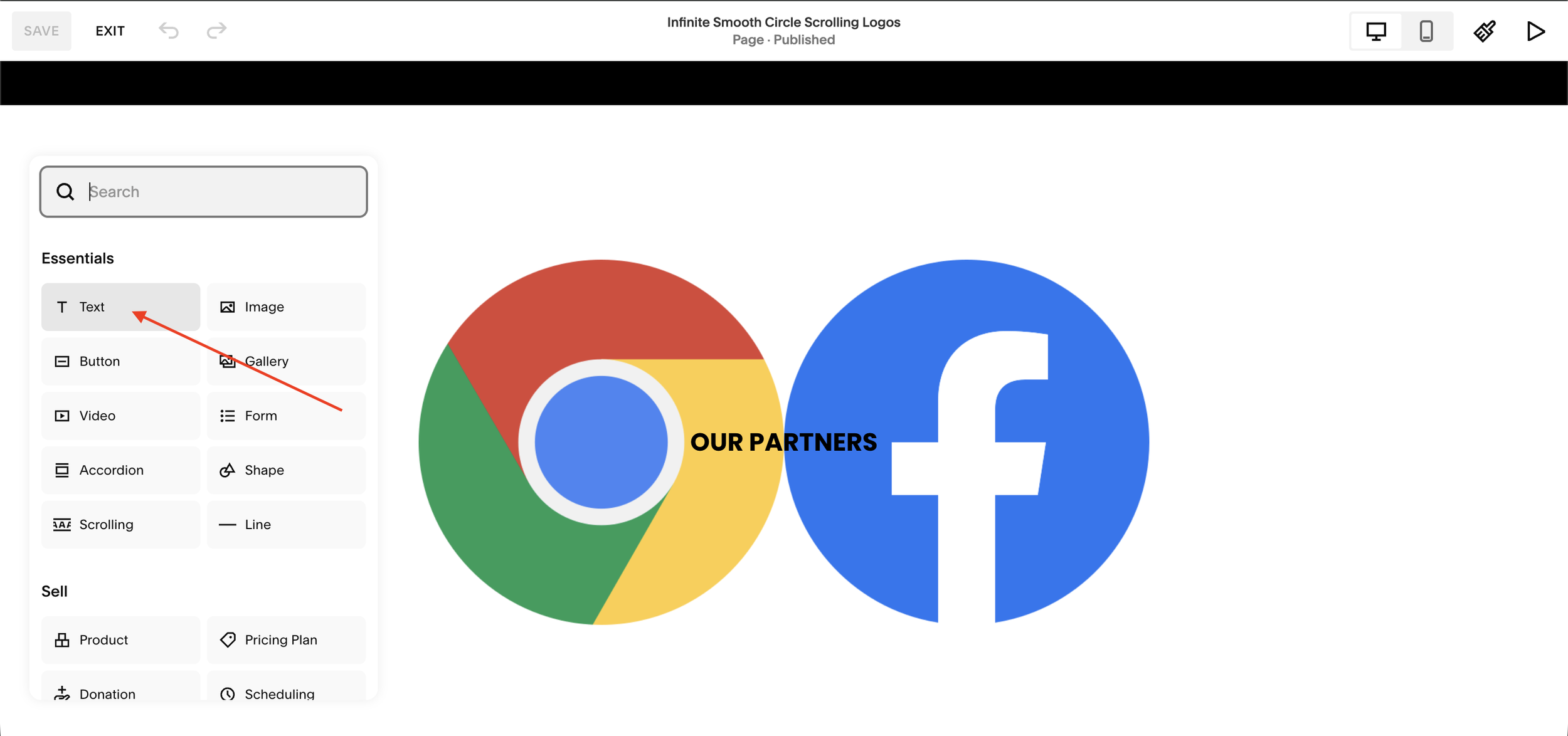
06
Preview in mobile view the wheel fills the section
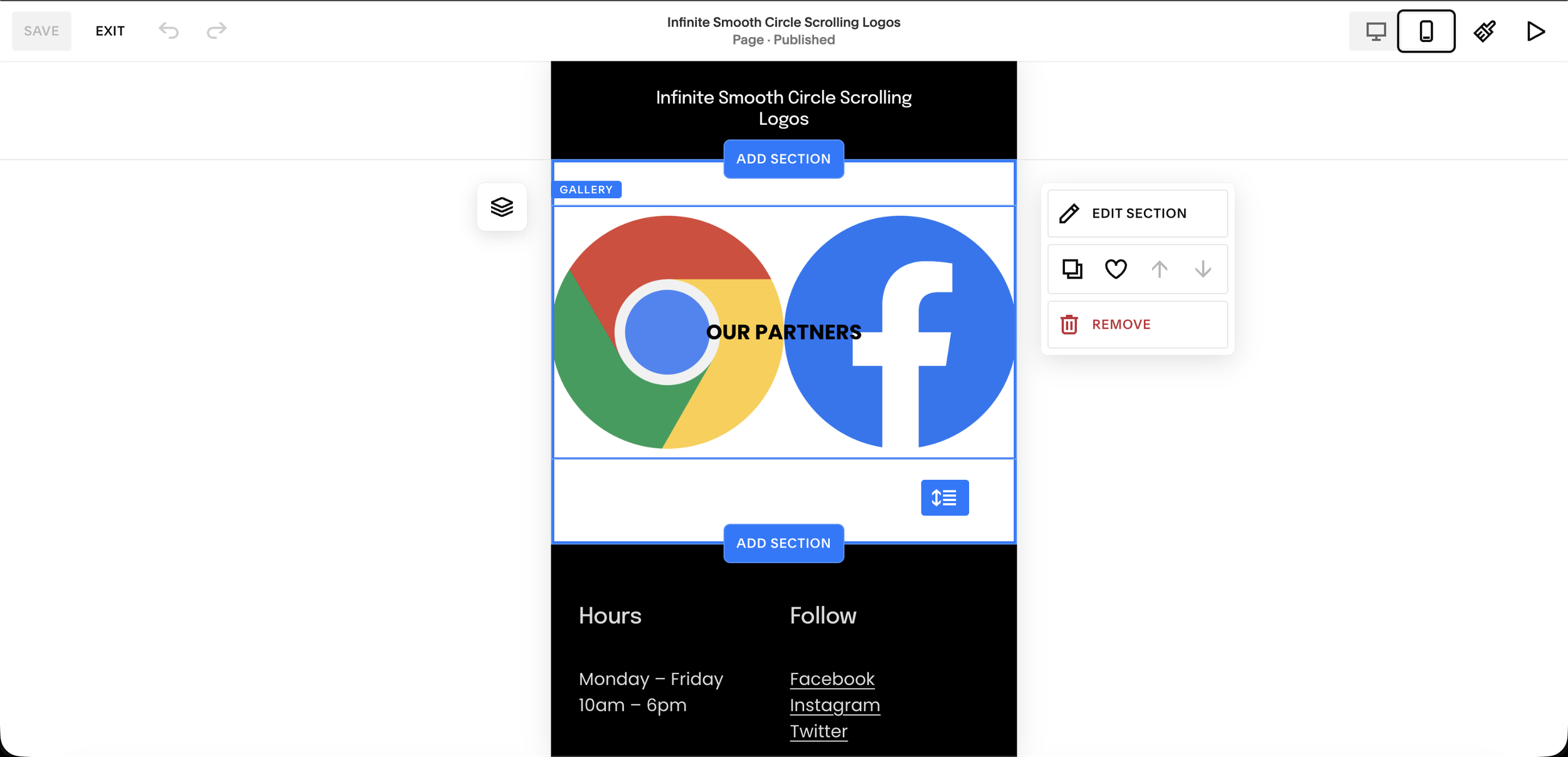
08
Paste the code below into the Footer code injection area
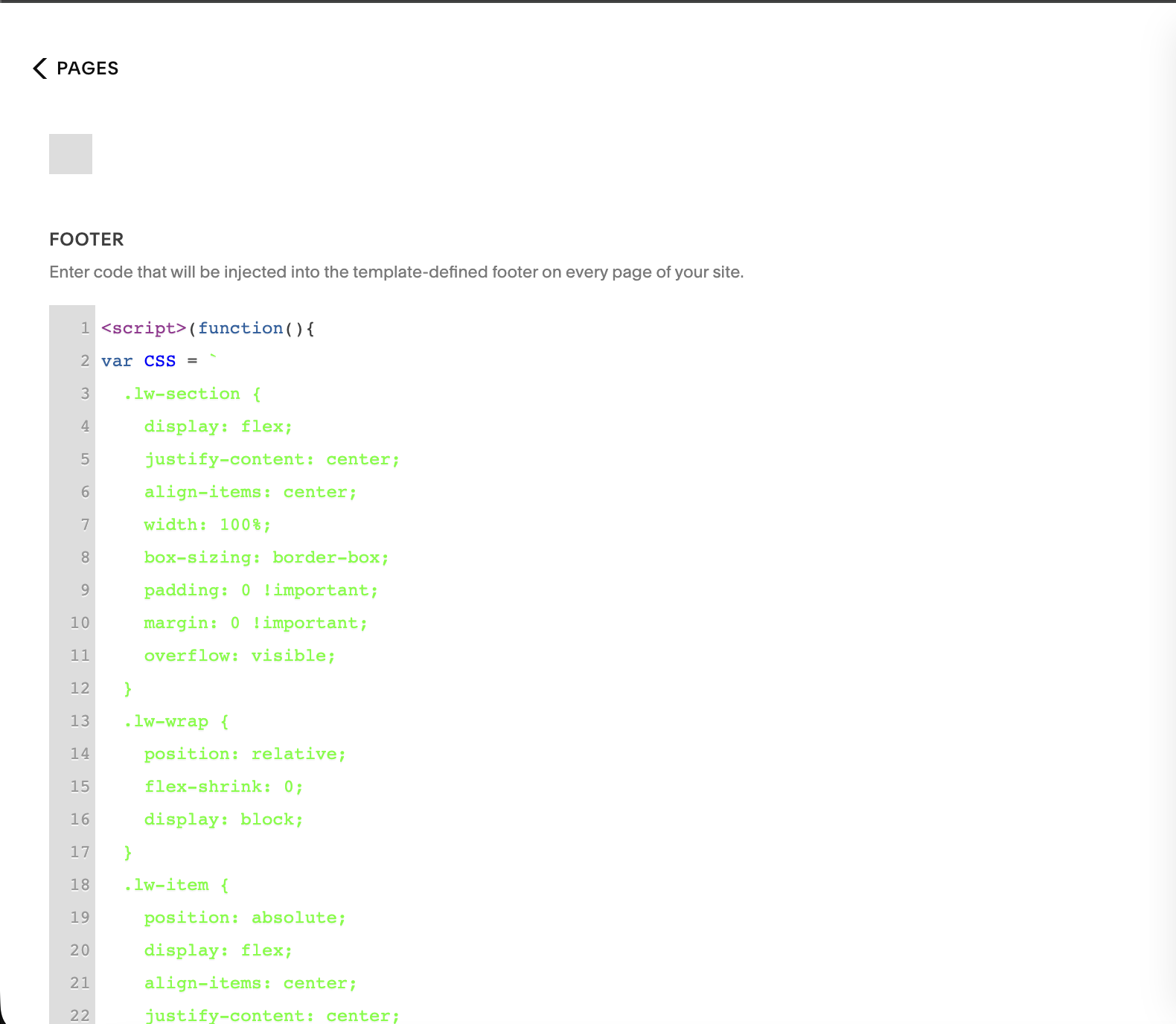
09
Click Save you're done!
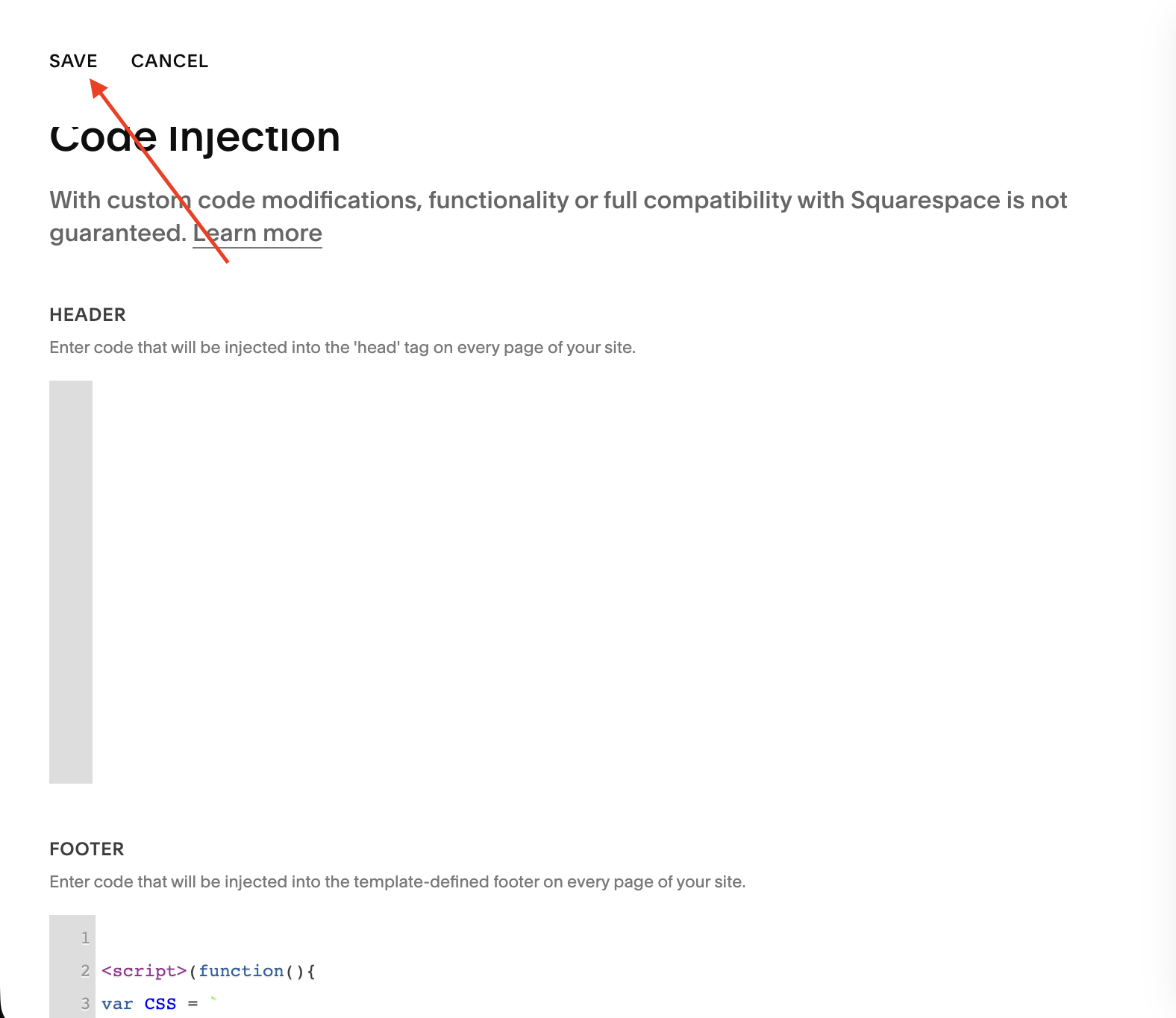
10
Circular orbit logo carousel animation on Squarespace website

Ready to add an infinite logo carousel to your Squarespace site?
Get the plugin that fits your design horizontal ticker or circular orbit starting at $25 with free installation help included.
The Squarespace Infinite Scrolling Logo Carousel by squarespell is a smooth, no-code plugin that transforms your standard gallery into a circular, orbiting logo animation that runs infinitely.
Unlike basic sliders, this Squarespace circular logo animation creates a continuous loop where your client logos, partner logos, or brand logos rotate smoothly in a dynamic orbit. It’s designed specifically for users searching for a Squarespace logo wheel plugin or an auto scrolling logos Squarespace solution without dealing with complex code.
This plugin works directly with a native Squarespace Gallery block. Simply upload your images, paste one script, and your Squarespace infinite logo carousel starts running instantly.
Whether you're building a client logo showcase, a partner logos section, or an “as seen in” display, this smooth looping logo carousel for Squarespace helps your website feel modern and interactive while keeping performance fast.
No developer needed. No libraries. No subscriptions.
Easy Integration: Add animated scrolling logos to Squarespace 7.1 effortlessly
Infinite Scroll: Seamless, continuous logo animation
Customizable: Adjust speed and logo size with ease
Responsive Design: Works perfectly on all devices
Future Updates: Includes free updates to the original code
What Makes These Plugins Different From DIY Code Snippets
The forum approach to Squarespace logo carousels goes like this: find a CSS animation tutorial, paste it into Custom CSS, manually wrap your logos in a <div> via a Code block, then spend an afternoon debugging why it doesn't work on mobile or why it stutters at the loop point.
Here's what's different about plugins built specifically for Squarespace:
They use the native Gallery block: That means your content management stays inside Squarespace's normal interface. You're not hardcoding image URLs or touching HTML every time a client changes their logo.
They use requestAnimationFrame instead of CSS keyframes: This is the technically correct approach for smooth, continuous motion. CSS keyframe animations on infinite loops will occasionally stutter or flash at the reset point. requestAnimationFrame doesn't.
They're responsive out of the box: Not "responsive" as in "we thought about mobile." Actually tested across device widths with correct logo sizing and spacing at every breakpoint.
They don't load external libraries: No jQuery. No Swiper. No additional HTTP requests. Your PageSpeed score barely moves after installation something verified by multiple Squarespell customers who tested before and after.
Horizontal Ticker vs Circular Orbit A Direct Comparison
| Feature | Horizontal Ticker | Circular Orbit |
|---|---|---|
| Animation style | Continuous left scroll | Orbiting wheel |
| Visual effect | Clean, minimal | Distinctive, eye catching |
| Best section position | Below hero or above footer | Hero section, standalone feature |
| Logo count | Works with 4–30+ logos | Works with 6–20 logos |
| Hover pause | Yes | Yes |
| Mobile responsive | Yes | Yes |
| requestAnimationFrame | Yes | Yes |
| External libraries | None | None |
| Price | $25 / $45 | $25 / $45 |
If you're unsure, the horizontal ticker is the safer choice for most sites. The circular orbit works best when the logo section is meant to be a design moment rather than a utility strip.
When to Use a Logo Carousel on Your Squarespace Site
Not every site needs a logo carousel section. Here's when it genuinely earns its place:
You have recognisable client logos: If any of your clients are brands visitors might know, a logo strip builds instant credibility. The more familiar the logos, the higher the trust signal.
You've been featured in press or media: "As seen in" sections work. They're not just for large businesses. Even a mention in a local publication or industry newsletter is worth showing.
You work with partners or integrations: Agencies, consultants, and SaaS products all use partner logo sections to signal their position in an ecosystem.
You want to fill visual space between content sections: A continuously animating logo strip breaks up long pages cleanly without requiring more content to be written.
Your bounce rate is high above the fold: Moving elements hold attention. A logo carousel in the first or second section gives visitors a reason to stay and scroll.
Looking to scroll your shop items or blog posts instead of logos? Check out our Infinite Summary Carousel guide for Squarespace's Summary Block.

Infinite loop no gaps, no jumps: Cards scroll continuously like a clock. The last card connects seamlessly back to the first, forever.
Works with products, blog posts, testimonials & portfolios: Built on Squarespace's native Summary Block no app installs, no monthly fees.
Hover to pause: Visitors hover over a card and the carousel freezes. Mouse away and it resumes exactly where it stopped.
Fully customizable in seconds. Change accent color, speed, card width, gap, and scroll direction by editing one CSS variable.
Beginner friendly under 10 minutes to install. Copy CSS into Custom CSS. Copy JS into Footer Code Injection. Done.
Includes a full installation guide with screenshots, a built-in Section ID Finder tool, and copy buttons on every code block.
Squarespace 7.1 only. Pure CSS + vanilla JavaScript no jQuery, no external libraries, no performance hit.
Does a Logo Carousel Slow Down a Squarespace Site?
This is the most common technical concern, and it's the right question to ask.
The short answer: no, not if it's built correctly.
Both Squarespell logo carousel plugins are built without external libraries and use the browser's native animation API. The images load from your existing Squarespace Gallery block, which uses Squarespace's own CDN the same infrastructure serving every other image on your site.
One Squarespell customer a SaaS founder who specifically cited PageSpeed scores in their review confirmed the performance impact was negligible after installation. That aligns with how the plugins are engineered: no new requests, no blocking scripts, no DOM manipulation that affects render time.
Common Questions Squarespace Users Ask About Logo Carousels
-
No. Squarespace does not include an infinite scrolling logo carousel in its native feature set. The Gallery block supports grids, slideshows, and stacks none of which produce continuous auto-scrolling motion. A plugin or custom code solution is required.
-
Not without some form of code injection. However, Squarespell's logo carousel plugins are designed to be no-code from a user perspective you upload logos to a Gallery block normally, and the plugin script handles the animation automatically. You paste one script once and never touch code again.
-
You need at least the Business plan to access Code Injection in Squarespace 7.1. The Personal plan does not include this feature. Basic Commerce and Advanced Commerce plans also support Code Injection.
-
For the horizontal ticker, 6–20 logos gives the most natural-looking infinite loop. For the circular orbit, 8–16 logos is the sweet spot enough to fill the wheel without crowding.
-
Yes. Both plugins include configurable speed settings. The default speed works well for most sites, but you can slow it down for a more elegant feel or speed it up for a more energetic effect. Speed adjustments are covered in the installation guide included with your purchase.
-
Yes. Both plugins are fully responsive. On mobile, logo size and spacing automatically adjust for smaller screens. The hover pause feature switches to touch pause on mobile devices so users can interact with logos without permanently stopping the animation.
-
Yes. Desktop hover pause is built into both plugins. When a visitor moves their cursor over the carousel, the animation pauses. This is useful if you want users to be able to examine individual logos without the section constantly moving.
-
Yes. Both plugins are designed for Squarespace 7.1 and are compatible with Fluid Engine layout sections. They read from a Gallery block regardless of whether the block is placed inside a Fluid Engine section or a classic section.
-
Yes. There's no technical conflict between the two plugins. Some sites use the horizontal ticker in one section and the circular orbit in another to create visual variety. Each plugin operates independently.
-
Squarespell provides lifetime updates with every plugin purchase. When Squarespace makes platform changes that affect how plugins behave, the plugin code is updated and sent out to existing customers. You do not pay again for updates.
-
Yes. Both the horizontal scrolling logos plugin and the circular orbit carousel plugin are available with a multi-use license at $45, which covers unlimited websites. This is the recommended option for Squarespace designers and agencies who build multiple client sites.
-
Every Squarespell purchase includes free installation support. After checkout, email the support team and they'll walk you through installation or do it on your site directly. Response time is typically within 48 hours, often faster.
The Bottom Line
Squarespace doesn't give you an infinite logo carousel out of the box. What it does give you is Code Injection, a native Gallery block, and a plugin ecosystem that fills the gaps.
For logo carousels specifically, the choice comes down to what you need the section to do. If you want a clean, professional ticker that every serious website uses, the Infinite Animated Scrolling Logos Plugin is the straightforward answer. If you want the logo section to be a visual feature that makes visitors stop and look, the Infinite Smooth Circle Scrolling Logos Plugin delivers something genuinely distinctive.
Both are $25 for a single site. Both install in under five minutes. Neither requires a developer.
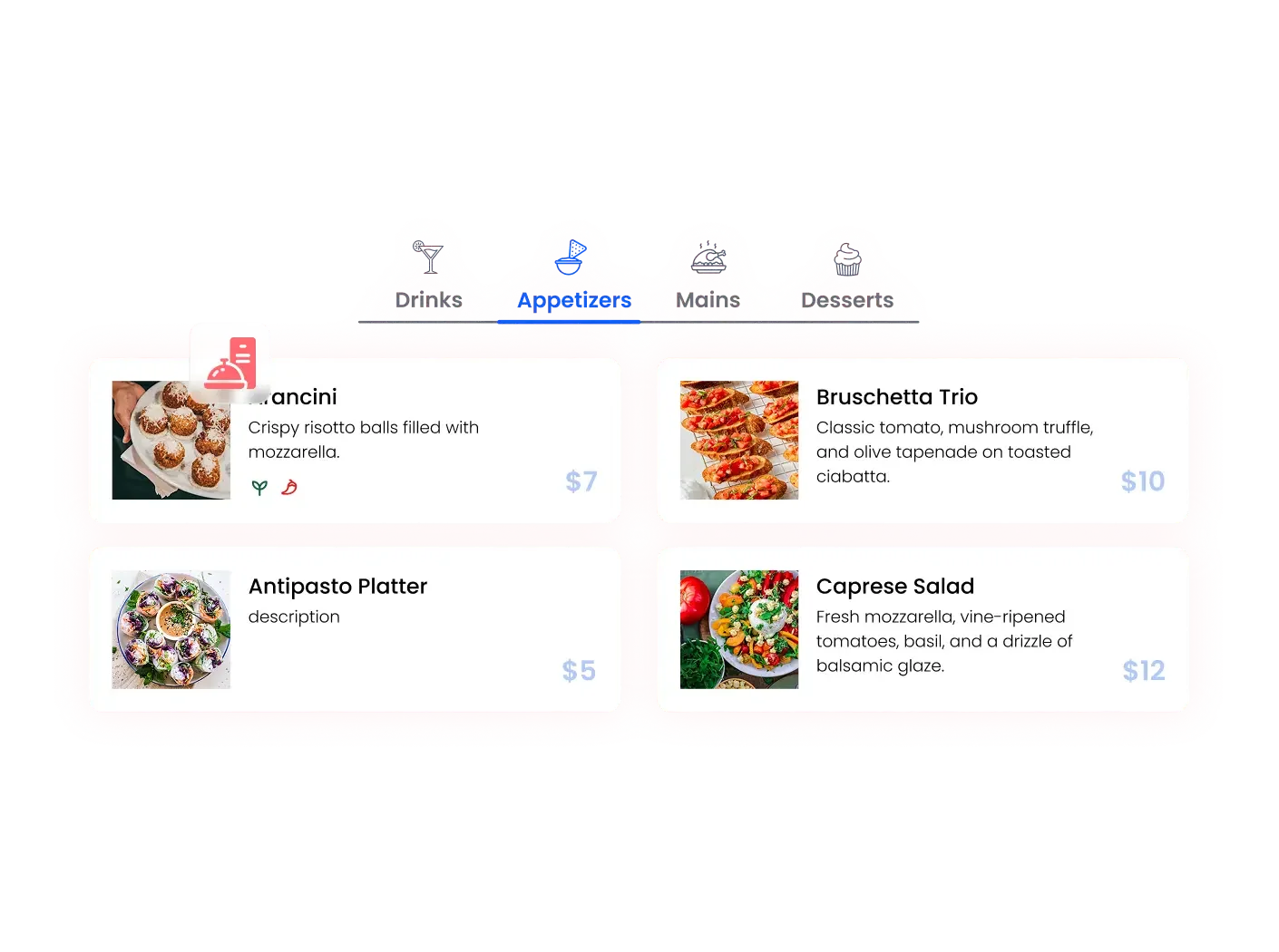

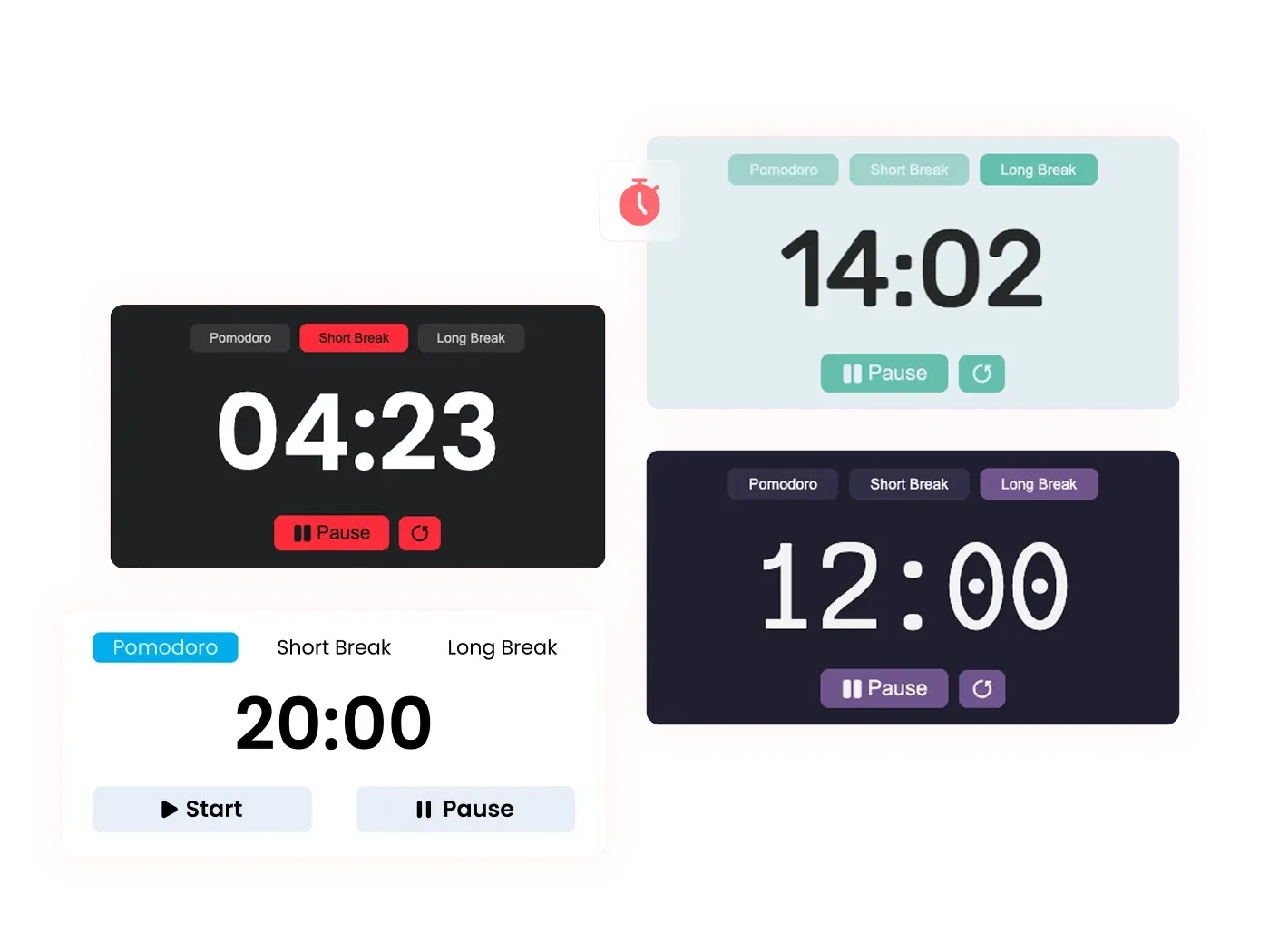




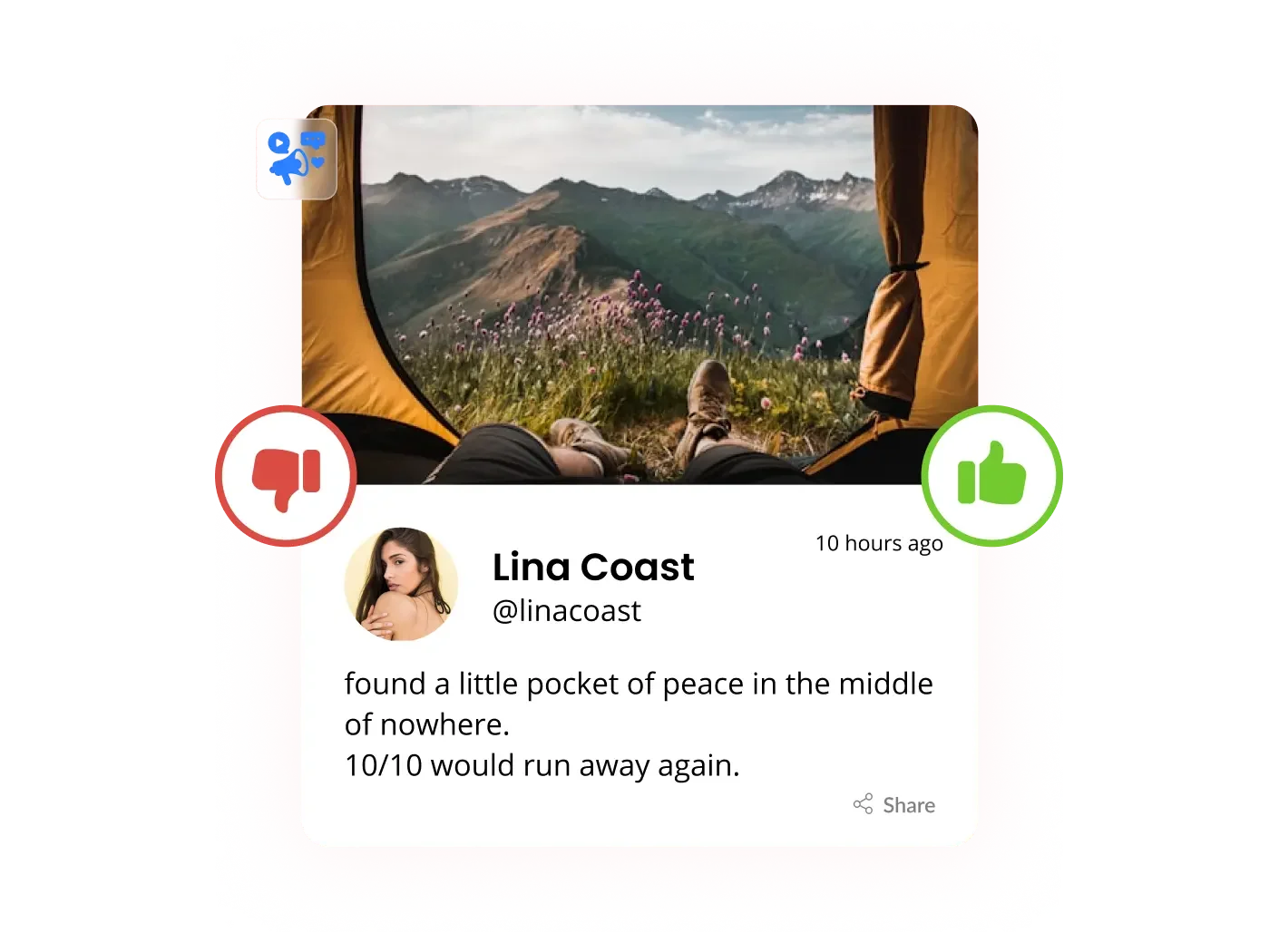

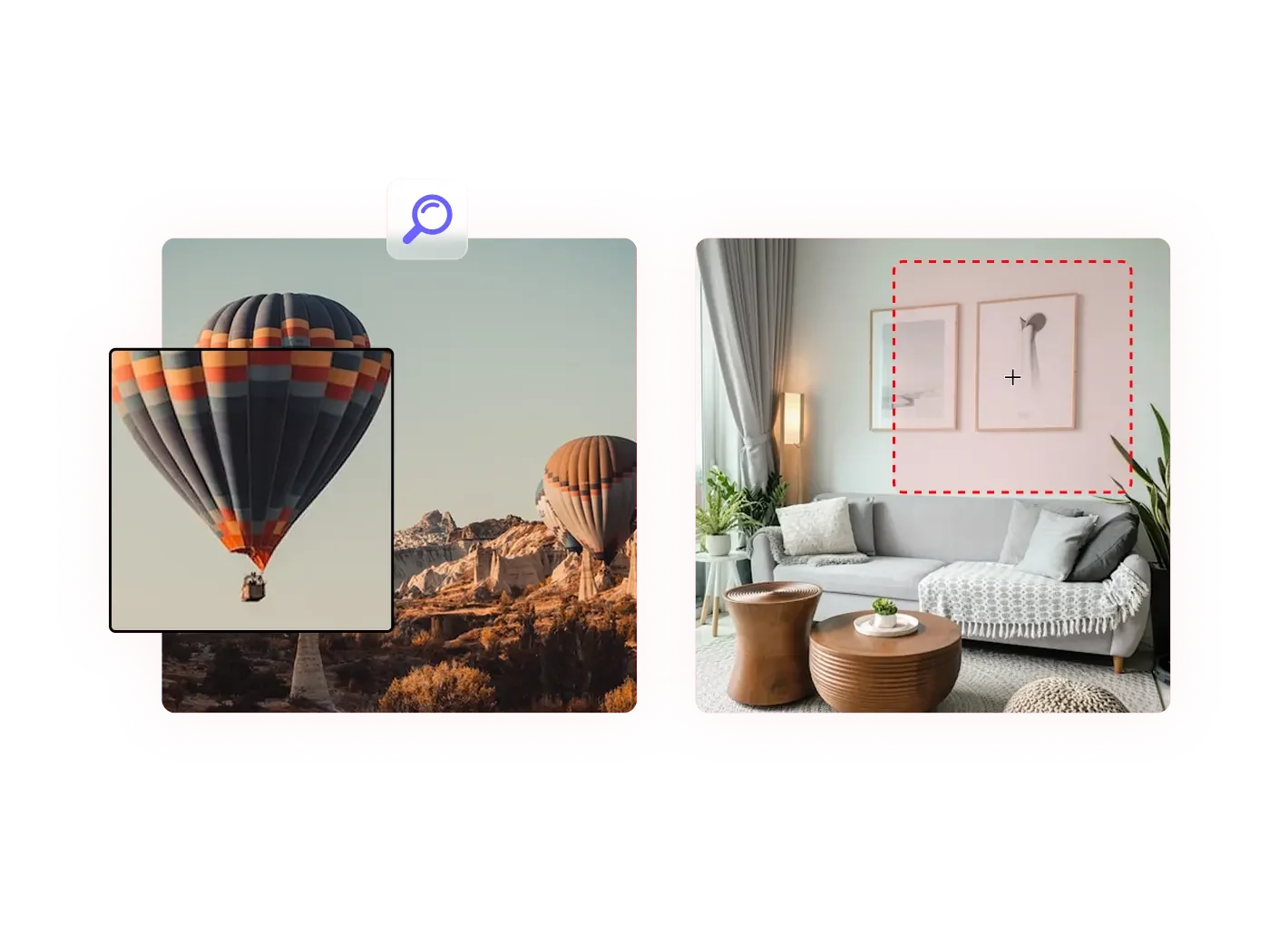









Section Builder by Common Ninja. Easily create and customize website sections with Section Builder. Multiple layouts and designs.
Get This Plugin →