 Image 1 of 1
WHITE GLOVE SUPPORT
We don’t disappear after you pay
Every Squarespell customer gets real human support before, during, and after install.
Free Installation Help
Not sure which Section IDs to target? Send us a message after purchase. We’ll walk you through it step by step or install it on your site for you, free of charge.
Step-by-Step Documentation
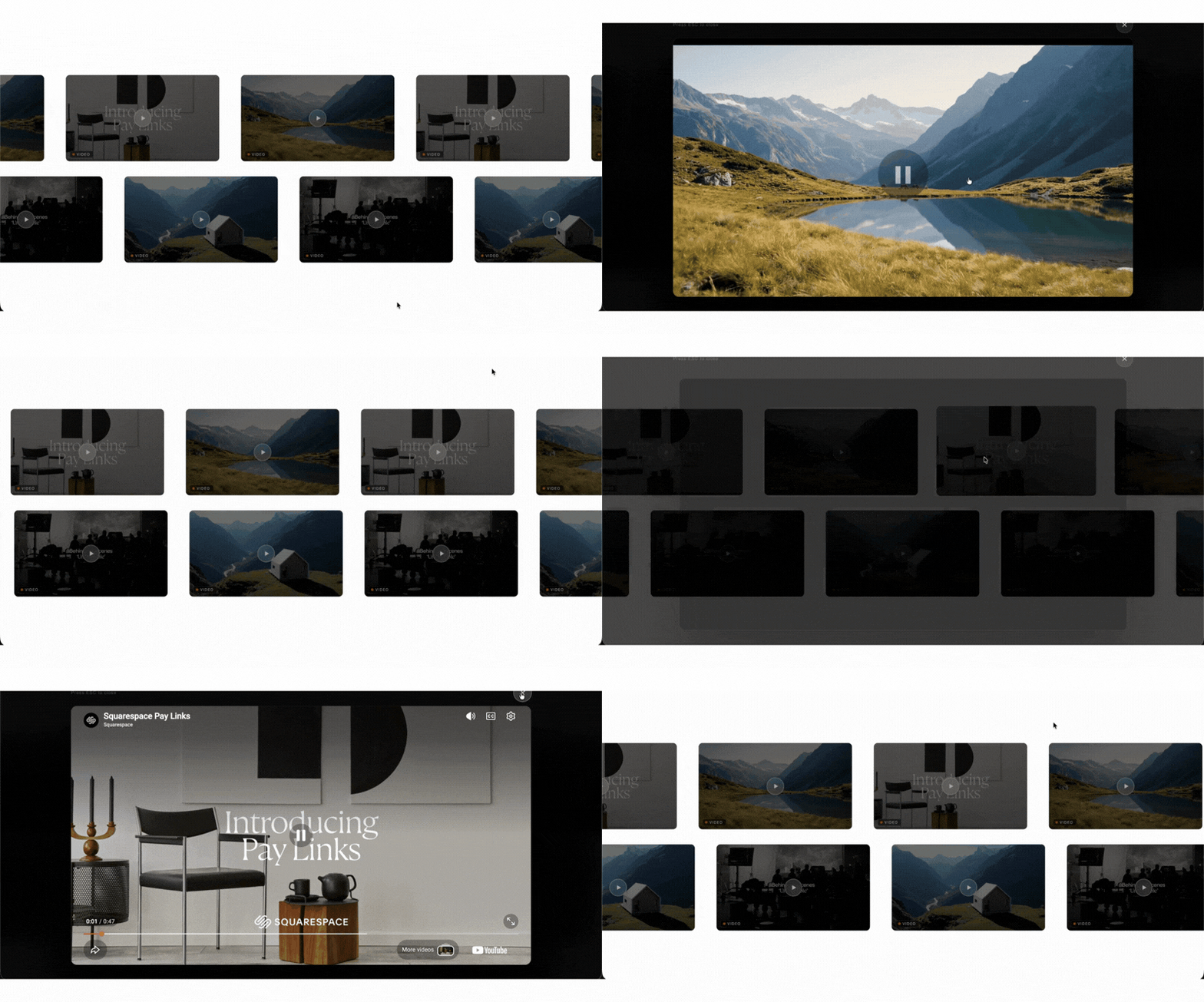
A detailed written guide plus a video walkthrough showing exactly where to go in Squarespace. Everything arrives in your purchase confirmation email immediately.
Real Human Email Support
Every support message goes to a real person who knows Squarespace inside-out. We respond within 48 hours typically much faster.
Lifetime Updates Included
When Squarespace updates their platform, we update the plugin. Your one-time $35 purchase is protected indefinitely, no renewal ever required.
One-time $25 · No coding required · Squarespace 7.0 & 7.1
Trusted by 12,000+ Squarespace websites
"The Smart Filter Pro plugin is exactly what my store needed. Customers can now filter by colour, size and price without any coding. Sales went up noticeably in the first week after installing it."
"I use the Mega Menu plugin across all my client sites now. Setup takes under 10 minutes and it auto-matches the site's colours perfectly. Clients are always impressed and think I built it from scratch."
"Bought the Horizontal Scroll plugin and the instructions were crystal clear. Had it running in minutes with no developer needed. My portfolio section finally looks as good as I imagined it."
"The template I purchased looked great right out of the box. Customising it to my brand took a couple of hours. Would have been 5 stars but I had a small issue with the mobile menu — support fixed it same day though."
"Support replied within a few hours when I had a question about the filter plugin on my Business plan. They walked me through it step by step. Genuinely impressive service for a one-time purchase at this price."
"The Infinite Carousel plugin transformed my homepage completely. Visitors are spending much longer on the site and I've seen a real increase in enquiries since adding it. Best £25 I've spent on my business."
"Purchased the coaching template and it was live on my domain the same afternoon. The layout is clean, the mobile version is flawless and I got my first new enquiry through it within 48 hours of going live."
"I've been using Squarespace for years and always hit the same limitations. The Mega Menu plugin finally solved my navigation problem. It detected my fonts and colours automatically — zero manual adjustment needed."
"Had the Mega Menu plugin live in under 10 minutes on my client's site. It pulled in the exact brand colours automatically and looked like it was custom built. My client was completely blown away."
"The Smart Filter Pro plugin saved me hours every week. My customers find products faster and my average order value has gone up since they started discovering items they wouldn't have found otherwise."
"I've now bought three templates from Squarespell for different client projects. Each one is polished, well structured and takes minutes to set up. My clients genuinely think I spent weeks designing them."
"The code is genuinely lightweight. I ran PageSpeed before and after adding the filter plugin and my score barely moved. For a SaaS founder performance is everything — this is the only plugin I trust on Squarespace."
"As a web designer I'm picky about quality. Every plugin from Squarespell works exactly as described, looks great across all screen sizes, and needs zero tweaking after install. I recommend them to every client."
"I tried two other filter plugins before this one. Both were clunky and broke my store layout. Smart Filter Pro detected all my product variants automatically on first load. This is now the only one I use."
"Not a developer at all but the installation guide was so clear I had no issues. My course site looks completely professional now. I've already had students comment on how polished and easy to navigate it is."
FAQ
Common questions answered
-
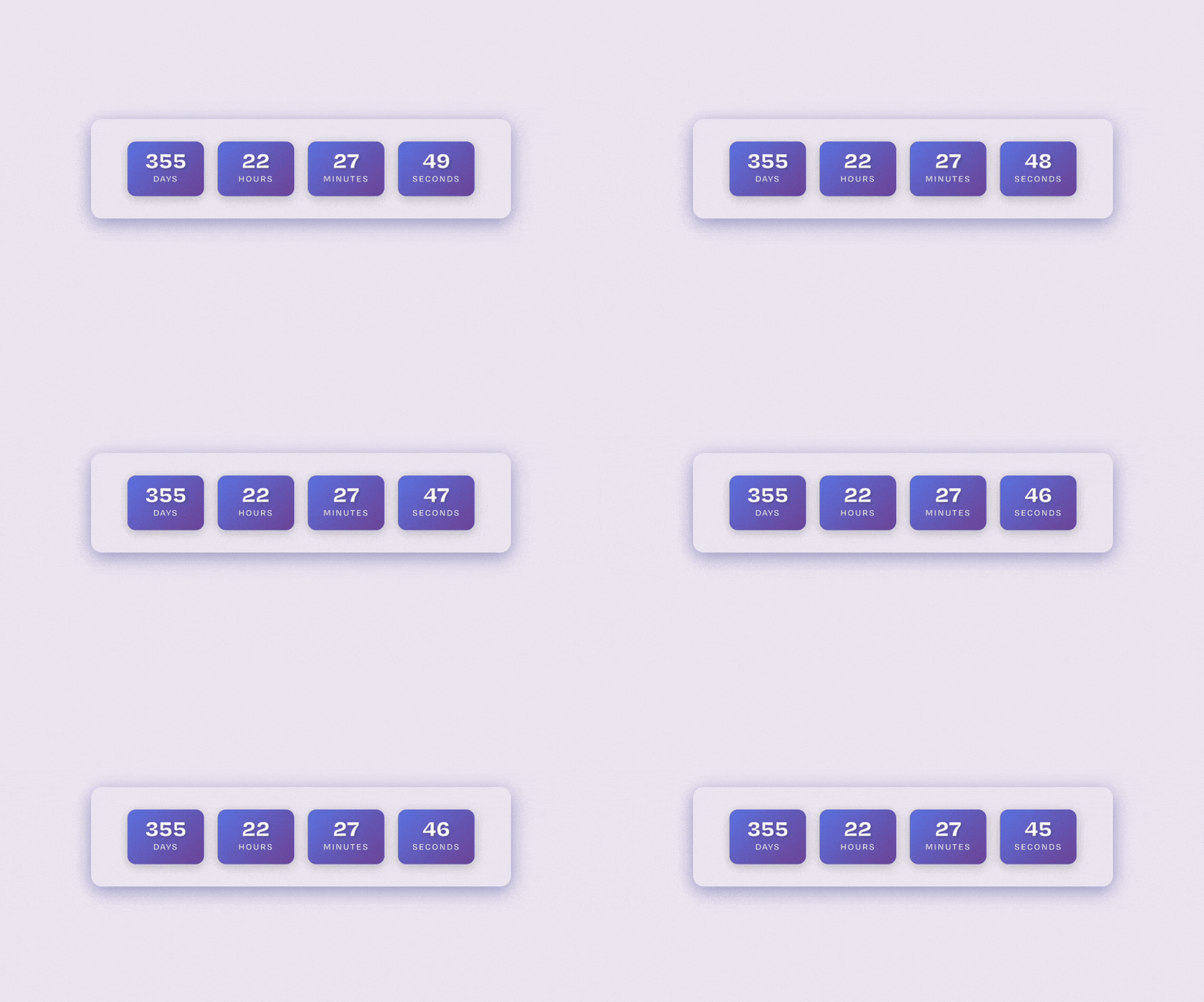
To add an animated number counter in Squarespace, you need a custom code snippet or a dedicated widget. You simply paste the provided code into a Code Block, and the numbers will automatically animate when users scroll to that section.
-
Yes. A properly built animated counter uses a scroll trigger (viewport detection) so the numbers start counting only when the section becomes visible on the screen.
-
No. Squarespace does not include a native animated number counter feature. You need a plugin or custom code to create this effect.
Want to try it yourself first? See our free copy-paste version: Free Animated Number Counter for Squarespace.
-
No. A lightweight counter built with clean JavaScript and no heavy external libraries will not noticeably affect website speed or performance.
-
Yes. Most animated counter widgets allow you to adjust the animation duration and counting speed to match your design preference.
-
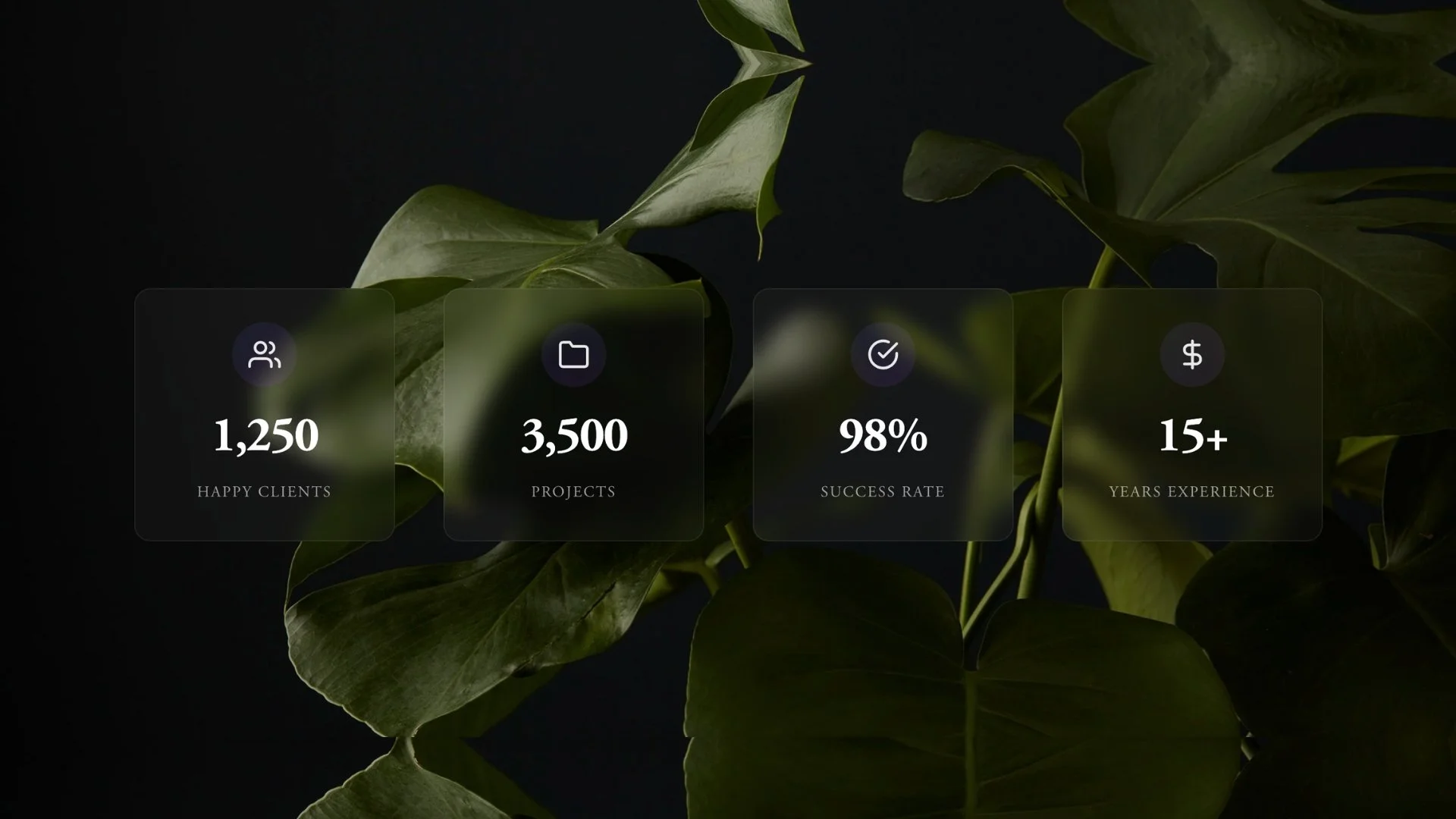
Yes. You can add prefixes or suffixes such as %, +, $, or K to display percentages, totals, revenue, or milestones clearly.
-
Yes. You can add multiple counters in different sections of your website to showcase various statistics like clients served, projects completed, or years of experience.
-
This usually happens if the scroll trigger is missing, incorrectly placed, or conflicting with another script. A properly configured widget ensures the animation triggers only when visible.
-
Yes. Animated statistics draw attention and build trust by highlighting measurable results, which can increase credibility and improve conversion rates.
-
Yes. A properly designed counter automatically adapts to mobile and tablet screens, ensuring smooth animation and clean layout on all devices.
Still have a question? Email us →
ALSO FROM SQUARESPELL