

How to Add an Infinite Scrolling Video Carousel to Squarespace YouTube, Vimeo & Native Videos (2026 Guide)

Supports YouTube, Vimeo & native uploaded videos all three auto detected, no configuration needed
Choose between Single Row with dot navigation or cinematic Dual Row with opposite-direction scroll
Videos auto-detected from your page just add Video blocks and the carousel finds, hides and displays them automatically
Click any card to open full-screen lightbox with autoplay visitors watch without leaving your site
Correct 16:9 aspect ratio on every device no more square or broken videos on mobile
Cards dim, brighten on hover and scale on focus professional visual hierarchy with zero CSS
No coding required paste into a Squarespace Code block, set to HTML, done in under 10 minutes
One-time purchase, yours forever
Introduction: Why a Video Carousel Can Grow Your Business
If you're running a Squarespace website in 2026, static images and single embedded videos are no longer enough to hold attention. Visitors scroll fast, decide faster, and leave in seconds if your content doesn't immediately pull them in.
An infinite scrolling video carousel changes that equation entirely.
Instead of one video buried on a page, your visitors see a flowing, looping reel of your best content client testimonials, product demos, behind the scenes clips, YouTube highlights, Vimeo showreels all playing in a sleek, auto-advancing carousel that keeps eyes on your site longer.
And longer time on site means lower bounce rates, more trust, and more conversions.
This guide walks you through exactly how to add an infinite scrolling video carousel to your Squarespace website in 2026, covering YouTube, Vimeo, and self-hosted native video whether you're a coach, agency, e-commerce brand, or creative professional.
What Is an Infinite Scrolling Video Carousel?
A standard video carousel shows a row of videos with left/right navigation arrows. A infinite scrolling video carousel in squarespace goes further it loops endlessly with no hard stop, often auto advancing, and can be set to autoplay silently as visitors browse.
The key difference is the user experience. There's no "end of the list." The content keeps coming, which subtly signals abundance and professionalism. Major brands like Apple, Nike, and Netflix use infinite scroll carousels precisely because they boost engagement without requiring any action from the viewer.
For small business owners on Squarespace, this is one of the highest-impact visual upgrades you can make and it's far more achievable than most people think.
What Video Types Can You Include?
A properly built video carousel on Squarespace can pull in:
YouTube videos (public or unlisted)
Vimeo videos (free or Pro accounts)
Native MP4 video files uploaded directly to Squarespace
Self-hosted video URLs from external storage like Amazon S3 or Cloudflare
The best plugins and code solutions let you mix and match all four in a single carousel, giving you complete flexibility over your content library.
Why Squarespace Doesn't Do This Out of the Box
Squarespace 7.1 is a powerful platform, but its native video options are limited to single video blocks, background videos, and basic gallery grids. There is no built-in carousel with infinite scroll functionality.
This is a known gap and it's the reason a growing ecosystem of Squarespace specific plugins and code injections exists to fill it.
It's also worth understanding that Squarespace uses a closed platform architecture. Unlike WordPress, you can't install plugins from a public directory. Everything added to your Squarespace site goes in through one of three routes: the native Extensions Marketplace, a Code Block, or a Code Injection in Settings. This matters because it shapes which solutions actually work and which are just WordPress advice that doesn't apply here.
Version Compatibility: Does This Work on Squarespace 7.1?
Yes and that's important to confirm before you invest time in any solution.
Squarespace 7.1 is the current version and the one you should be building on. If you're still on 7.0, some carousel solutions may behave differently due to differences in how CSS and JavaScript are handled.
The Fastest Way: Install a Video Carousel Plugin
The quickest path to an infinite scrolling video carousel on Squarespace is a dedicated plugin designed specifically for the platform. These are not WordPress plugins. They are Squarespace native code packages you install once, configure through a simple settings panel, and embed anywhere on your site with a single code block.
Step by Step: Installing the Infinite Video Carousel Plugin from Squarespell
Purchase or download your chosen plugin. You'll receive a confirmation email with your plugin files or a unique embed code.
Go to Your Section and Stack Your Videos
Inside your Squarespace editor, go to the section where you want the carousel to appear. Add your videos stacked on top of each other using video blocks. Stacking them keeps the height consistent across the carousel this is what makes the infinite scroll look clean and even on every screen size.
Add a Code Block
Still inside the same section, add a Code Block on your stacked videos.
Paste the Code and Save
Paste the embed code from your plugin confirmation email directly into the Code Block. Hit Save. That's it the carousel is live
Supports YouTube, Vimeo & native uploaded videos all three auto detected, no configuration needed
Choose between Single Row with dot navigation or cinematic Dual Row with opposite-direction scroll
Videos auto-detected from your page just add Video blocks and the carousel finds, hides and displays them automatically
Click any card to open full-screen lightbox with autoplay visitors watch without leaving your site
Correct 16:9 aspect ratio on every device no more square or broken videos on mobile
Cards dim, brighten on hover and scale on focus professional visual hierarchy with zero CSS
No coding required paste into a Squarespace Code block, set to HTML, done in under 10 minutes
One-time purchase, yours forever
We've embedded a short walkthrough video just below if you're a visual learner, hit play and follow along as we go through each step directly inside Squarespace.
What to Look for in a Video Carousel Plugin
Not all video carousel plugins are built equally. Before purchasing, verify the following:
Squarespace 7.1 compatibility is explicitly stated
Supports multiple video sources (YouTube, Vimeo, and native)
Infinite loop / autoplay functionality is included
Mobile responsive out of the box
No ongoing subscription required (one-time license is preferable)
Developer or support access in case something breaks after a Squarespace update
The Infinite Video Carousel Plugin available at /premium-plugins meets all of these criteria and is the one this guide is primarily based on.
Browse all video carousel plugins














Why Most People Should Use the Plugin Instead
If reading the section above made you feel uncertain, that's a reasonable signal. Custom code on Squarespace is powerful but carries ongoing maintenance risk. When Squarespace pushes platform updates, custom JavaScript occasionally breaks and debugging it requires the same developer knowledge it took to write it.
The plugin method eliminates this risk entirely. Updates are pushed by the plugin developer, not by you. Support is available if something breaks. And the end result looks identical often better than a hand-coded version.
How a Video Carousel Grows Your Business: The Real Numbers
Adding an infinite scrolling video carousel is not just a visual upgrade. It has measurable business impact across several key metrics.
Time on Page
Video content consistently outperforms static content for dwell time. A page with an autoplay video carousel keeps visitors engaged for significantly longer than a text and image page. Longer sessions signal relevance to search engines, which supports your SEO rankings over time.
Conversion Rate
For service businesses especially, video builds trust faster than any other medium. When a visitor watches a testimonial video, a product walkthrough, or a behind the scenes clip within the first thirty seconds of landing on your site, they're far more likely to take a next action booking a call, signing up, or making a purchase.
Social Proof at Scale
If you've accumulated YouTube subscribers or Vimeo views, displaying that video library on your own website reclaims the attention that platform algorithms would otherwise redirect. Your visitors stay on your site instead of being funneled into YouTube's recommendation engine.
Mobile Engagement
Infinite scroll is a native pattern for mobile users it's how Instagram, TikTok, and most social platforms operate. A video carousel on your Squarespace site speaks the same visual language mobile users already know, making your site feel intuitive and modern rather than static and dated.
Which Approach Is Right for You?
This is a question worth addressing directly, because the answer depends on your situation.
If your website is actively generating leads, bookings, or sales, the calculation changes. A paid plugin typically delivers a noticeably more polished result, saves hours of configuration time, includes mobile optimization that custom code often misses on the first attempt, and comes with support if something breaks. At the price point of most Squarespace specific plugins, the ROI is straightforward.
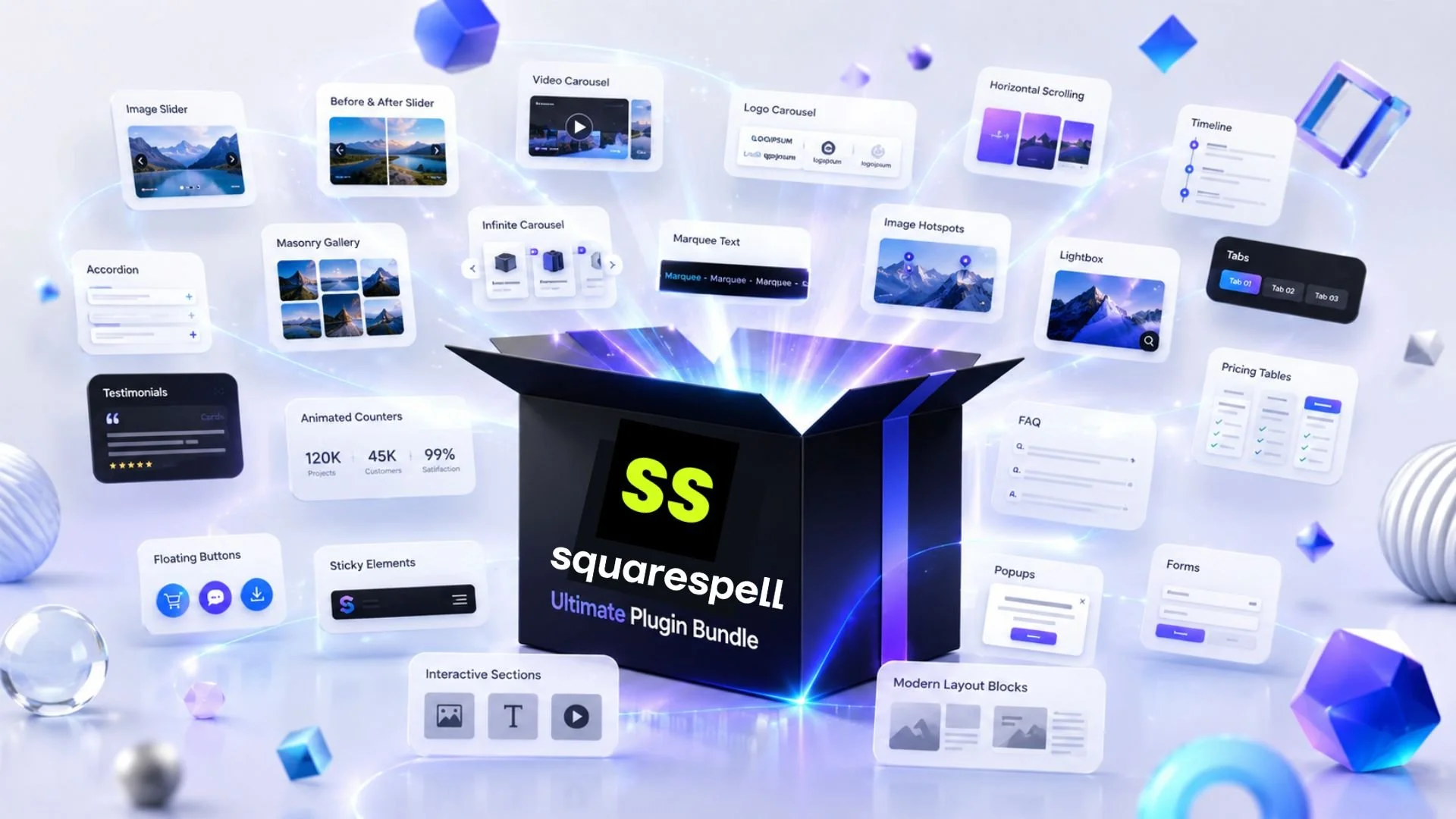
If you're planning more than one upgrade for your Squarespace site and most serious business owners are the Squarespell Plugin Bundle is the smarter way to buy. Instead of paying full price for each plugin individually, your savings grow automatically the more you add.
Here's how the tiers break down. Pick any 2 plugins and you instantly save 10%, which puts $5 back in your pocket right away a good start if you're just testing the waters. Step up to 3 plugins and you hit the sweet spot: 20% off and $15 saved. This is the most popular tier for a reason. It gives you the best balance between value and variety, and for most small business owners, three well-chosen plugins is all it takes to make a Squarespace site feel genuinely custom-built.
If you're an agency, freelancer, or designer working across multiple Squarespace projects, the 4+ plugin tier is where the real value lives. You're looking at 30% off and $30 saved maximum savings, and every plugin you add beyond four costs you even less in real terms. It's the tier built for people who take their Squarespace builds seriously.

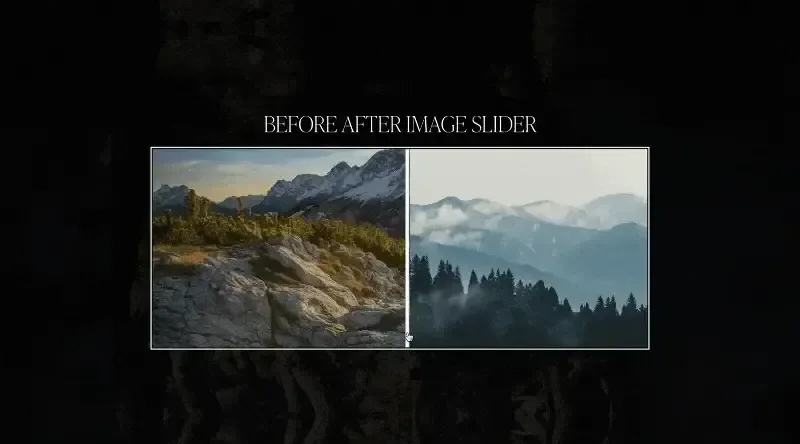


The Video Carousel Plugin pairs especially well with the Mega Menu Plugin and the Animated Counter three tools that together transform a standard Squarespace site into something that looks and performs like a fully custom coded build, without any of the developer cost or maintenance headaches.
Common Problems and How to Fix Them
The carousel shows up on desktop but not mobile
This is almost always a CSS width issue. The inner track div needs a minimum width set, and mobile viewports can cause flex items to wrap instead of staying inline. If you're using custom code, add white-space: nowrap to the track element and flex-shrink: 0 to each video item. Plugin users should contact support, as this is typically resolved with a one-line settings change.
Autoplay isn't working
All major browsers in 2025 and 2026 require videos to be muted for autoplay to function. Make sure your embed URLs include mute=1 (YouTube) or muted=1 (Vimeo) in the parameters. For native MP4 files, the video element must include the muted attribute.
The carousel jumps or flickers on loop
This is a timing issue in the JavaScript reset logic. The scroll position is being reset at a point where the duplicated content hasn't fully loaded. The fix is to preload all video thumbnails before the animation starts, or to increase the duplicate buffer — rendering three copies of the playlist instead of two so there's more runway before the reset triggers.
Videos play in the carousel but the layout looks broken
This usually means the Code Block HTML is conflicting with Squarespace's native CSS. Add position: relative to your outer wrapper and ensure no Squarespace section padding is overriding your carousel container. In plugin-based solutions, this is handled automatically.
Frequently Asked Questions
-
Yes. The simplest no code option is using a dedicated Squarespace video carousel plugin, which installs through a Code Block paste no programming knowledge required. The Squarespell Infinite Video Carousel Plugin is specifically built for this use case and takes under ten minutes to set up.
-
Yes, all methods described in this guide are compatible with Squarespace 7.1. If you are on 7.0, some custom CSS approaches may need adjustment.
-
Yes, with a plugin-based solution. The Squarespell Video Carousel Plugin supports YouTube URLs, Vimeo URLs, and native MP4 files in the same playlist. The YouTube and Vimeo embed methods described as standalone approaches are limited to a single source per carousel.
-
It can, if implemented carelessly. The key is using lazy loading only loading video iframes as they enter the viewport rather than loading all of them simultaneously on page load. Quality plugins handle this automatically. If you're building a custom solution, add loading="lazy" to your iframe elements and defer your JavaScript.
-
Yes, indirectly. Google does not index embedded video content the same way it indexes text, but a video carousel improves time on page, reduces bounce rate, and increases engagement all signals that correlate with stronger search rankings. For direct video SEO, pair your carousel with a video sitemap submitted through Google Search Console.
-
Between six and twelve videos is the sweet spot for most business websites. Fewer than six can make the loop feel repetitive. More than fifteen starts to add unnecessary load weight. Prioritize your highest-performing content top testimonials, best product demos, most-watched YouTube videos.
-
Yes, and it's one of the most impactful places to use one. Homepage video carousels immediately communicate your brand's depth of content, build social proof visually, and keep visitors engaged long enough to scroll further down the page.
Final Thoughts: The Fastest Upgrade You Can Make to Your Squarespace Site
A static Squarespace website in 2026 is a missed opportunity. Your visitors expect motion, personality, and proof and an infinite scrolling video carousel delivers all three in a format that works on every device, loads cleanly, and requires zero ongoing maintenance once it's set up.
Whether you go with the free custom code template from /freebies, the standalone YouTube playlist approach, or the full Squarespell Video Carousel Plugin from /premium-plugins, the most important move is the same: stop leaving your video library locked inside YouTube and Vimeo, and start putting it to work on your own site where every view builds your business instead of someone else's algorithm.
Ready to install? Browse the full plugin library including the Infinite Video Carousel, Mega Menu and more.


Customizable: Change questions, answers, colors & branding
Lead Capture: Automatic email collection before quiz
Instant Results: Personalized delivery via email
Mobile Ready: Works on phones, tablets & desktop
Easy Setup: 10 minutes, no coding needed
Flexible Outcomes: Multiple results with custom messages
Grow Your List: Built-in lead generation & email integration
Modern Design: Professional look matching your brand
Engaging: Progress bar keeps users involved
Guided Setup: Step-by-step instructions included
Squarespace Ready: Works on 7.1 Business & Commerce