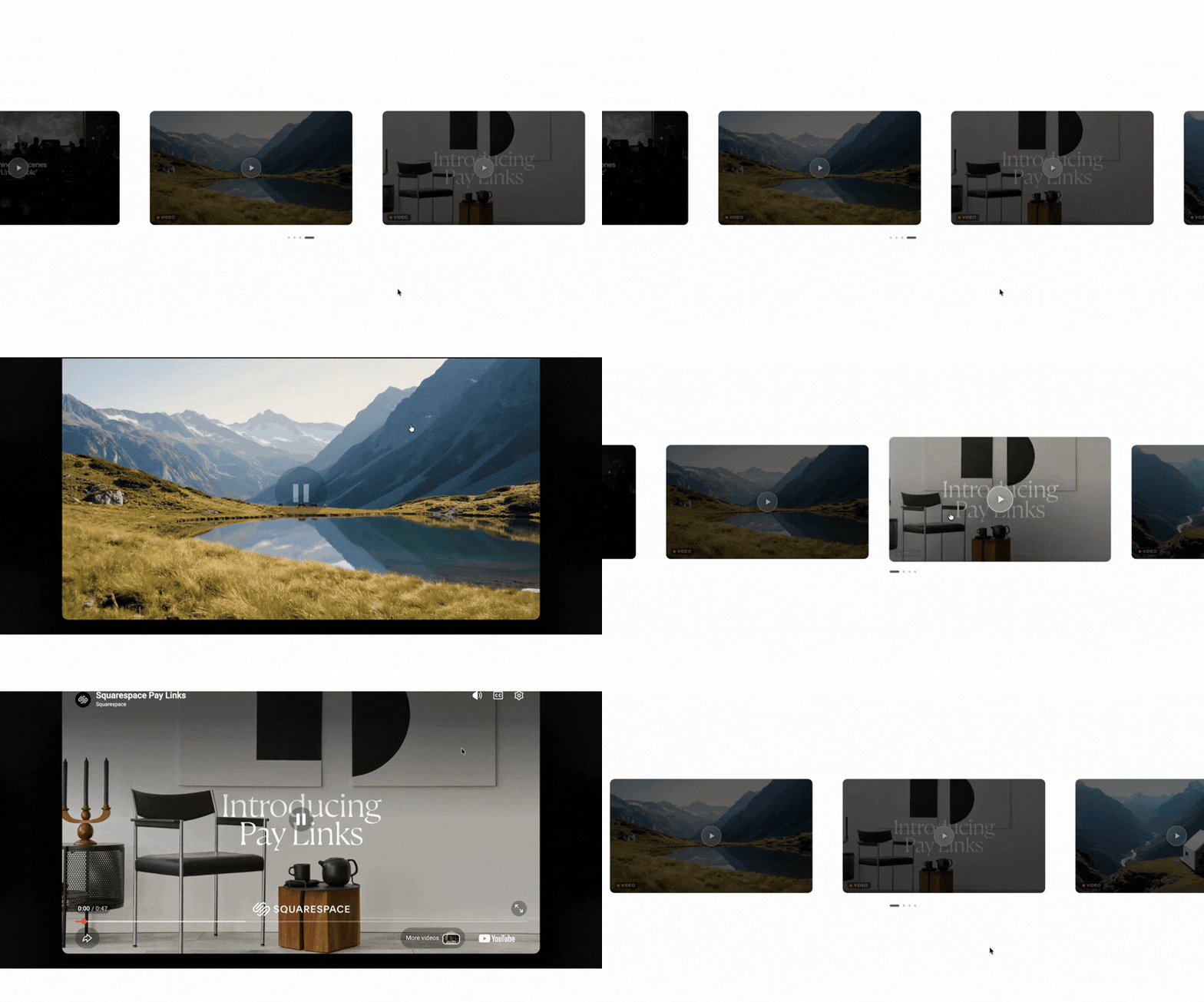
 Image 1 of 2
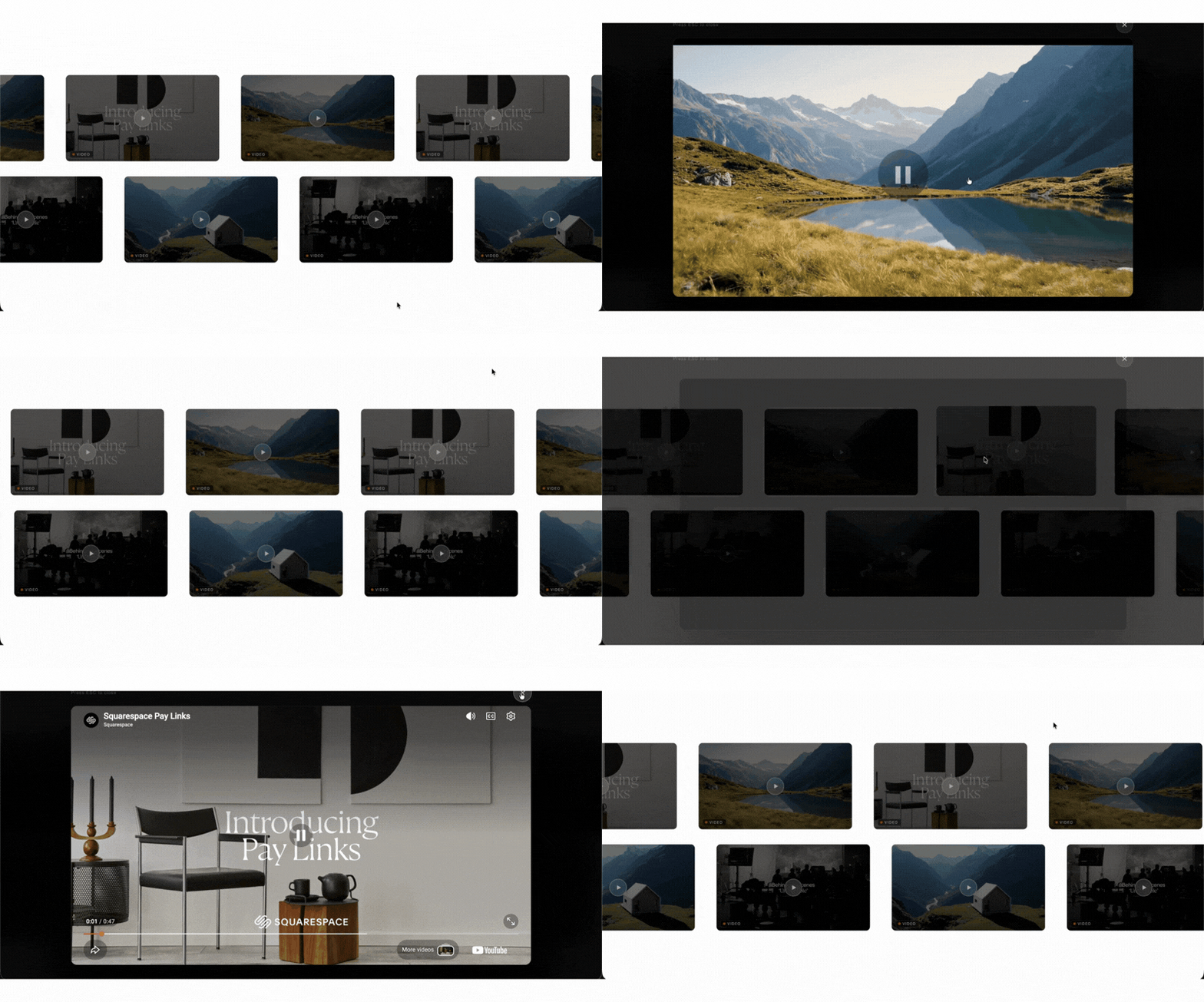 Image 2 of 2
Hello, World!
THE PROBLEM"Sound Familiar?
Squarespace removed the native video carousel when 7.1 launched. Thousands of Squarespace users have hit the same wall forums show threads with 19,000+ views from people asking how to get a video carousel back in 7.1.
You've probably already tried:
Stacking videos vertically:They eat up the whole page and visitors stop scrolling before they see anything
Free tools:They require you to maintain a third-party SaaS account, and display their branding on your site on the free tier.
DIY code from the Squarespace forum:Users report writing their own code out of sheer frustration, only to find it breaks after platform updates Squarespace Forum
Squarespace's own Video blocks:No carousel layout, no horizontal scroll, no thumbnails. Just a stack.
Worrying about mobile:One of the most common complaints: videos appearing square instead of 16:9 on certain devices
THE SOLUTION
Introducing: The Squarespell Video Carousel Plugin for Squarespace 7.1
In under 10 minutes, your videos transform into a polished, horizontal scrolling carousel that looks like it was built by a professional Squarespace developer at a fraction of the cost.
Add your Video blocks anywhere on the page. The carousel detects them automatically, hides them, and renders a pixel-perfect carousel exactly where you drop the Code block. No IDs to copy. No settings panel. No third-party dashboard. It just works.
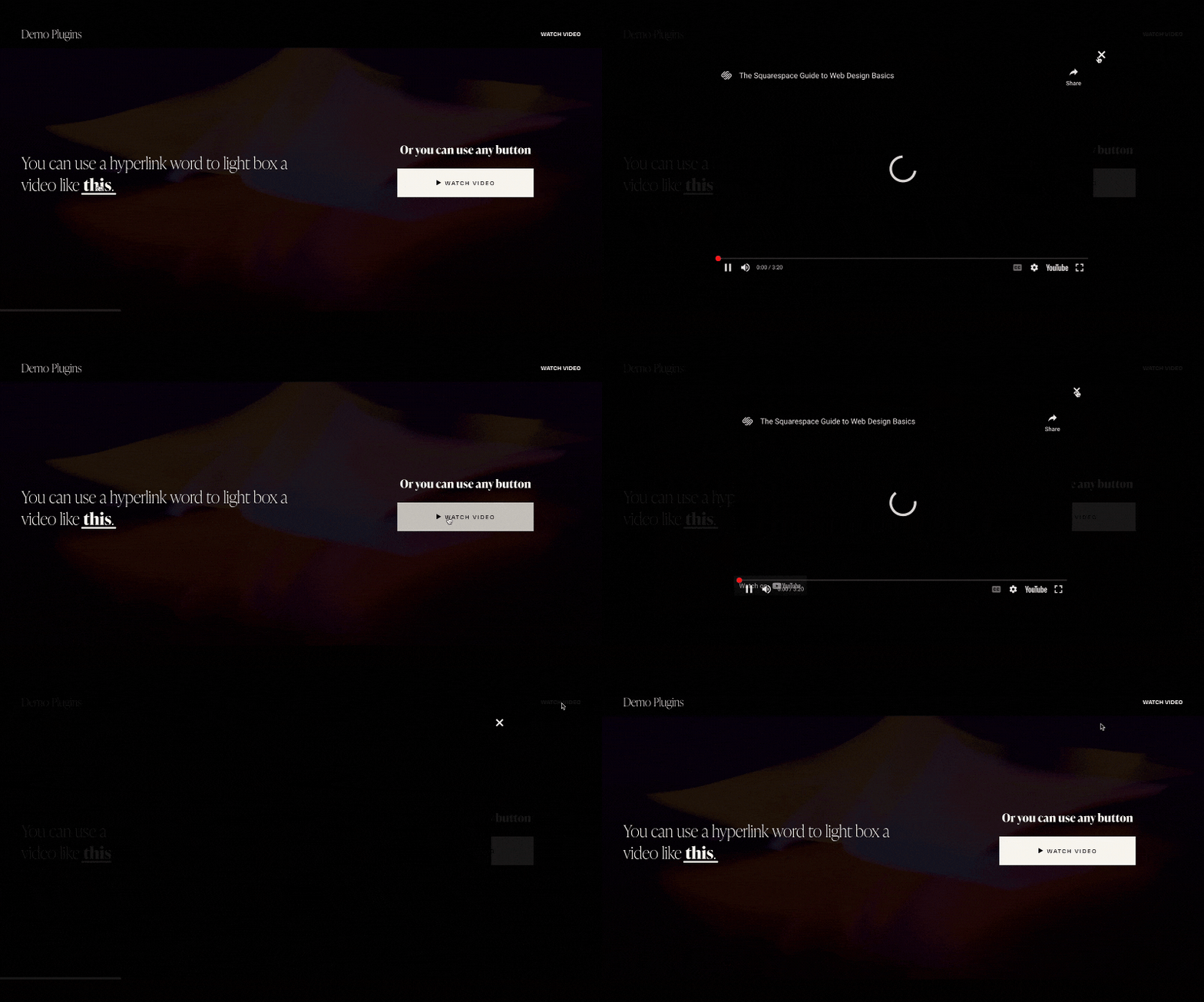
Click any card and the video opens full-screen in a lightbox with autoplay. Your visitors stay on your site, watching. No new tab. No YouTube recommendation rabbit hole stealing your audience.
No SaaS account. No monthly invoice. No branding that isn't yours. Pay once own it forever.
TWO CAROUSEL STYLES CHOOSE YOUR LAYOUT
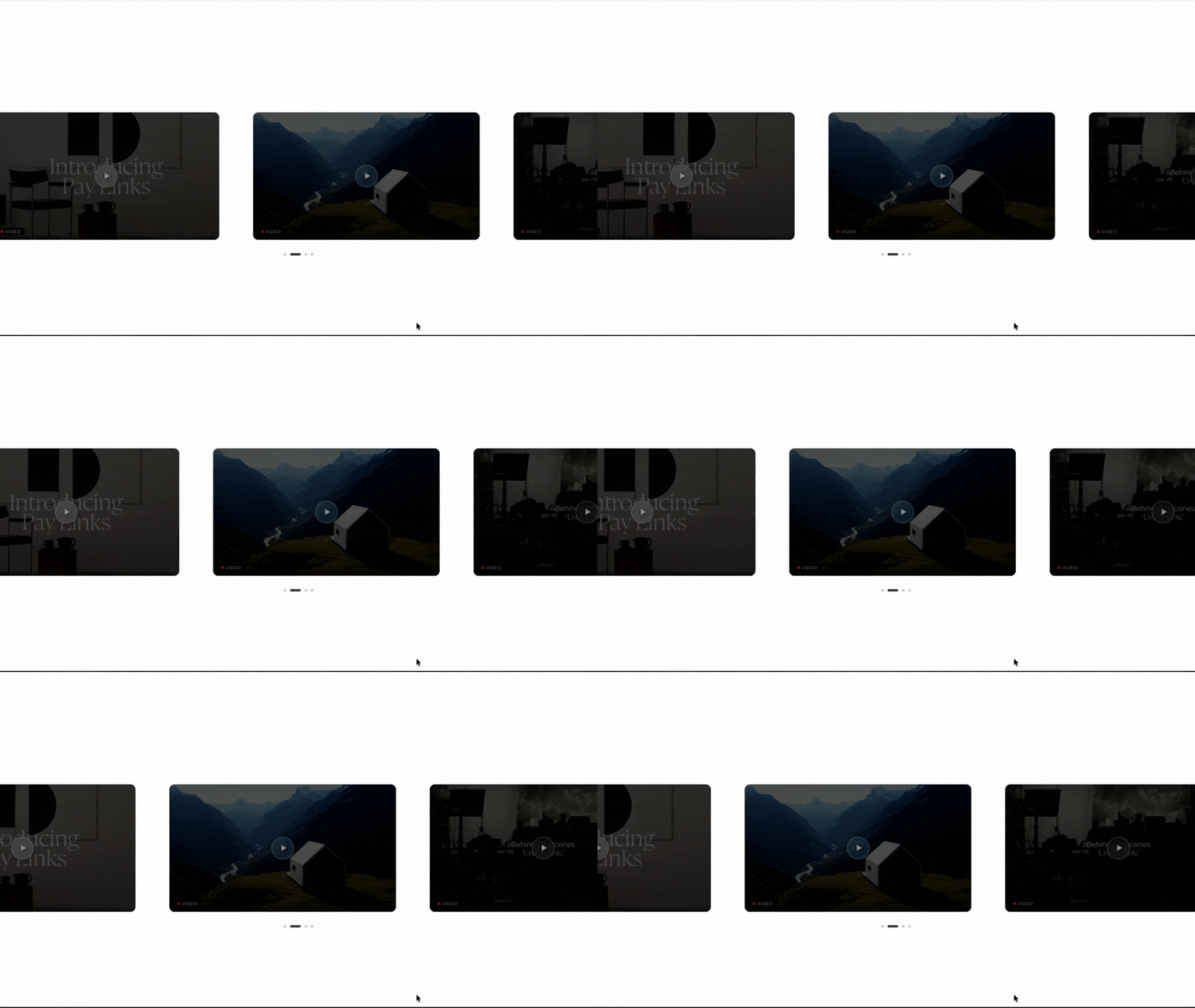
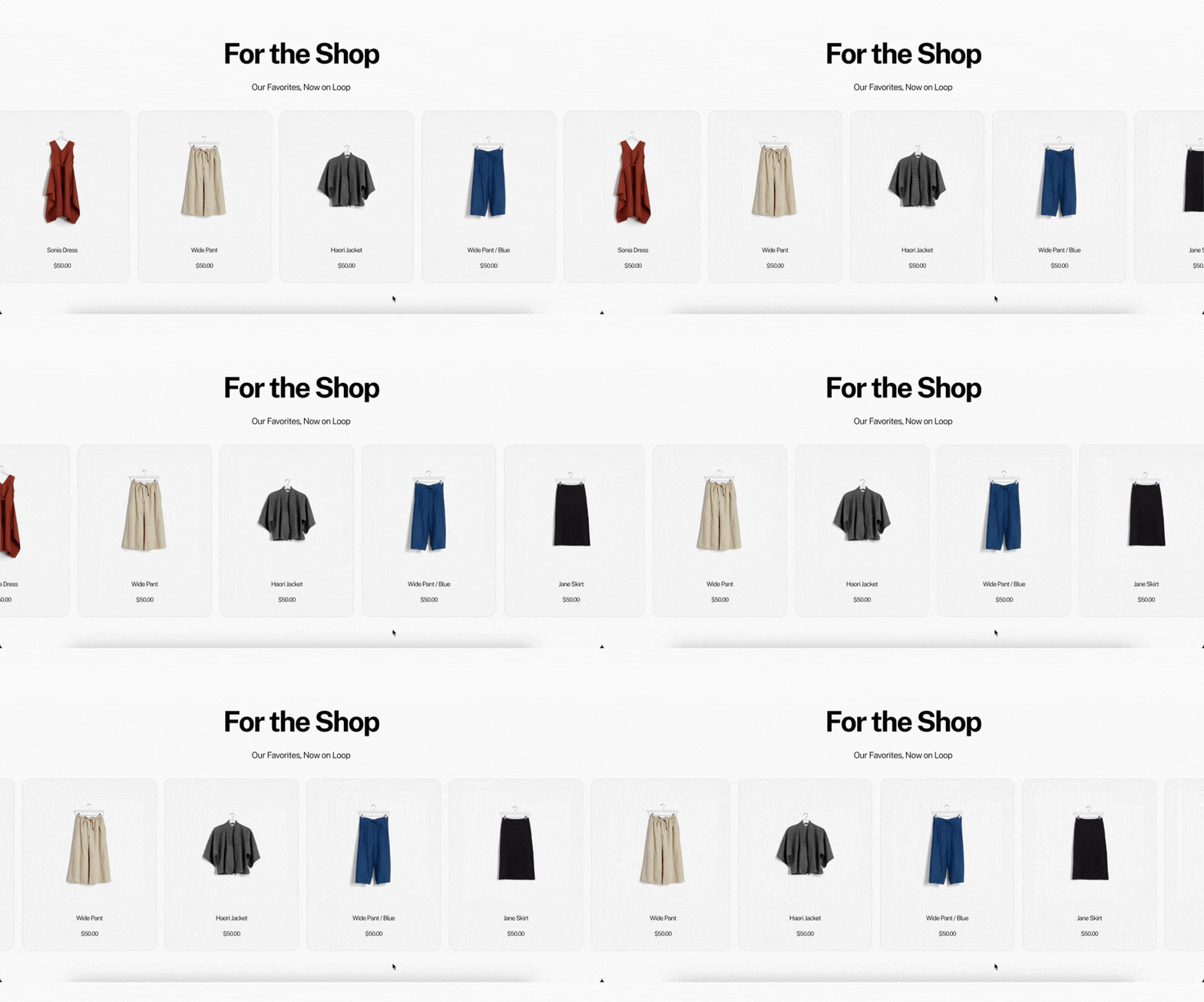
Single Row Carousel
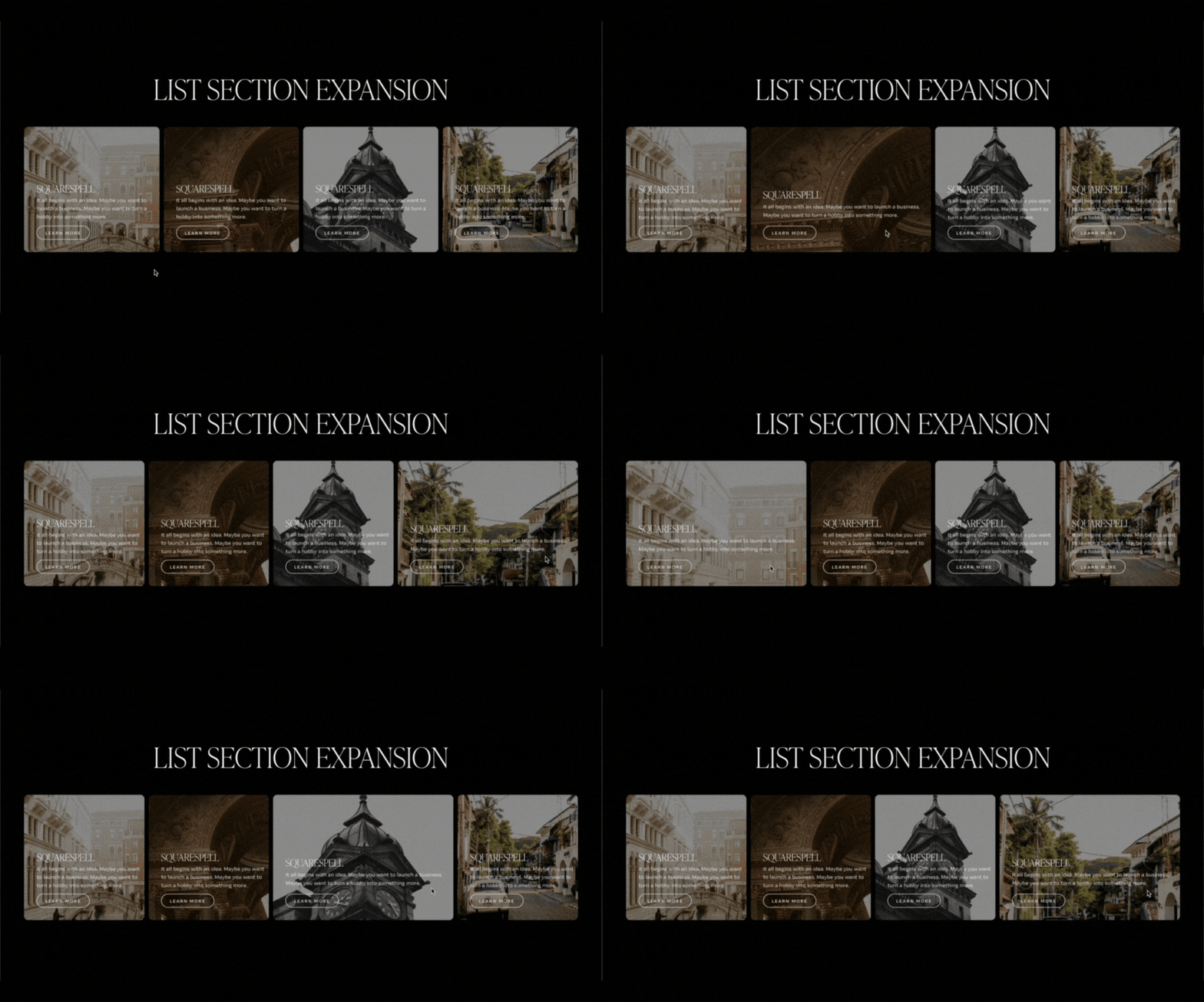
One continuous horizontal row of video cards with dot navigation. The active card scales up and brightens to draw the eye. Hover, drag, tap, and swipe interactions work identically on desktop, tablet, and mobile. Clean, focused, and intuitive.
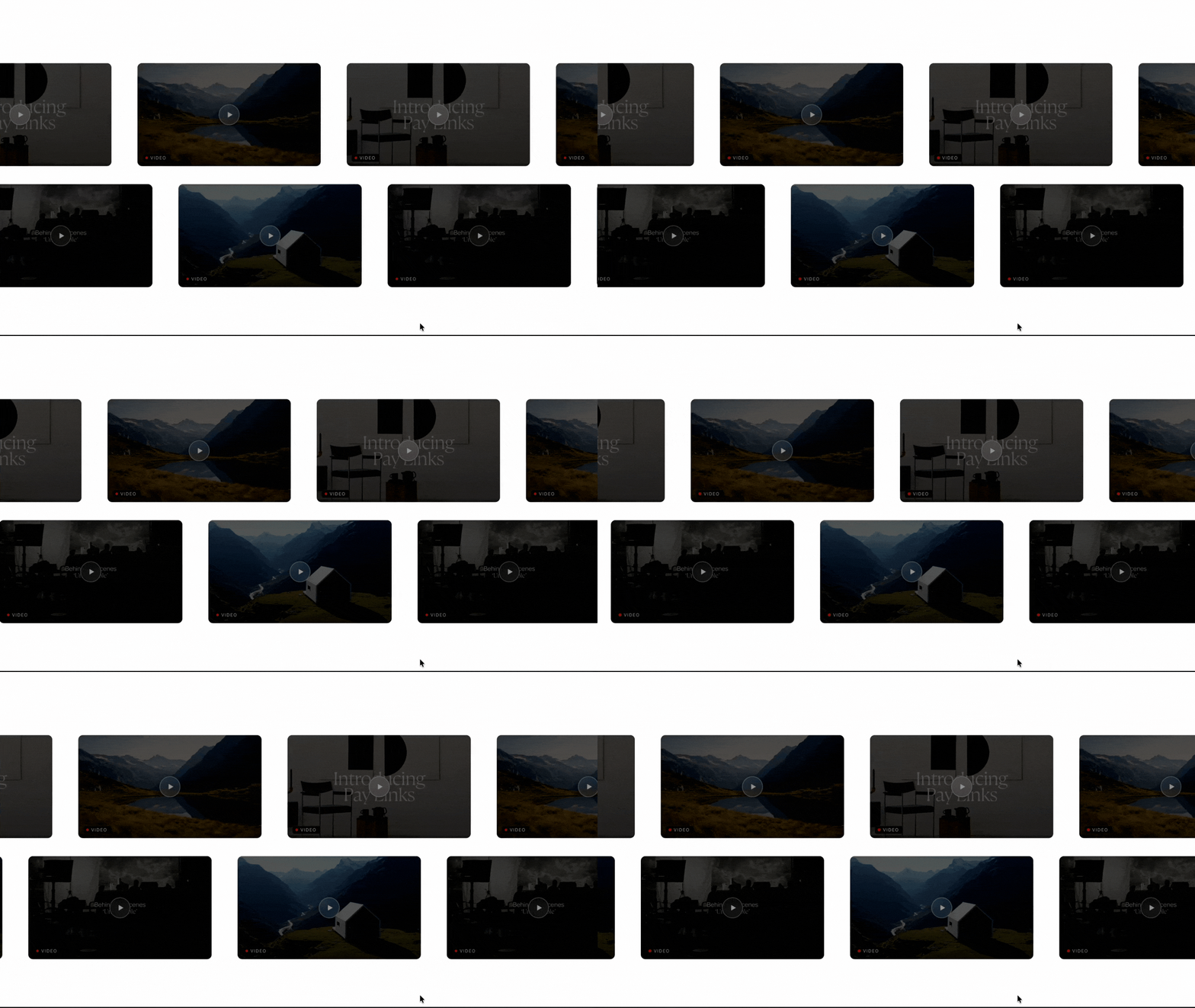
Dual Row Carousel
Two rows of video cards scroll simultaneously in opposite directions a cinematic, editorial look that stops visitors mid-scroll. Cards dim when not in focus and brighten on hover, creating natural visual hierarchy. Click any card to open the video full-screen in a lightbox with autoplay.
FAQ
Common questions answered
-
Yes. This plugin is built exclusively for Squarespace 7.1 and fully tested on the platform's current architecture. It uses a Code block the standard method for adding custom functionality in 7.1. It requires a Business Plan or higher, as Code blocks are not available on Personal or Basic plans.
-
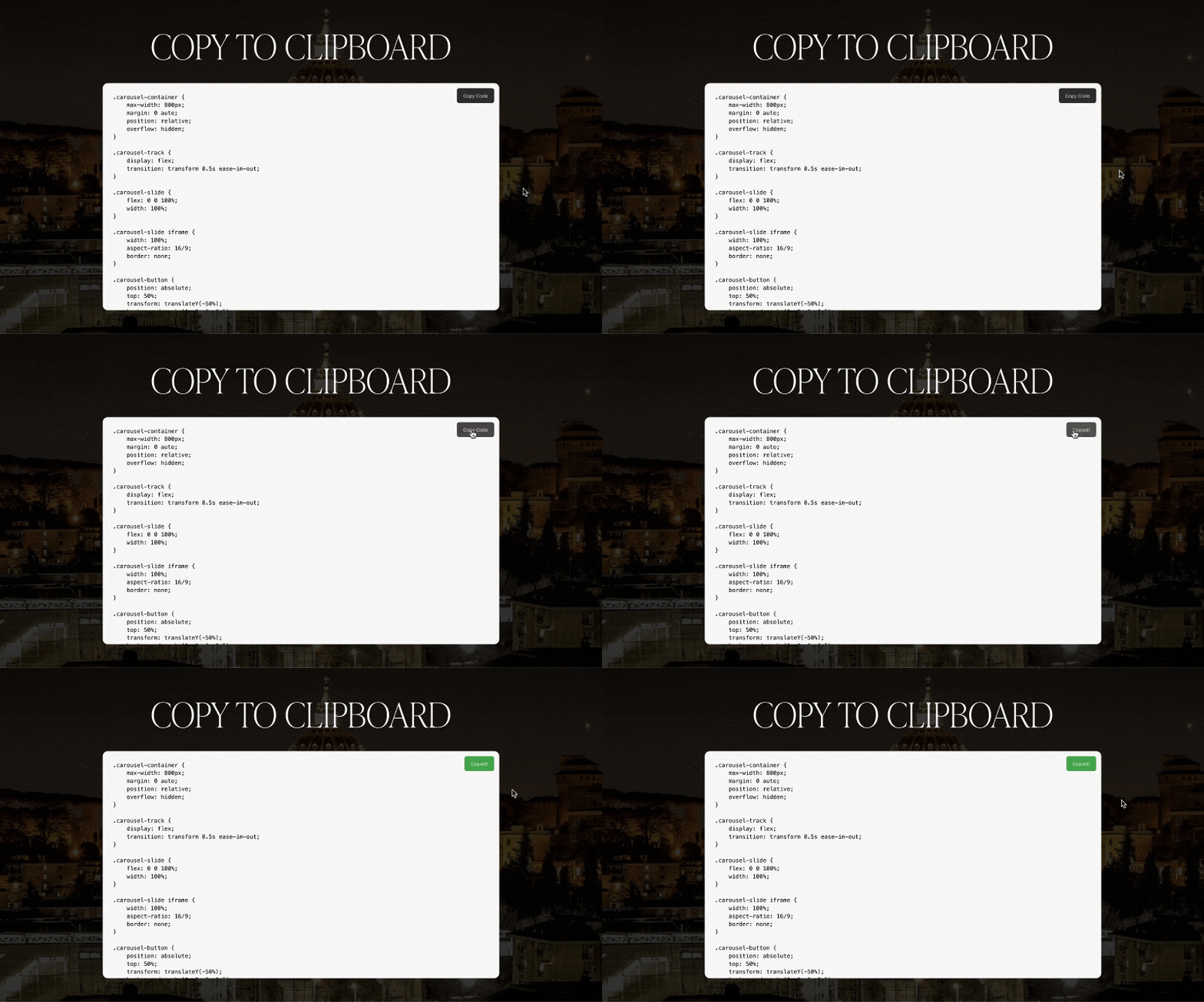
None at all. If you can copy text and paste it into a field on your computer, you can install this plugin. Step-by-step written instructions are included with every purchase. Most users complete the setup in under 5 minutes.
Curious how it works first? Read our full guide: How to Add a Video Carousel to Squarespace 7.1.
-
Business Plan or higher. Squarespace Code blocks how this plugin installs are available on Business, Commerce Basic, and Commerce Advanced plans only. It will not work on the Personal or Basic plans.
-
Yes. All three are fully supported and auto-detected. YouTube and Vimeo thumbnails are fetched automatically. Native videos uploaded directly to Squarespace are played in the lightbox via DOM transplant no quality loss, no extra steps.
-
No. This is one of the most common complaints with DIY carousel solutions on Squarespace. This plugin maintains correct 16:9 aspect ratios on all screen sizes desktop, tablet, and mobile without any extra configuration.
-
No. Unlike SaaS-based tools that inject external scripts on every page load, this plugin is entirely self-contained. It uses YouTube's and Vimeo's own embed infrastructure the same technology used on millions of websites globally with no third-party script loading overhead.
-
Single Row shows one continuous horizontal row of cards with dot navigation the active card scales up and brightens. Dual Row shows two rows scrolling in opposite directions simultaneously for a bold, cinematic look. Both styles support hover, drag, tap, swipe, and full-screen lightbox on all devices.
-
No. The carousel scans your page and auto-detects all Video blocks. You just add your Video blocks, place the Code block where you want the carousel, and save. No IDs to copy, no settings to configure.
-
There is no hard limit. The carousel scrolls horizontally, so you can add as many as you want. Most users find 5–12 videos creates the best browsing experience. More than 20 is possible but may affect initial load speed.
-
No and this is expected. The carousel only renders on the live published page, not inside the editor preview. Exit edit mode after saving to see it working.
-
Completely one-time. Single Use is $25, Multi Use is $45. No monthly fees, no annual renewals, no account to maintain. The code you receive is yours permanently, regardless of any future changes to Squarespell's pricing.
-
Yes. All three types can appear together in a single carousel. The plugin detects each type independently and handles thumbnails and playback correctly for each.
Still have a question? Email us →
ALSO FROM SQUARESPELL