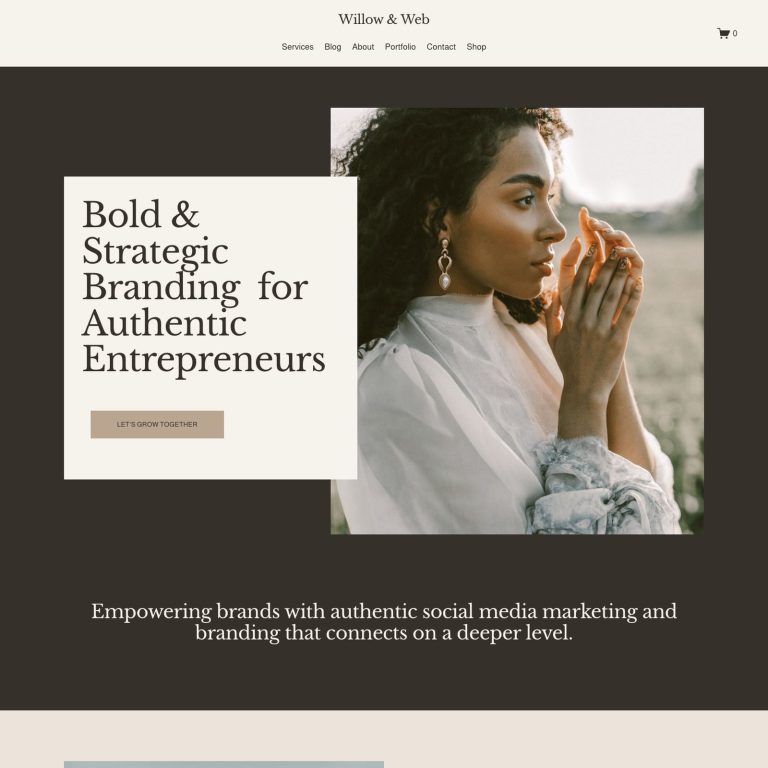
Member Content Pro: Show Members-Only Content on Public Squarespace Pages with Native Member Sites$59
 Squarespace · PluginSquarespell Original
Browse by platform
View allBrowse by goal
View allBrowse by goal
Fresh inventory
Recently added
Member Content Pro: Show Members-Only Content on Public Squarespace Pages with Native Member Sites$59Squarespace · PluginSquarespell Original Event Tickets: Sell Tickets on Squarespace Event Pages with Ticket Types, Seats Left and Native Checkout$59Squarespace · PluginSquarespell Original
 Wholesale Order Pad: Squarespace Wholesale Order Form with Bulk Add to Cart, Order by SKU and Reorder$85Squarespace · PluginSquarespell Original
 Squarespace Summary Block Pro: More Than 30 Items, Load More and Pagination$49Squarespace · PluginSquarespell Original
 Squarespace Delivery Area Checker: Postcode and ZIP Code Checker Plugin$49Squarespace · PluginSquarespell Original
 Order Rules: Squarespace Minimum Order, Quantity Limits and Pack Sizes Plugin$49Squarespace · PluginSquarespell Original
Search results
Matching products
Squarespace
The Squarespace promo codes and discounts that work in November 2026: GIMME10, the 50% student offer, NONPROFIT and Circle, the rules on renewals and stacking, and verified codes for Squarespace templates and plugins.
A note on how we make money. Squarespace’s own codes in this guide (GIMME10, the student offer, NONPROFIT and the Circle discount) earn Squarespell nothing. The template and plugin codes come from our Deals page: those products are listed on Squarespell with affiliate links, and we may earn a commission if you buy through them. Squarespell also makes five templates and three plugins shown here (Vera, Noura, Horizon, Velora, Luminara, the Countdown Timer plugins and Popup Pro), so weigh that interest. None of this changed which discount we say is best for you. Details are in our affiliate disclosure.
If you want the short version:
GIMME10 takes 10% off a first annual website plan, per Squarespace’s coupons page.NONPROFIT gives 10% off your first payment.SQUARESPELL10 from our Deals page.And the honest caveat before any of that matters: every Squarespace code discounts only the first payment, one code per order. Renewals are at full price, so the plan and billing cycle you choose matter more than the code.
Last updated: 2 November 2026
Most “Squarespace promo code” pages list a dozen codes, a countdown and a “verified today” badge. Squarespace itself publishes far fewer, and its checkout accepts only one at a time. The rules matter more than the codes: which plans a code covers, whether it stacks with the free domain, what happens at renewal, and whether a code can be added after you have paid.
So for this update we read every Squarespace page that states an offer: the coupons page, the pricing page, the students page, the Circle page and the help centre articles on redeeming codes, student and nonprofit discounts, Circle, trial extensions, free domains and refunds, all on 2 November 2026. We worked out what each discount saves on each plan, and we added the codes that actually apply to Squarespace templates and plugins, which Squarespace’s own codes do not cover. Earlier versions of this page listed codes we could not find on any Squarespace page; they are gone.
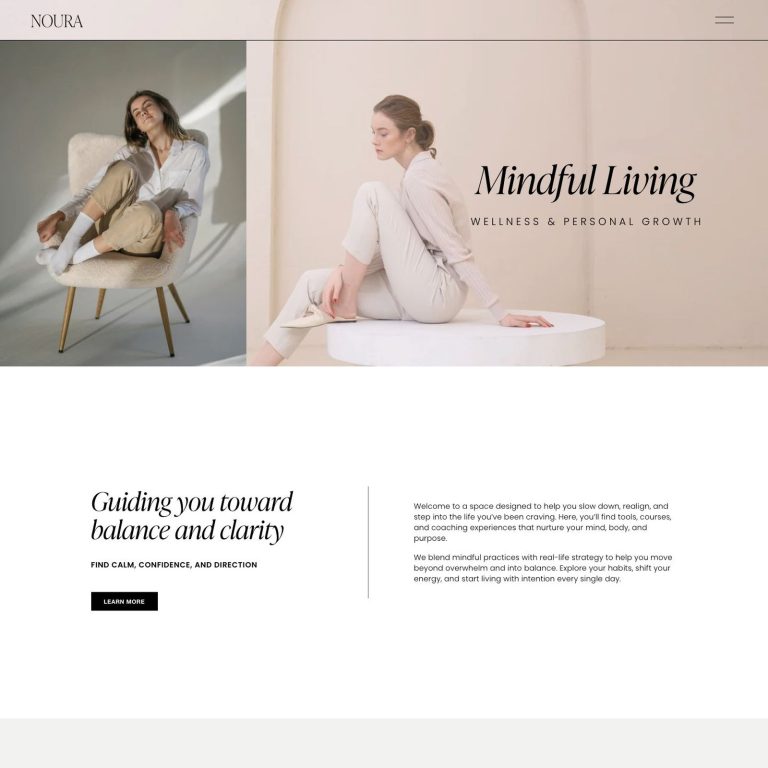
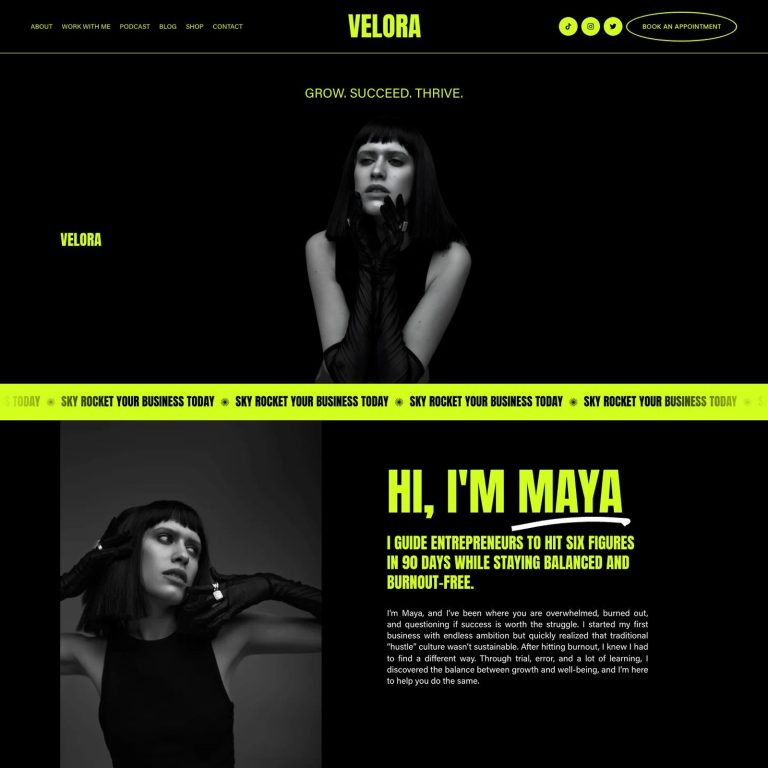
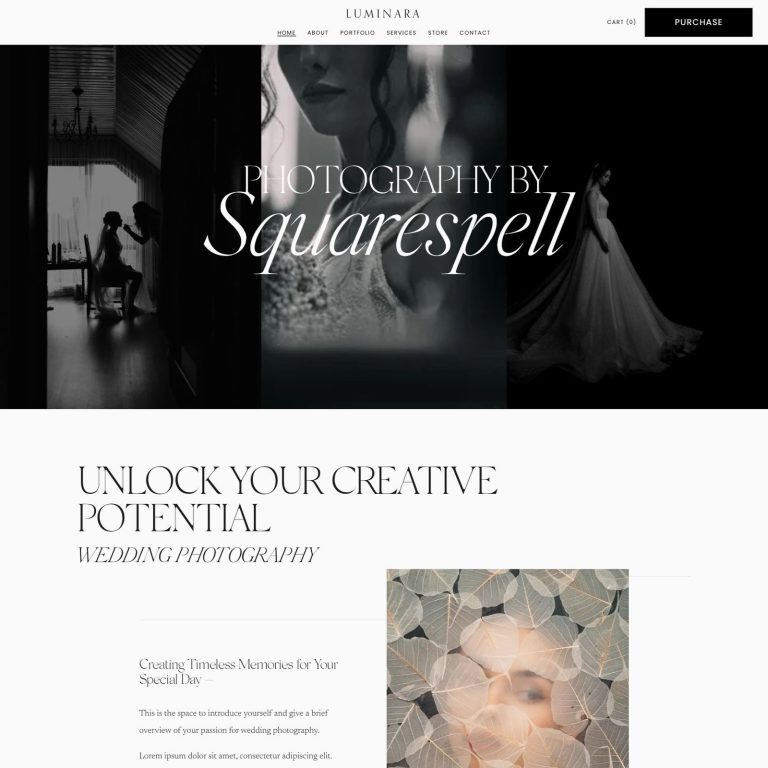
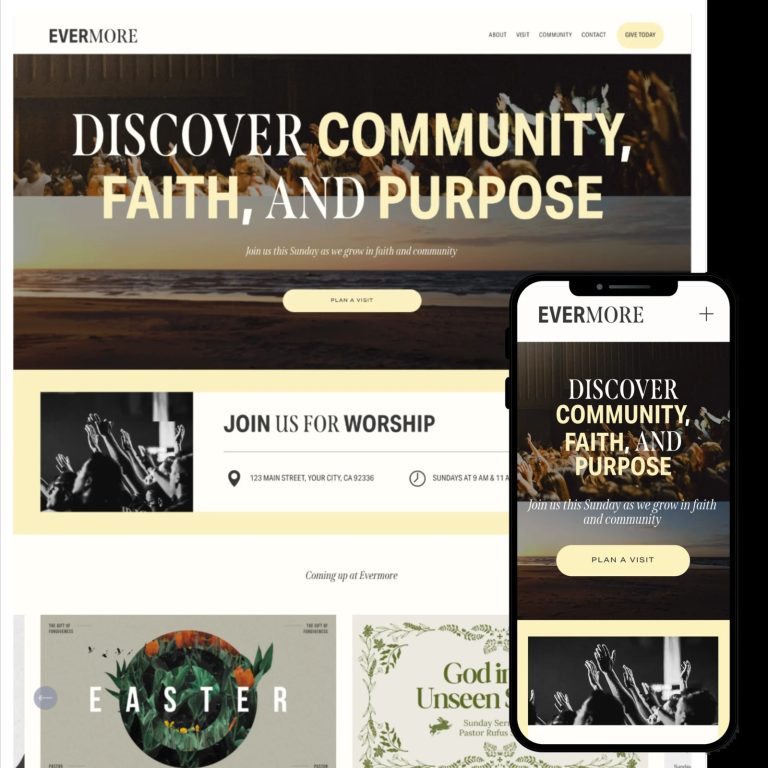
If you are still choosing a design, our step-by-step guide to choosing a Squarespace template covers that decision in depth. The templates below are Squarespell’s own: each costs $99, and four of the five listings say the design is installed into your Squarespace account for you within 24 hours.
$99
$99
$99
$99
These are the discounts Squarespace itself publishes for website plans. Each line comes from a Squarespace page we read on 2 November 2026; the source is linked in the section about that discount.
| Discount | Who it is for | How much | How you get it |
|---|---|---|---|
GIMME10 | Anyone buying a first annual website plan | 10% off the first purchase | Type it in the Promo code field at checkout |
| Student discount | Current full-time college or university students | 50% off the first annual plan | Verify with Student Beans, get a single-use code |
NONPROFIT | Charities and nonprofit organisations | 10% off your first payment | Type it in the Promo code field at checkout |
| Squarespace Circle | Designers, developers and agencies (free to join) | 10% (Silver), 20% (Gold) or 25% (Platinum) off the first payment of new annual subscriptions | Applied automatically once you are a partner |
| Annual billing | Everyone | About 24% to 29% less than 12 monthly payments on the US prices | Choose the annual billing cycle |
| Free domain | Sites on an annual plan | One year of a domain in the lowest price tier, such as .com | Register the domain on the annual site |
| Trial extension | Anyone whose 14-day trial has expired | Seven more days, once | Link in the “Your trial has expired” email |
Read from Squarespace’s coupons, pricing, students and Circle pages and its help centre on 2 November 2026. Annual billing range calculated from the US dollar prices on the pricing page that day.
Squarespace sells four website plans: Basic, Core, Plus and Advanced. Here is what the first year costs with each discount, before any tax, so you can see what a code is worth in dollars rather than percentages.
| Plan | 12 months, billed monthly | Annual plan | Annual plan with GIMME10 | Annual plan, student 50% |
|---|---|---|---|---|
| Basic | $300 | $228 | $205.20 | $114 |
| Core | $468 | $348 | $313.20 | $174 |
| Plus | $780 | $588 | $529.20 | $294 |
| Advanced | $1,668 | $1,188 | $1,069.20 | $594 |
Calculated from the US prices on squarespace.com/pricing on 2 November 2026: annual $19, $29, $49 and $99 a month; monthly $25, $39, $65 and $139 a month. Prices in other currencies differ, and sales tax is added at checkout where it applies.
GIMME10 is the one promo code Squarespace prints on its own site. The coupons page says: take 10% off an annual website plan, enter the code during checkout, and the discount is valid for your first purchase only. That makes it the default code for anyone who is not a student, a nonprofit or a Circle partner.
On the Core plan it brings the first year from $348 to $313.20, a saving of $34.80. On Basic it saves $22.80, on Plus $58.80 and on Advanced $118.80. Because the code only works on annual plans, the real saving against paying monthly is larger: Core paid monthly for a year costs $468.
These steps follow Squarespace’s help article Redeem an offer code for Squarespace (updated 26 October 2026).
GIMME10 in the Promo code field and click Apply. Your new total appears.If the Promo code field is missing: Squarespace says the field may not appear when another discount has already been applied automatically, for example a Circle partner discount. In that case you already have a discount, and only one can apply.
Before any code, the billing cycle decides most of what you pay. On the pricing page we read on 2 November 2026, every plan is cheaper per month when billed annually:
| Plan | Annual billing (per month) | Monthly billing | Saved over a year | Saving |
|---|---|---|---|---|
| Basic | $19 | $25 | $72 | 24% |
| Core | $29 | $39 | $120 | 26% |
| Plus | $49 | $65 | $192 | 25% |
| Advanced | $99 | $139 | $480 | 29% |
US dollar prices from squarespace.com/pricing on 2 November 2026. The page headline says “Pay annually to save up to 36%”; on these US prices the gap is 24% to 29%.
The free domain is part of the annual saving. Squarespace’s free domain guide says sites on an annual website plan get one free custom domain for a full year, in the lowest price tier (which includes .com). You can claim it up to one year after signing up, monthly plans do not qualify, and a more expensive ending such as .ai cannot be part-paid with the offer.
From Squarespace’s guide to changing your billing plan and cycle:
A promo code can still help here. The redeem guide says a code cannot be used on a renewal, but you can apply one if you change your plan or billing cycle during your subscription’s first billing period.
This is the largest discount Squarespace offers. Its students page reads: “We’re offering students 50% off your first full year of Squarespace”, verified through its partner Student Beans. On Core that is $174 for the first year instead of $348; on Basic, $114.
The terms, from Squarespace’s help article on the student discount (updated 28 September 2026):
Two Squarespace pages disagree on how you verify. The coupons page answer above describes signing up with a school email address, while the students page and the help article (updated 28 September 2026) both send you to Student Beans. We would follow the help article, and if your school email route fails, use Student Beans.
Squarespace’s help guide Building a nonprofit site (updated 28 October 2026) carries this tip: “Enter NONPROFIT at checkout to receive a 10% discount off your first payment.” It is applied exactly like GIMME10, in the Promo code field on the Review order page, and it is the same size, so a nonprofit that uses it gives up nothing by not using GIMME10. Only one of the two can be used.
The guide does not say whether the code is limited to annual plans, so check the total on the Review order page before you confirm. For donations, Squarespace’s own donation tools are part of the plans; the products below are for nonprofits that want a ready-made design or fundraising widgets.
 GoLiveHQSquarespace 7.1 · Template
$45
Squarespace Circle is Squarespace’s free partner programme for freelancers and agencies who build sites. Its help article says partnership “is free and open to all Squarespace customers”, though the benefits are designed for people building several sites. If you only ever build your own site, GIMME10 gives you the same 10% that Circle Silver does.
| Status | Access | Discount on new annual subscriptions | Extended free trial |
|---|---|---|---|
| Silver | Free to join | 10% | 3 months |
| Gold | Subscriptions required | 20% | 6 months |
| Platinum | Subscriptions required | 25% | 12 months |
From the Circle page and Squarespace’s Circle discount and benefits overview, read 2 November 2026. Status is set by a points system based on your subscription activity.
The discount applies to the first payment of new annual website, online store, Email Campaigns and Acuity Scheduling subscriptions. It does not apply to renewals, reactivations or plan changes, and because it is applied automatically, you cannot add a promo code on top of it: Squarespace applies whichever discount saves you more. For a designer, the extended trial matters as much as the discount, because a client site can be built on a three-month trial before anyone pays.
From Squarespace’s Getting started with Squarespace Circle guide:
Every Squarespace site starts with a 14-day free trial with no credit card. Building as much as you can during the trial is a saving in its own right: you pay only once you know which plan your site needs. If 14 days is not enough, Squarespace’s guide to extending your website trial allows one extension of seven days.
A refund window backs this up. Squarespace’s website refund policy gives a full refund on annual website plans cancelled within 14 days of purchase. Monthly plans and renewals are not refunded, and if you claimed the free domain, its cost is taken off the refund.
These rules come from the questions at the end of Squarespace’s redeem guide, and they explain why “stack these three codes” advice does not work:
| Question | Squarespace’s answer |
|---|---|
| Can I use more than one code? | No. Codes cannot be combined in the same transaction. |
| Can I combine a code with an automatic discount? | No. With an automatic discount such as the Circle discount or the free domain offer, Squarespace applies whichever saves you more. |
| Does a code apply to later payments? | No. It applies only to the initial payment, not recurring ones. |
| Can I use a code on my renewal? | No, but you can apply one if you change plan or billing cycle during your first billing period. |
| Can I use a code on a domain or Email Campaigns? | Yes, codes can be redeemed when buying a domain, Email Campaigns or Acuity Scheduling, if the code covers them. |
| Where do codes come from? | You need a valid code from a Squarespace promotion or ad. |
Summarised from “Redeem an offer code for Squarespace”, updated 26 October 2026 and read 2 November 2026.
The pricing page answers the bigger question the same way. Asked “Does Squarespace offer promo codes?”, it says Squarespace occasionally runs promotions and shares them through its own website or emails, and that annual plans are the best long-term price.
Search results for this topic are full of codes and percentages that no Squarespace page supports. Before you rely on one, check it against the coupons page and the rules above.
Squarespace’s templates are included with every plan, so no code is needed for them. Premium templates from independent designers are different: you buy them from the designer, separately from your Squarespace subscription, so GIMME10 and the student code do nothing for them. Every Squarespell template listing says the same thing: the template “needs a Squarespace account, bought separately from the template”.
For those templates, the discounts live with the designers. Squarespell’s Deals page collects exclusive Squarespell codes and the designers’ own public sales, and says each offer is checked daily and removed when it ends. On 2 November 2026 it listed seven live offers covering 86 products; these are the Squarespace template ones.
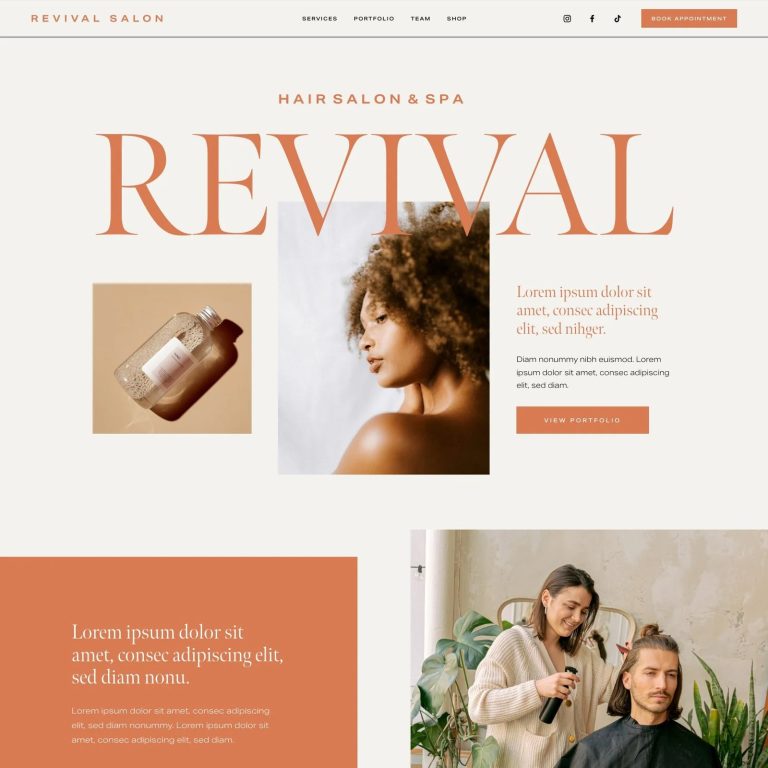
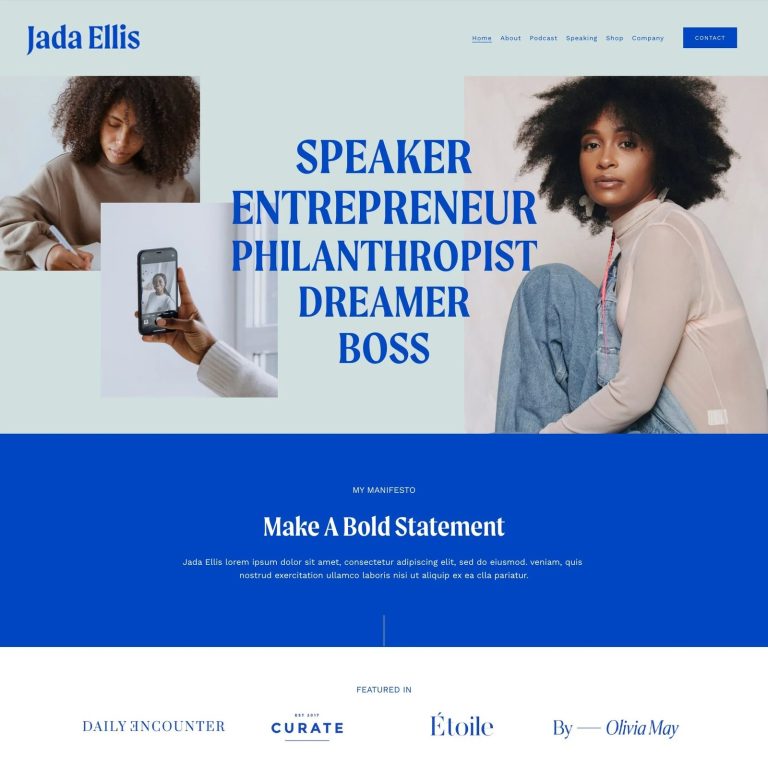
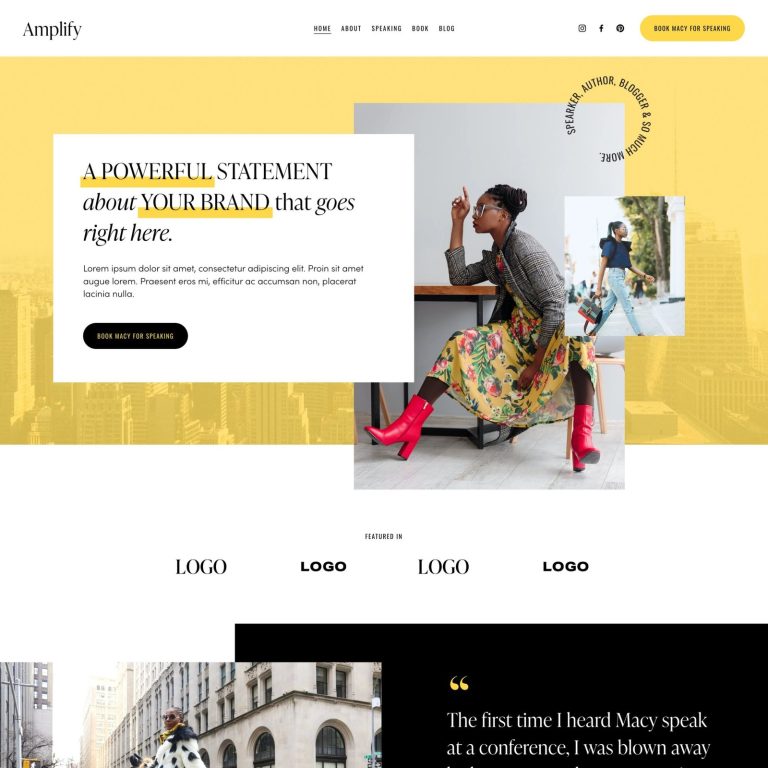
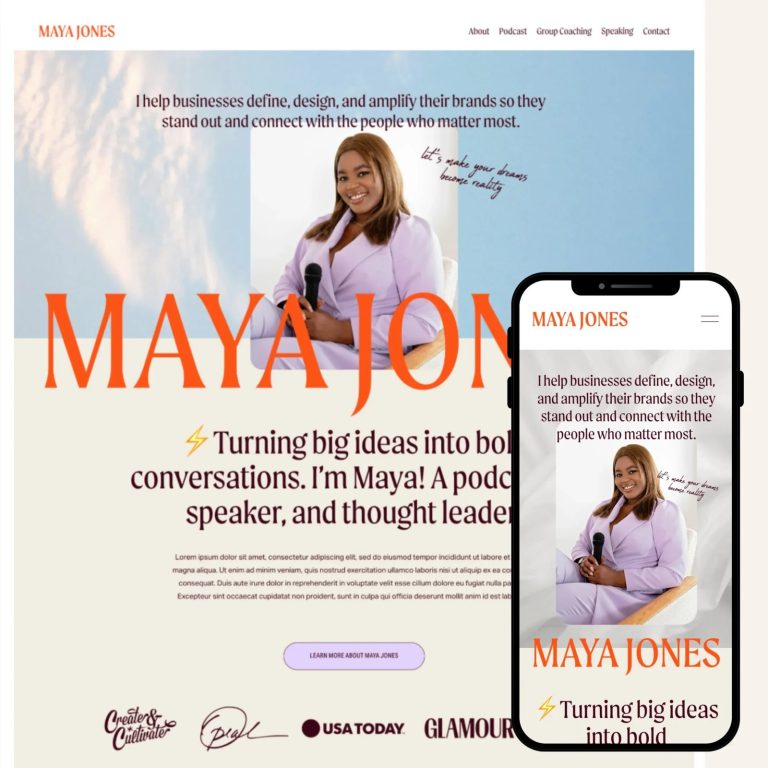
GoLiveHQ is one of the larger Squarespace template shops on Squarespell. The code SQUARESPELL10 takes 10% off all eligible Go Live HQ templates (31 products on 2 November 2026), which the Deals page puts at $29.90 off a $299 template. Examples: Revival for small businesses, Jada for coaches, speakers and podcasters, Amplify for speakers and authors, and Maya Jones for coaches and personal brands.
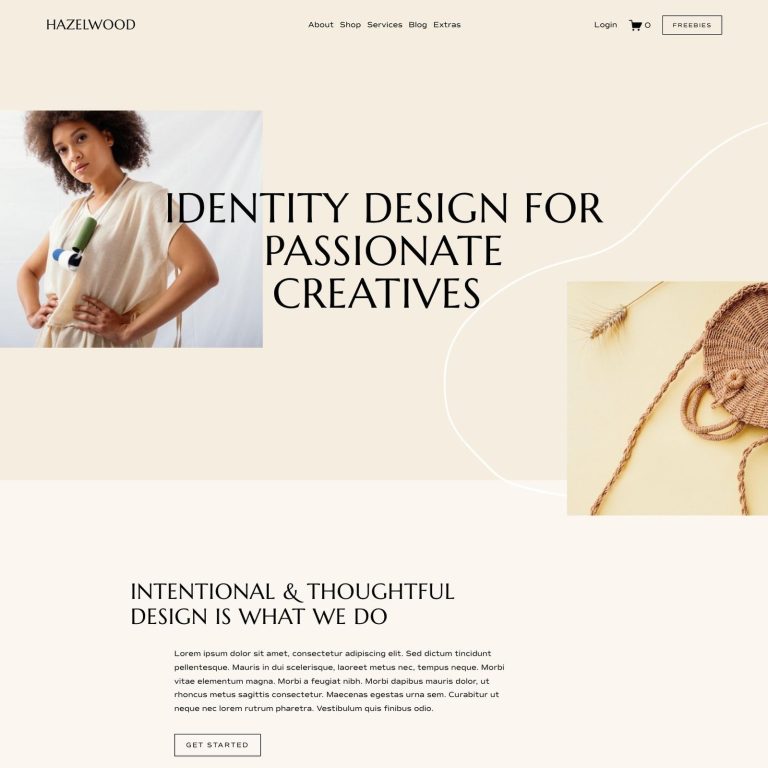
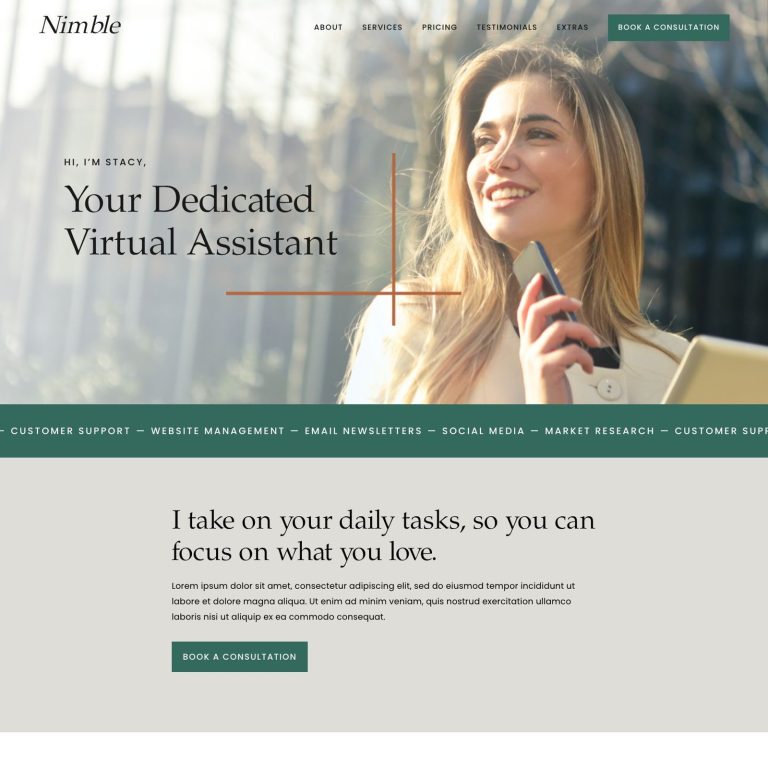
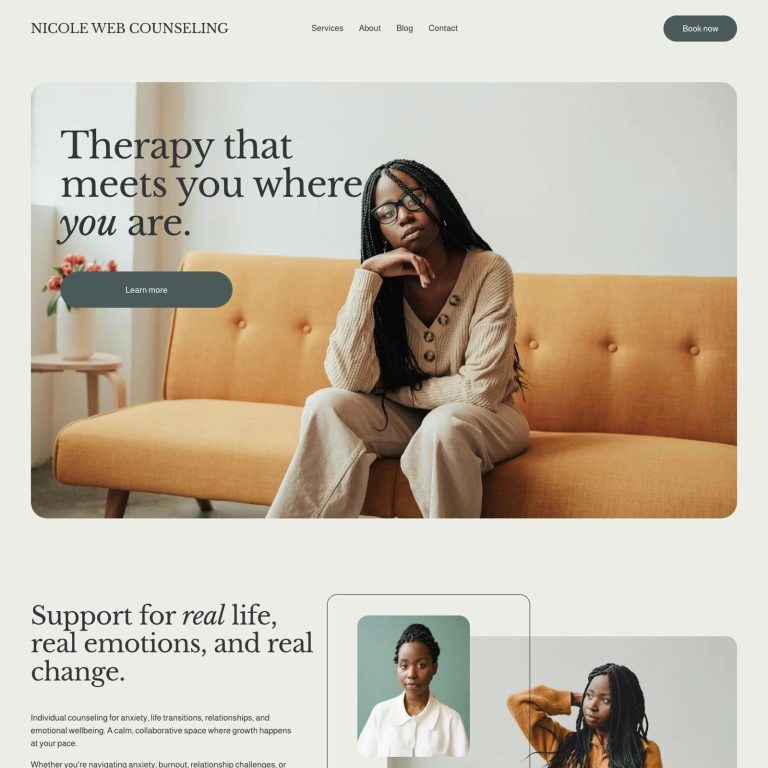
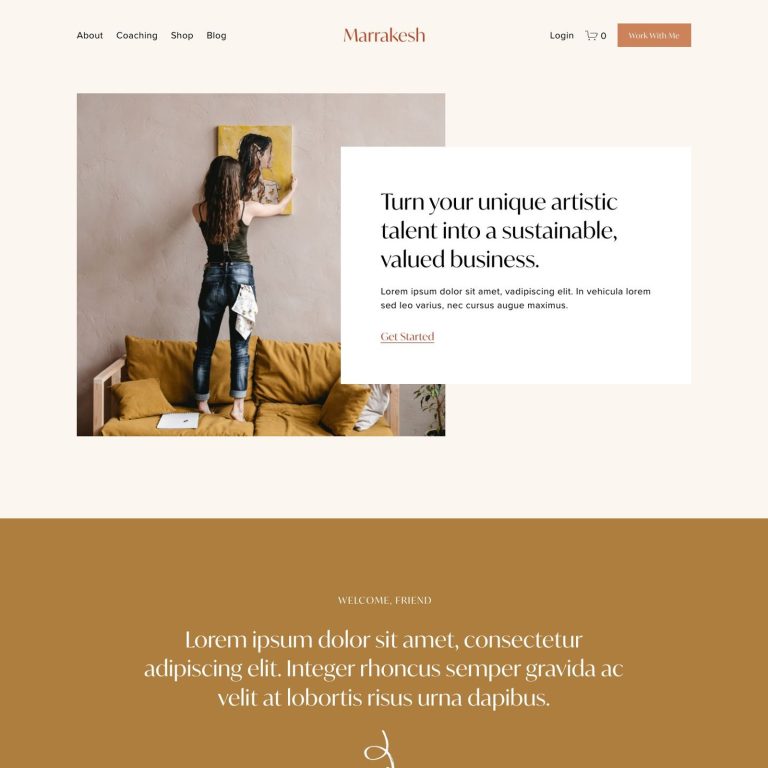
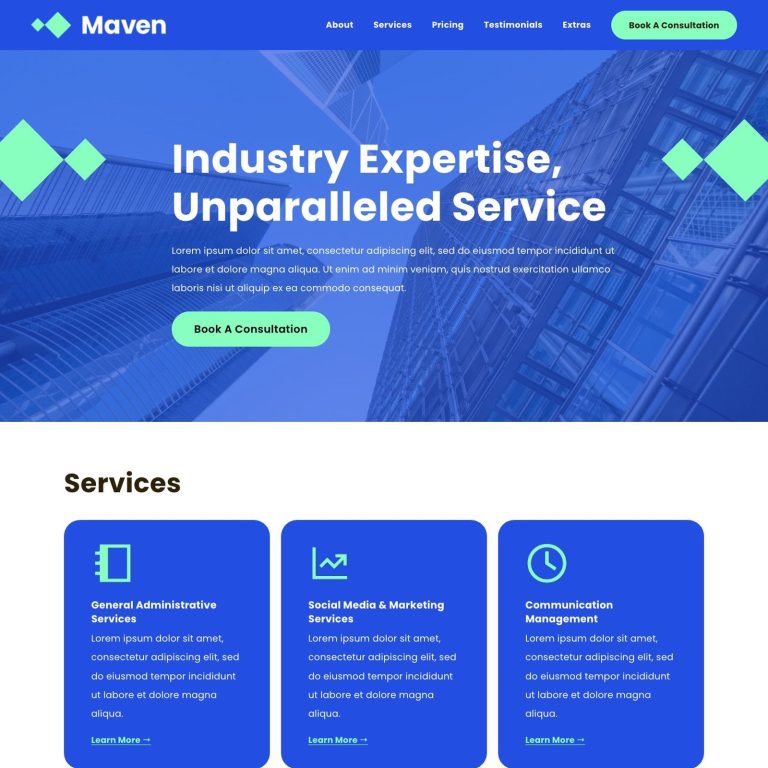
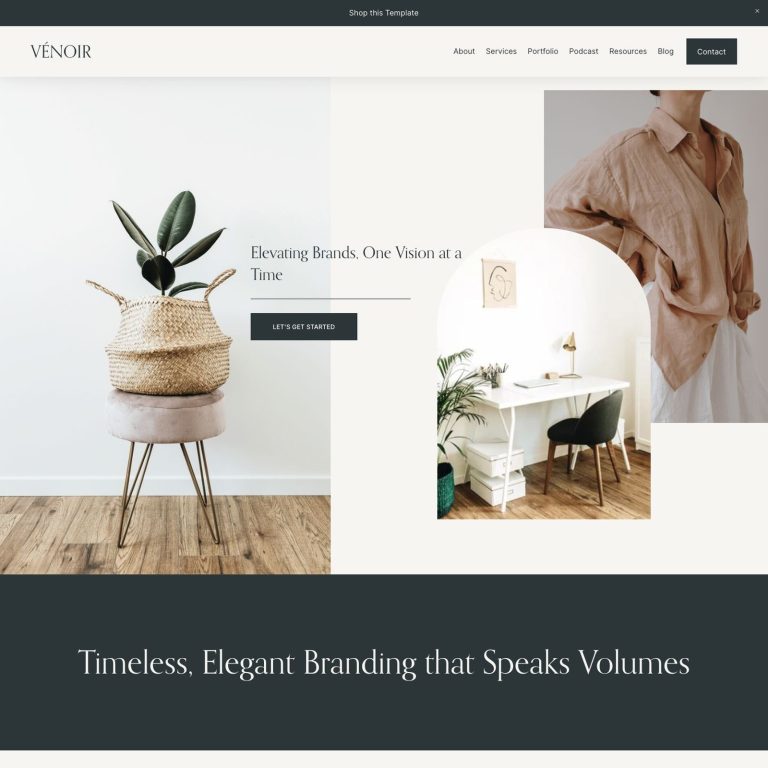
Two designers were running their own sales on 2 November 2026, with the reduced price already shown on each listing. Station Seven had 30% off 14 Squarespace 7.1 templates, including Hazelwood, Nimble, Marrakesh and Maven at $188.30 instead of $269. Asha Glenn Design Studio had Nicole and Confidence Co. at $97 instead of $197, and Venoir and Willow at $197 instead of $297. Neither designer published an end date, so the prices can change without notice.
What the listings say about each: Hazelwood is the most designed of Station Seven’s business templates, with a full shop; Nimble is built for admin and operations businesses; Marrakesh is the coaching template; Maven makes a one-person business read as a firm. Nicole is built for therapy practices; Venoir is a nine-page kit with a shop and podcast; Willow suits social media managers and brand strategists. Confidence Co. is, in the listing’s own words, the thinnest listing in the range, with no demo or page list published, so look closely before buying it.
$188.30 $269.00
 Station SevenSquarespace 7.1 · Template
$188.30 $269.00
Station SevenSquarespace 7.1 · Template$97 $197.00
 Asha Glenn Design StudioSquarespace 7.1 · Template
$97 $197.00
Asha Glenn Design StudioSquarespace 7.1 · Template$188.30 $269.00
Station SevenSquarespace 7.1 · Template$188.30 $269.00
Station SevenSquarespace 7.1 · Template$197 $297.00
Asha Glenn Design StudioSquarespace 7.1 · Template$197 $297.00
Asha Glenn Design StudioSquarespace 7.1 · TemplateIf you would rather not install anything yourself, Squarespell’s own templates at the top of this page cost $99 and are installed into your account for you. Vera suits coaching and consulting practices, Noura wellness coaches and therapists, Horizon a blog that is also a business, Velora authors and podcasters, and Luminara photographers. There is no Squarespell code for these; the price is the price.
If you write about Squarespace or build sites for clients, Squarespell’s affiliate program pays commission on its own templates and plugins.
The same Deals page had four codes for Squarespace add-ons on 2 November 2026. Like template codes, they are entered at the creator’s checkout, not Squarespace’s.
| Creator | Code | Discount | Covers |
|---|---|---|---|
| BeyondSpace | SQUARESPELL_FRIENDS | 15% | All BeyondSpace plugins (10 products) |
| Spark Plugin | 5BFAP0WC | 10% | Any Spark Plugin subscription |
| Eventually | SPELL10 | 10% | Any paid Eventually plan |
| Squarespell plugins | None needed | 10% for 2, 20% for 3, 30% for 4 or more | Squarespell’s own plugins bought together, applied automatically |
From squarespell.com/deals and the Squarespell plugin listings, checked 2 November 2026.
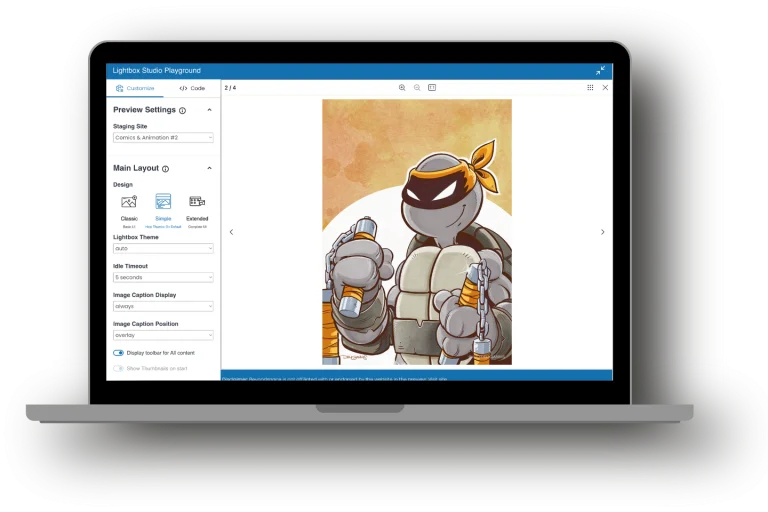
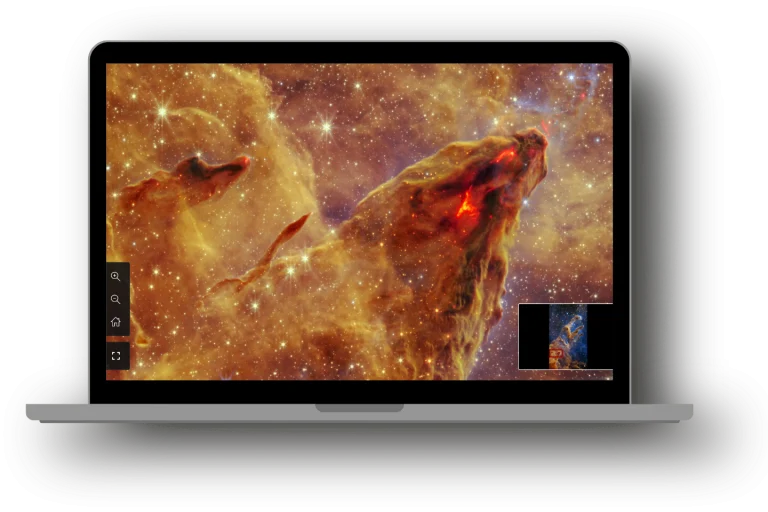
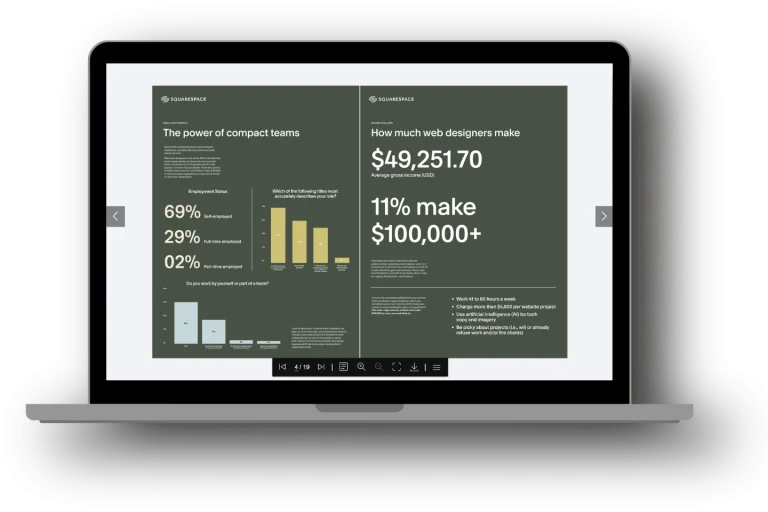
From BeyondSpace, Lightbox Studio replaces Squarespace’s lightbox with pinch-to-zoom, thumbnails and a download button; Automatic Website Policies generates a privacy policy, terms and cookie consent; Macroom Viewer adds a before-and-after image slider; and Paperless Flip turns documents into page-flipping flipbooks.
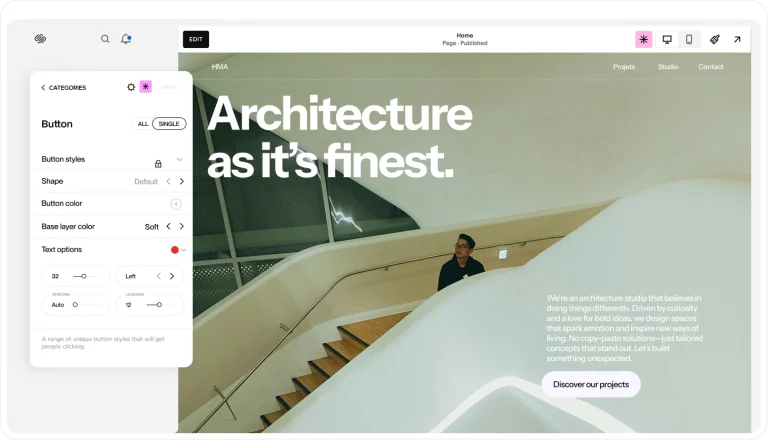
Spark Plugin adds over 100 no-code customisations for Squarespace 7.1, applied by clicking rather than pasting CSS, and the code works on any subscription.
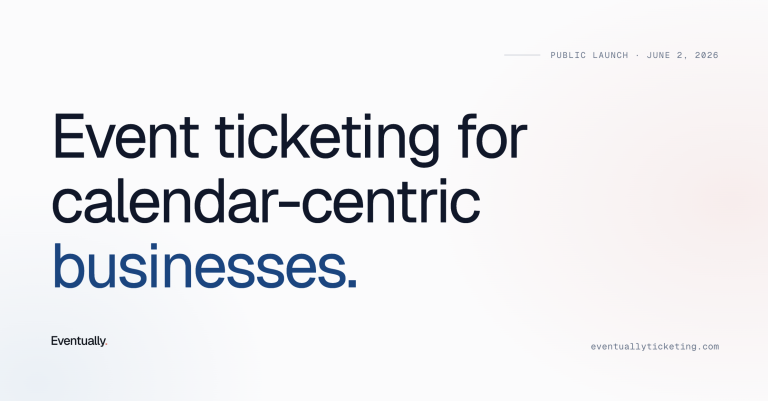
Eventually sells tickets to workshops, classes and retreats through your own Squarespace checkout. It has a free plan, and the code applies to the paid plans.
$99
$59
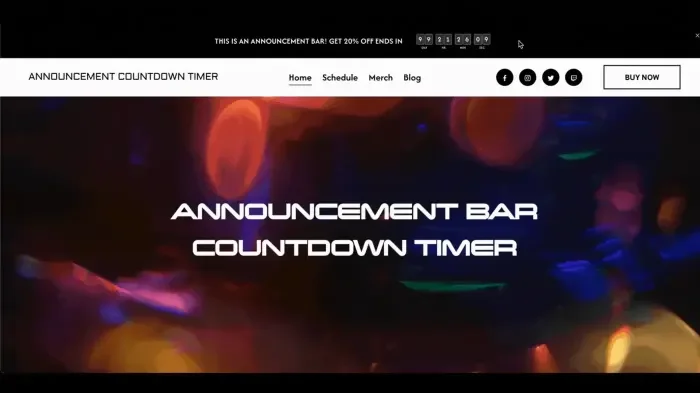
Squarespell’s plugin listings show a “Bundle & save” box: 10% off two plugins, 20% off three and 30% off four or more, applied automatically at checkout on Squarespell plugins. Some of them also cover features you might otherwise move up a plan for. The Squarespace Countdown Timer Plugin 7.1 is free and adds a countdown for sales, events and launches; Countdown Timer in Announcement Bar ($25 for one site, $45 for unlimited sites) puts the countdown in the announcement bar on every page; and Squarespace Popup Pro ($39 for one site) builds pop-ups, slide-ins and bars from your own sections, opened by a button, on exit, after a delay or on scroll.
To get the bundle price: add two or more Squarespell plugins to your cart on squarespell.com and go to checkout; the listing says the discount is applied there automatically, with no code to type.
| Your situation | Use this | Why |
|---|---|---|
| Full-time college or university student | Student discount (Student Beans) | 50% is five times GIMME10, on any annual plan |
| Charity or nonprofit | NONPROFIT or GIMME10 | Both are 10% on the first payment; use one |
| Designer building client sites | Squarespace Circle | 10% to 25% automatically, plus trials of three months or longer |
| Anyone else, first site | GIMME10 on an annual plan | The only public code, on top of the annual price |
| Not sure the site will last a year | Monthly billing, no code | Codes need annual billing; monthly costs more but commits you to less |
| Already paying, renewal coming | No code applies | Codes do not work on renewals; review your plan before the renewal date |
| Buying a premium template | The designer’s code or sale | Squarespace codes do not cover third-party templates |
Based on Squarespace’s published offers and the Squarespell Deals page, 2 November 2026.
One decision matters more than the code: the plan. Basic charges a 2% online store transaction fee that Core and above do not, according to the pricing page. If you will sell more than a little, the cheaper plan with a bigger discount can end up costing more than Core with a smaller one.
Publishing the gaps is part of the method, not an afterthought.
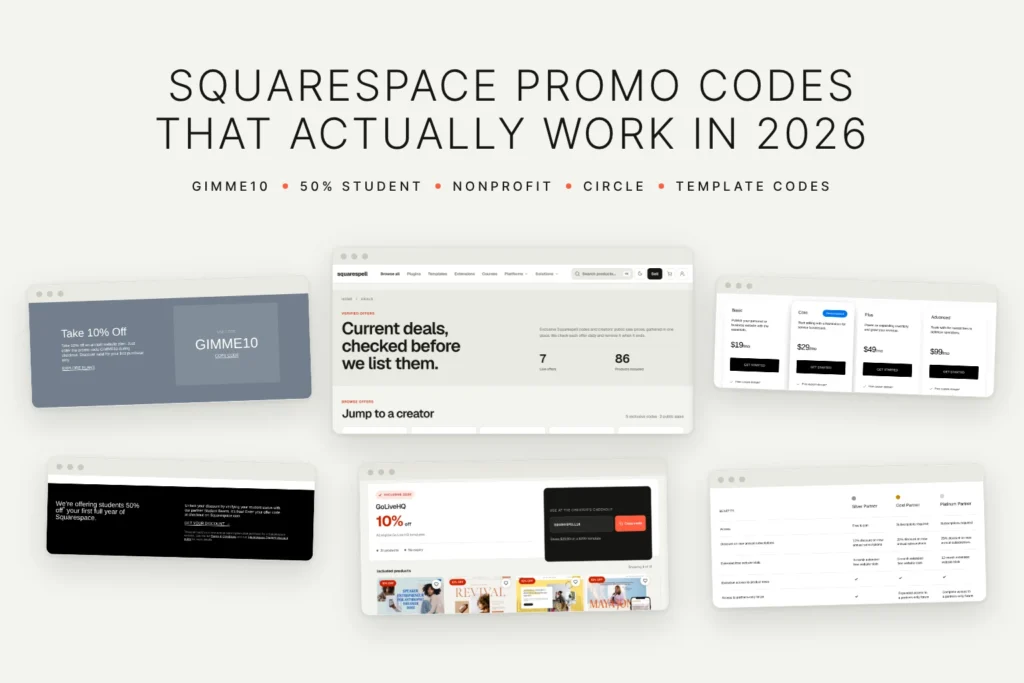
We didn’t go through a paid Squarespace checkout. The steps for applying codes come from Squarespace’s help articles, not from a purchase we made, so we have no screenshots of the Review order page itself. The images on this page are captures of Squarespace’s and Squarespell’s public pages.
We couldn’t capture Squarespace’s help centre or Student Beans as images. Both blocked our capture tool on 2 November 2026, so the help-centre wording quoted here was read from the published articles as text, and the Student Beans steps come from Squarespace’s guide.
We didn’t confirm whether NONPROFIT works on monthly plans. Squarespace’s guide says “10% off your first payment” without naming a billing cycle.
Prices are US dollars on one day. Squarespace shows prices in your currency, and its headline “save up to 36%” may reflect another currency or plan; the US prices we saw give 24% to 29%.
Designer sales have no published end date. The Station Seven and Asha Glenn prices were correct on 2 November 2026 and can change at any time; the Deals page says it removes offers when they end.
How this article was put together. It was researched and drafted with AI assistance, then every price, code and rule was checked against the Squarespace and Squarespell pages linked above on 2 November 2026.
Is there a Squarespace promo code right now? Yes. GIMME10 gives 10% off an annual website plan on your first purchase, and it is listed on Squarespace’s coupons page as of 2 November 2026. Students can get 50% off instead, and nonprofits can use NONPROFIT for 10%.
Does GIMME10 work on monthly plans? No. The coupons page describes it as 10% off an annual website plan. Monthly plans are also excluded from the student discount and the free domain.
Can I use a Squarespace promo code on my renewal? No. Squarespace says codes cannot be used for renewal payments and only apply to the first payment. The exception is a plan or billing cycle change during your first billing period, when a code can still be applied.
Can I combine the student discount with GIMME10? No. Only one code can be used per transaction, and the student code is not valid with other offer codes. Use the student code, which is worth five times as much.
Do I still get the free domain if I use a promo code? Squarespace’s redeem guide lists the free domain offer as an automatic discount that cannot be combined with a code, and says it applies whichever saves you more. Check the Review order page: if the domain and the code both matter to you, compare the totals before you confirm.
I already paid. Can I add a code afterwards? For the student discount, Squarespace refunds the difference if you contact it within seven days of your first payment (the guide also mentions your first billing cycle). For other codes, the only route Squarespace documents is applying a code when you change plan or cycle during the first billing period.
Is there a Squarespace Black Friday deal? Squarespace says it shares promotions through its own website and emails. On 2 November 2026 its coupons page listed GIMME10 and the student offer, and no seasonal sale. If a Black Friday offer appears, it will be on squarespace.com/coupons.
Do Squarespace templates cost extra? No. Squarespace’s own templates are included with every plan. Premium templates from independent designers are bought separately from the designer, and Squarespace’s codes do not discount them.
Is there a promo code for Squarespace domains? Squarespace’s redeem guide explains how to apply an offer code when buying a domain, so domain promotions can exist, but no domain code was listed on the coupons page when we checked. An annual plan already includes one free domain for the first year.
Is Squarespace Circle worth joining just for the discount? Only if you build sites for other people. Silver gives 10%, the same as GIMME10, so the real value is the longer trials and the higher discounts at Gold and Platinum, which need active subscriptions.
Start a free trial and build first; the plan you need will be obvious within a few days. When you are ready to pay, choose annual billing, register your free domain, and apply one code: the student code if you qualify, otherwise GIMME10 (or NONPROFIT, which is worth the same). If you want a premium design, pick it before you subscribe and use the designer’s code from the Deals page, and if you are still deciding on a look, our review of Squarespace templates is the place to browse.
Reviewed and last updated 2 November 2026. All prices and codes checked on that date.

A step-by-step way to choose a Squarespace 7.1 template for your business: start from the job your site must do, check the plan, test the phone layout, then pick one of five routes from free to done for you.

We reviewed every premium Squarespace template in the Squarespell catalogue and shortlisted 36. Prices, page structures, honest limitations and who each one suits.
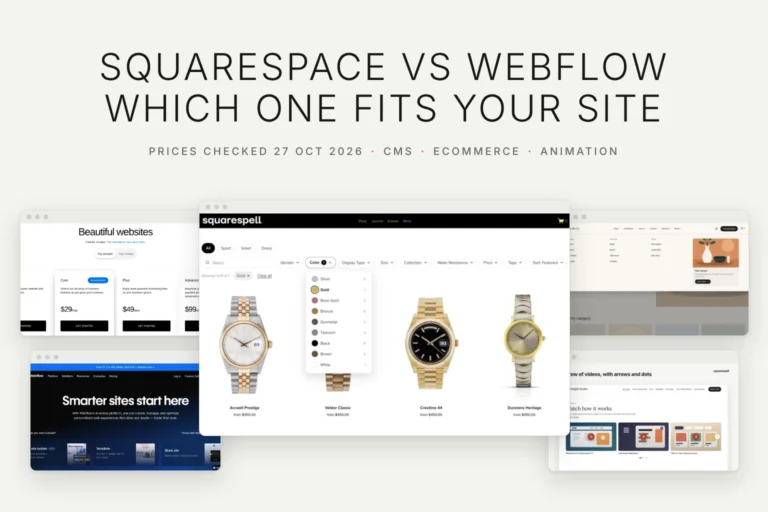
Squarespace vs Webflow compared on October 2026 prices, CMS limits, store fees, animation, client editing and export, with step-by-step setup for each and the plugins that close the gap on Squarespace.
Squarespell All Access
All 48 plugins and every new one, worth $2,044 bought one by one. 14 days free, cancel anytime.
Start 14 days freeOr start free with 13 plugins, no cardFounding price until 1 December, kept for as long as you stay.