Member Content Pro: Show Members-Only Content on Public Squarespace Pages with Native Member Sites$59
 Squarespace · PluginSquarespell Original
Browse by platform
View allBrowse by goal
View allBrowse by goal
Fresh inventory
Recently added
Member Content Pro: Show Members-Only Content on Public Squarespace Pages with Native Member Sites$59Squarespace · PluginSquarespell Original Event Tickets: Sell Tickets on Squarespace Event Pages with Ticket Types, Seats Left and Native Checkout$59Squarespace · PluginSquarespell Original
 Wholesale Order Pad: Squarespace Wholesale Order Form with Bulk Add to Cart, Order by SKU and Reorder$85Squarespace · PluginSquarespell Original
 Squarespace Summary Block Pro: More Than 30 Items, Load More and Pagination$49Squarespace · PluginSquarespell Original
 Squarespace Delivery Area Checker: Postcode and ZIP Code Checker Plugin$49Squarespace · PluginSquarespell Original
 Order Rules: Squarespace Minimum Order, Quantity Limits and Pack Sizes Plugin$49Squarespace · PluginSquarespell Original
Search results
Matching products
Squarespace
A Squarespace template is a starting design, not a file you install, and on 7.1 it cannot be switched later. Here is what that means in practice, how a paid template reaches your account, and what it costs.

A note on how we make money. Squarespell makes two of the templates used as examples here, Noura and Vera, so weigh that interest. Four others are third-party listings on Squarespell, and we may earn a commission if you buy through them. Neither fact changes what this guide says about how templates work, and the Squarespace facts below come from Squarespace’s own help centre. Details are in our affiliate disclosure.
If you want the short version:
And the honest caveat before any of that matters: content, URLs and billing follow the site, not the template. Decide whether the template lands in a new site or your current one before you buy, because that choice decides how much work comes after it.
Last updated: 3 November 2026
Most explanations of Squarespace templates describe a shopping trip: browse the designs, pick one, make it yours. That skips the part people actually get stuck on. A Squarespace template is not a file. There is nothing to download, nothing to install, and no theme folder to replace six months later when the brand changes.
What a template really is depends on which version of Squarespace you are on, and what happens when you buy one from a designer depends entirely on how that designer delivers it. Those two facts explain nearly every surprise: why the template you liked cannot be swapped in later, why a purchase sometimes appears as a brand new site in your dashboard, and why a template that is “installed for you” needs you to hand over access to your account.
This guide takes the mechanics in order, with every Squarespace claim read from the help centre on 3 November 2026 and every delivery claim read from the listing of a real template on the same day. The six templates below are the worked examples: two Squarespell builds and four from independent designers, each with a different way of reaching your account.
$99
 GoLiveHQSquarespace 7.1 · Template
 Big Cat CreativeSquarespace 7.1 · Template
$197
 Asha Glenn Design StudioSquarespace 7.1 · TemplateGoLiveHQSquarespace 7.1 · Template
Squarespace’s own definition is narrower than most people expect. In Understanding Squarespace templates, the help centre says that on version 7.1 the word template “refers to the design you chose as a starting point for your new Squarespace site”, and that “all version 7.1 sites are part of the same template family, so every site has the same features and style options”.
That sentence does two jobs. It tells you a template is a layout and a style, not a feature set, so picking the wrong one never locks you out of a store, a blog, courses or members. It also tells you there is nothing to swap later, because there is only one family to be in.
Version 7.0 works the other way round. There, the help centre says each template “has a fixed set of style settings and special features that can’t be changed”, and templates are grouped into families that share structure and behaviour. There are 22 families, 10 of which hold more than one template; the Brine family alone lists 47. On 7.0, the template really is the product.
Everything else in this guide depends on the answer, and it takes ten seconds. Open the Pages panel and scroll to the bottom of it: a 7.1 site shows a Version 7.1 label, and a 7.0 site shows its template’s name instead.
Almost every template sold today, including all six in this guide, is built for 7.1. If your site turns out to be on 7.0, read the update section before you buy anything.
“Can I switch templates on version 7.1?” is answered in one word in Squarespace’s help centre: No. The reasoning follows the definition above. All 7.1 sites share the same structure and style options, so there is no separate template to move to. If you want an older design, the help centre points you at the version 7.0 template store and a new trial, which means a new site rather than a change to this one.
This is less restrictive than it sounds, because the things people usually want from a template switch are all available without one. Squarespace lists four ways to start over in Redesign or restart your site: redesign in place, reset the style settings to the site’s original look, delete the content but keep the styling, or start a new trial site and lose both.
For most redesigns, the answer is the first one, and it happens in site styles. Open the Pages panel, click any page, then click the paintbrush icon in the top-right corner. Themes there are preset packs, grouped into moods such as Professional, Playful or Innovative, that change fonts, colours and buttons together; you can still adjust each one afterwards.
One warning worth reading before you experiment. Squarespace’s styling guide says plainly that “it’s not possible to undo changes after saving”, so the undo arrow only helps while you are still in the panel. Try a theme, look at it, and save only when you mean it.
Switching templates does exist on 7.0, and the trade is documented in Switching templates in version 7.0. Pages, blocks, blog posts, products, events, SEO titles, the logo and code injection all carry across. Site styles, navigation order, sidebar content, footer content, page headers and footers and background images are template-specific and do not. Index pages become dropdowns, project pages become galleries, and info pages stop displaying.
Four sources, and they are not alternatives to each other so much as different amounts of work.
The designs in Squarespace’s template store cost nothing beyond the subscription, and you choose one as you start a trial. The store asks what your site is for and filters by type and topic, which is the fastest route to a working site if you are happy to do the layout work yourself.
Instead of choosing a finished design, you can answer questions about the business and let Squarespace assemble the starting layout. The help centre describes it as building “your own template using Blueprint AI Builder”, and the store offers it as a button next to the designs. The result is still an ordinary 7.1 site with the same features as any other.
This is what people usually mean by buying a template: a design made by an independent studio, sold once, and delivered into your Squarespace account. Prices in this guide run from $99 to $299, and the design is only part of what you are paying for. The rest is the structure, the tutorials and, in some cases, the installation itself. How it arrives is the subject of the next section, and it varies more than the price does.
At the other end, you can skip templates and have the site built. Squarespell’s own Squarespace website design service is the in-house version of this, and the trade is the usual one: more money, less of your time, and a site shaped around your content rather than around demo content you replace.
Squarespace is a closed platform. Designers cannot export a template as a file for you to upload, so they keep the finished design in a Squarespace account of their own and move access to you. There are four ways they do it, and the difference decides whether the template can go anywhere near your current website.
| Delivery route | What lands in your account | Works on a live site? | Example |
|---|---|---|---|
| Built in your account | A finished site inside your own Squarespace account; you give the designer access first | Possible, but it is still built as a site you then populate | Noura, Vera ($99, Squarespell) |
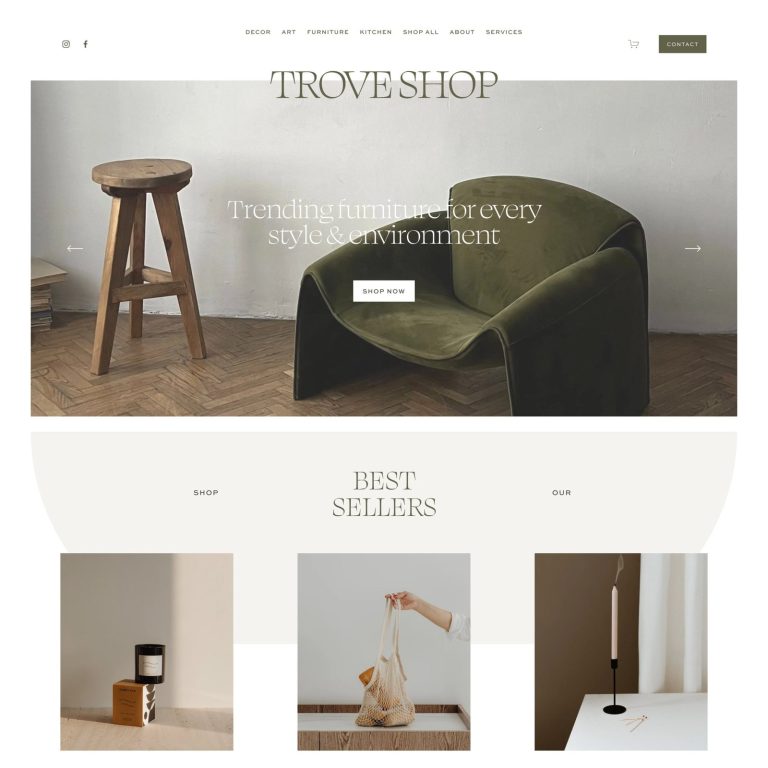
| New site by contributor invite | A new trial site appears in your dashboard, with the designer as a contributor | No, not by default | Revival, Trove Shop ($299, GoLiveHQ) |
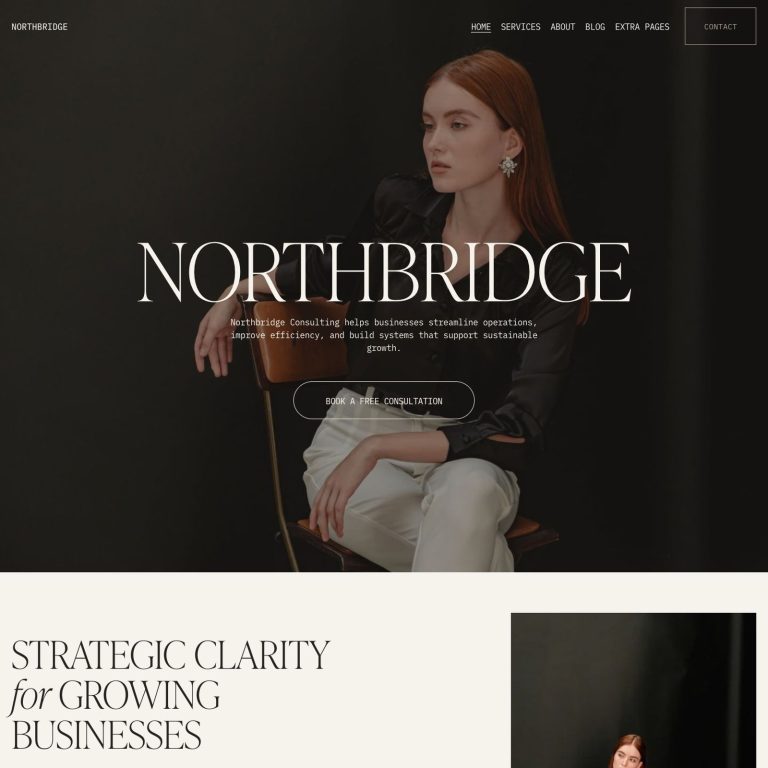
| A template link you open | Clicking the emailed link adds a new trial site to your account | No | Northbridge ($197, Asha Glenn Design Studio) |
| New site or install into an existing one | Whichever you choose at the point of purchase | Yes, into an existing 7.1 site | Verano ($297, Big Cat Creative) |
Delivery details and prices from each product listing on squarespell.com, read 3 November 2026.
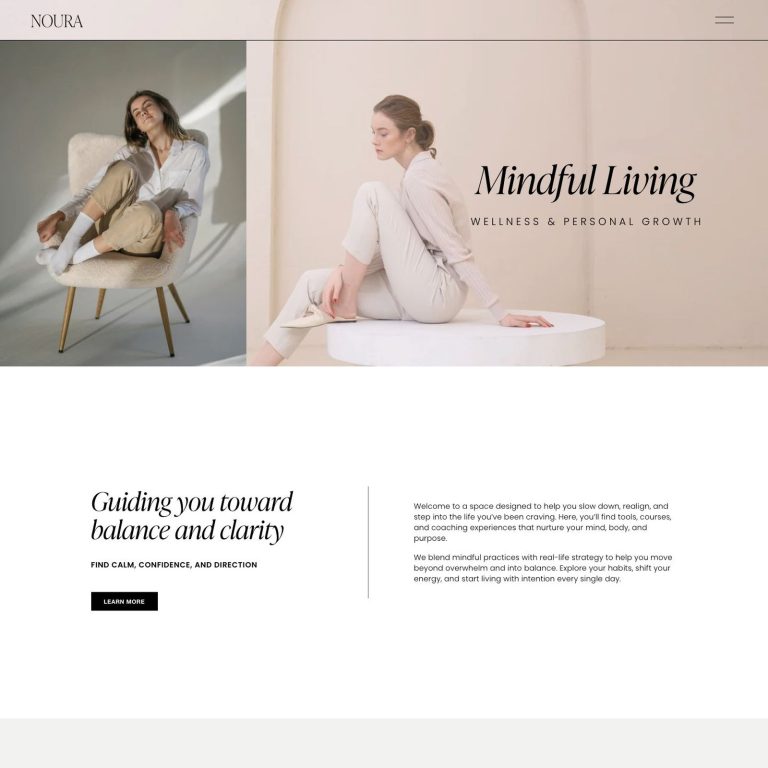
Squarespell’s own templates work this way. The Noura listing describes done-for-you installation: the full site is built inside your Squarespace account within 24 hours of purchase, and you log in to a finished site and replace the demo content. Nothing is uploaded by you, and no file changes hands.
What the listing includes is worth reading closely, because one line is a requirement rather than a benefit: you have to give access to your Squarespace account so the installation can happen. That is the trade for not doing the setup yourself.
Step by step, as the listing describes it:
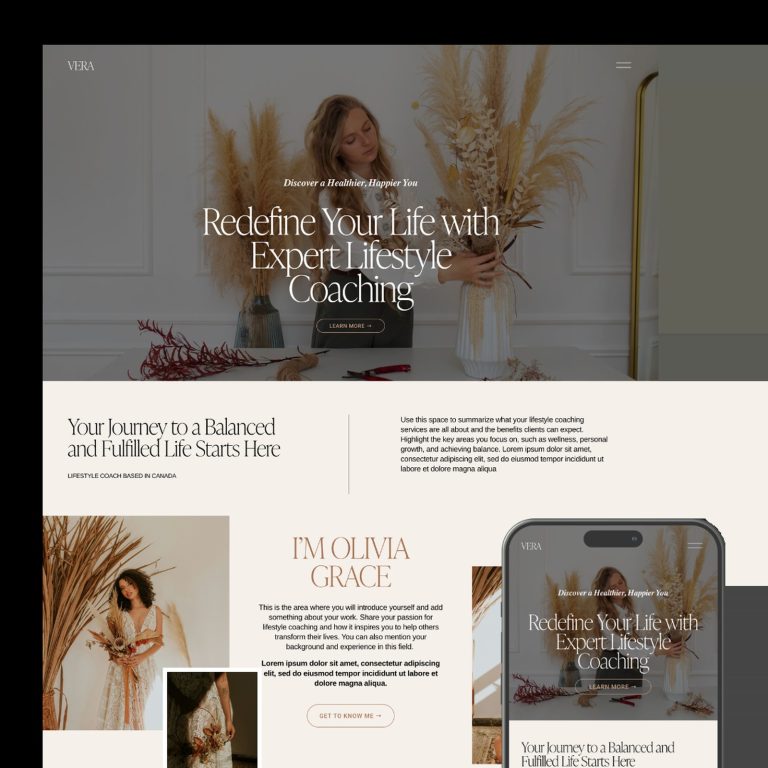
Vera follows the same model at the same $99, built for consultants and coaches rather than wellness practitioners. Both ship as a fixed kit of pages: six for Noura, and the listing is explicit that more can be added in Squarespace afterwards, but the kit is how the design is composed.
$99
If you write about Squarespace or build sites for clients, Squarespell’s affiliate program pays commission on its own plugins and templates.
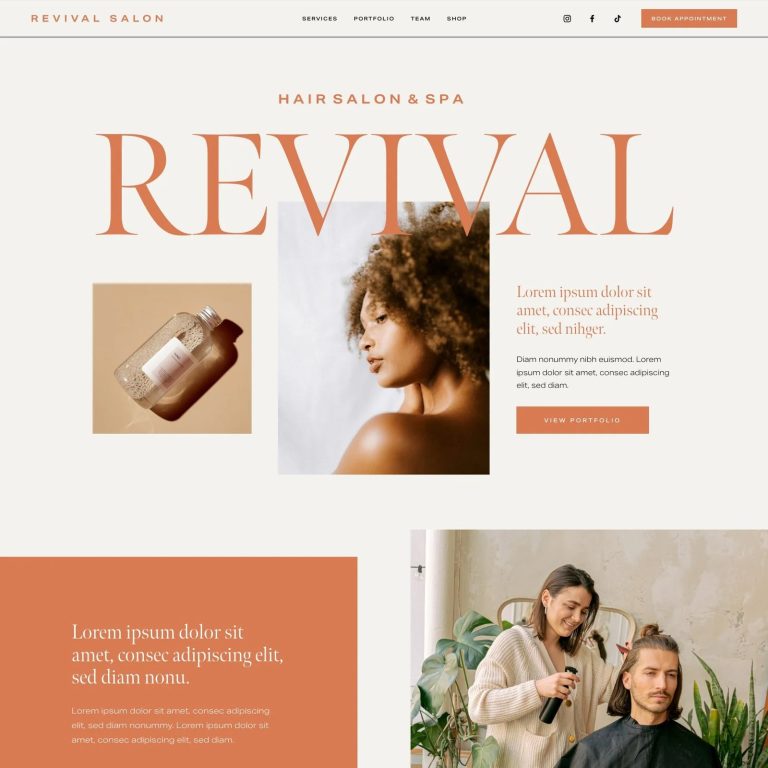
GoLiveHQ delivers this way. The Revival listing describes the template as “delivered as a new Squarespace site by contributor invite, normally within 24 hours”. You accept the invitation, the site appears in your dashboard as a trial, and you build it out there while your current website, if you have one, carries on untouched.
The limitation is in the listing’s own FAQ. Asked whether Revival can be used on an existing Squarespace site, the answer is “not by default”: GoLiveHQ deliver a new site so you can build it out and move your domain across when you are ready, and they sell a separate install service that places the pages into the Not Linked section of an existing 7.1 site. If your site is live and you want the design dropped into it, that is a second purchase and a conversation before you buy.
This route is also where the trial and discount perks people remember come from. The Revival listing includes a six month extended Squarespace trial for template buyers and 20% off the first year of an annual Squarespace subscription, alongside a five day course, video tutorials and support. Those are GoLiveHQ’s own terms, not a Squarespace rule, and the trials section explains where such offers originate.
Trove Shop is the same studio’s ecommerce design and arrives the same way, with a shop page and a single product page already laid out.
GoLiveHQSquarespace 7.1 · TemplateGoLiveHQSquarespace 7.1 · Template$197
Asha Glenn Design StudioSquarespace 7.1 · TemplateAsha Glenn Design Studio uses a variation that needs no invitation at all. The Northbridge listing explains that a receipt and a Client Hub PDF arrive straight after checkout, then a second email within 24 hours containing the template link. Visiting that link adds a new site trial to your own Squarespace account, already carrying the design.
It is the least hands-on route for both sides, and it has the same consequence as route 2: what you get is a new site, not a change to an existing one. The listing also records a single-use licence, so a second website needs a second purchase, and an eight-page kit with two services pages and a link-in-bio page.
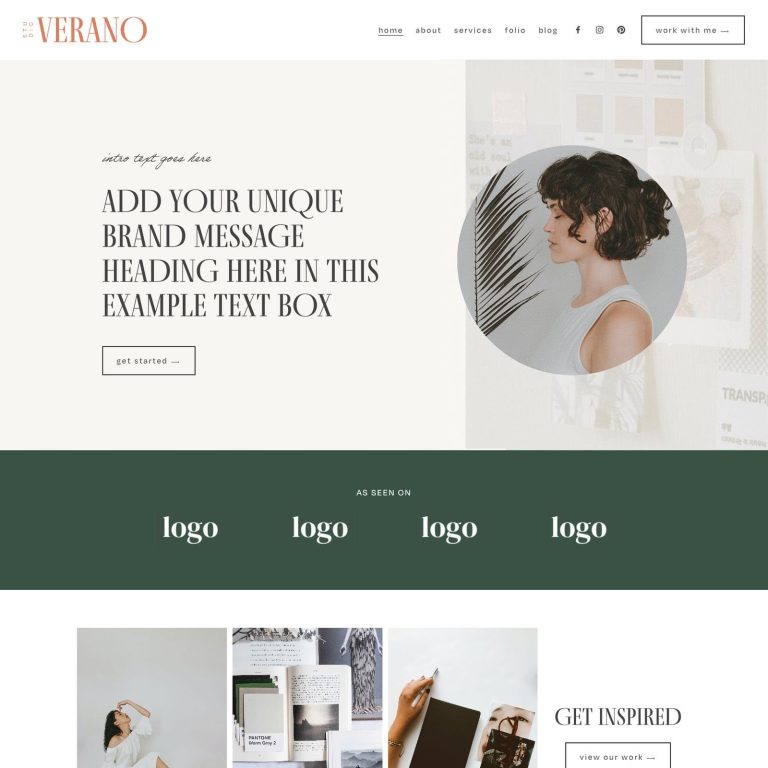
This is the one to look for if your website is already live and you do not want to rebuild it somewhere else. Big Cat Creative’s Verano is delivered either as a new Squarespace site or installed into an existing 7.1 site, and you choose which when you buy. Its listing puts delivery within 48 hours rather than 24.
An install into an existing site is not a swap. The pages are added to the site you already have, which means your current pages still exist and someone has to decide what happens to them, page by page. Plan for a period where the site holds both the old and new versions of itself.
Big Cat CreativeSquarespace 7.1 · TemplateOne more thing the listings agree on, whichever route they use: the demo photography is usually licensed to the designer and is not passed on with the template. Verano’s listing says so directly. Budget for your own images, or for stock licences, before launch.
Three of the four delivery routes involve a contributor, so it is worth knowing what that word means in Squarespace before you accept an invitation or send one. A contributor is a separate person with their own Squarespace account and their own permissions on your site, which is how designers work on a site they do not own.
Ownership is a different thing again. Squarespace’s Contributors basics guide says whoever creates a site automatically becomes its owner, and that ownership can be transferred to another contributor at any time, during or after the trial. The old owner stays on as a contributor afterwards unless they are removed.
This matters most when the designer created the site. If a template arrives as a site built in the designer’s account, somebody has to hand it over properly, or the business ends up renting its own website. The transfer itself is five steps in Change the site owner, and it only works once the new owner has been invited as a contributor and has accepted.
Transferring the site also transfers the subscriptions attached to it, including Squarespace domains, Google Workspace and Acuity Scheduling. The help centre is clear that billing details do not follow automatically: Squarespace’s guide for a new site owner tells you to change the card on file, or the previous owner is charged at renewal.
One limit worth knowing before you invite anyone. Sites on the Basic and Personal plans, and the discontinued Cover Page plan, allow two contributors in total, and the owner counts as one of them. A trial site with more than two contributors cannot be upgraded to those plans, so remove the designer’s access once the work is finished if that is the plan you are heading for.
A template buys the design. The platform is separate, and every listing in this guide says so in its own words. Here is what the platform costs and how long you can work before paying for it.
Squarespace’s trial guide is unambiguous: “We offer a 14-day free website trial”, started from the Get started button on squarespace.com, with no credit card needed.
If two weeks runs out, there is exactly one extension: a one-time, seven-day extension, taken from the email Squarespace sends when the trial expires. The days remaining are shown in the Billing panel under Trial Subscriptions.
Template shops often advertise a six month trial and a discount on the first year. Those are real, but they are not a template feature and not something Squarespace gives every buyer. They come from Squarespace Circle, the free partner programme for people who build sites for others, and the length depends on the partner’s status.
| Circle status | Extended free trial | Discount on the first payment of an annual subscription |
|---|---|---|
| Silver | 3 months | 10% |
| Gold | 6 months | 20% |
| Platinum | 12 months | 25% |
From the Squarespace Circle discount and benefits overview, read 3 November 2026.
The mechanism explains who gets the long trial. Squarespace says that after joining Circle, every new site created under the partner’s email address starts with an extended trial, and that trials started before joining follow the standard 14 days. So when a template arrives as a new site made by a Circle partner, the longer trial comes with the site. A site you started yourself before buying does not gain one retrospectively.
The discount works the same way: it applies to the first payment of an annual subscription, not to renewals, reactivations or plan changes, and it cannot be combined with other offers. That last rule is the one that catches people who are also holding a coupon code. Our guide to Squarespace promo codes covers which savings can be stacked and which cannot.
Two bills, one from the designer and one from Squarespace, and only the first is a one-off.
| Cost | How often | Amount |
|---|---|---|
| Squarespace template (the six here) | One-time | $99 to $299 |
| Squarespace Basic plan | Monthly, billed annually | $19 a month |
| Squarespace Core plan | Monthly, billed annually | $29 a month |
| Squarespace Plus plan | Monthly, billed annually | $49 a month |
| Squarespace Advanced plan | Monthly, billed annually | $99 a month |
| Your own photography or stock licences | One-time or subscription | Not included with the template |
Template prices from their Squarespell listings; Squarespace plan prices from squarespace.com/pricing on annual billing, checked 1 November 2026.
If your website is live and earning, the safest sequence is to build the new design somewhere else and move the domain when it is ready. That is exactly what the new-site delivery routes give you, and it is why they are the default for most studios.
There are two further tools worth knowing, both from Squarespace rather than from any designer.
Any owner or administrator can copy a site from the Account Dashboard: click the ellipsis on the site, then Duplicate Website. The copy appears at the top of the dashboard with “(Copy)” in its title, and the original is untouched.
The copy is a new trial, with its own bill. Squarespace states that duplicating creates a new trial site that needs its own billing plan and that the original plan cannot be transferred to it. Sites with more than 150 pages, Developer Platform sites, parking pages and Acuity scheduling pages cannot be duplicated at all.
What survives the copy is equally specific, and it is the clearest published answer to “what is actually part of my site, and what is attached to it”.
| Copies to the duplicate | Does not copy |
|---|---|
| Pages, sections, layouts and blocks | Domains and Email Campaigns subscriptions |
| The template and style settings | Selling settings: orders, discounts, subscriptions |
| Collection items and text content | Blog comments |
| Site title, logo, languages and regional settings | Saved sections and audio block files |
| Code injection in advanced settings | Analytics, billing, contacts and contributor permissions |
| Member Sites | Integrations needing authenticated access, such as connected accounts and API keys |
From Squarespace’s Duplicating a site guide, read 3 November 2026. Duplicated collection items get extra characters in their URL slugs.
The second route is simply to buy from a studio that offers it, as Verano does, or to buy the separate install service some studios sell, as GoLiveHQ does for its designs. Ask two questions before paying: where do the new pages land, and what happens to the pages already there. The honest answer, in both cases, is that the new pages arrive alongside the old ones and the tidying up is yours.
Modern designer templates are built for 7.1, so a 7.0 site has to move before it can use one. Squarespace provides an update tool for this, and the guide to it is the page to read in full before you start.
The reassuring part first: Squarespace says your site structure and information including SEO, orders, sales, customer data, members, domains, URL mappings and subscriptions remain intact through the update. This is a different operation from duplicating a site, which does drop selling settings and blog comments.
The part to take seriously is that it cannot be undone. “After updating your site, you can’t revert to version 7.0.” The preview exists so you can judge the result before publishing, and Squarespace recommends duplicating the 7.0 site first as a visual reference.
Before the tool will run, the site has to qualify: 150 pages or fewer, no more than 200 products on a store page, developer mode switched off, and a current rather than discontinued template. Squarespace also asks you to save audio block content, because album pages do not exist in 7.1, and to move sub-pages out of index pages, because they lose page settings such as SEO descriptions and titles.
The update itself is four steps:
If that sounds like more risk than you want on a site that is earning, the alternative is the one above: buy a template delivered as a new 7.1 site, rebuild there at your own pace, and move the domain when the new site is genuinely better than the old one.
The demo content is the trap. A template looks finished on day one because it is full of someone else’s words and photographs, and the work is replacing them without breaking the structure that made it look good.
If you are still choosing, our guide to choosing a Squarespace template for your business works through the decision, and our comparison of 118 templates is the wider shortlist.
Publishing the gaps is part of the method, not an afterthought.
We did not buy or install these templates. Every delivery claim in this guide is quoted from the product listing on squarespell.com, with the date each listing was checked shown on the listing itself. Squarespell’s listing check covers the creator, the product page, the platform and the pricing, not a hands-on installation.
The designers’ own websites were not opened for this update. GoLiveHQ, Big Cat Creative and Asha Glenn Design Studio all publish their own terms, and those terms can change between listing checks. Where a perk matters to your decision, such as the six month trial, confirm it on the creator’s page before buying.
Squarespace’s template store could not be screenshotted today. Its template previews load from an image host this environment cannot reach, so the store images here were captured on 1 November 2026 instead. The facts about how the store works come from the help centre, read on 3 November 2026.
Prices move. Template prices are a snapshot of the listings on 3 November 2026 and the Squarespace plan prices were read on 1 November 2026, on annual billing, in US dollars. Check both before you budget.
Can I change my Squarespace template after publishing? Not on version 7.1. Squarespace’s help centre answers the question with a flat no, because all 7.1 sites share one template family and there is no separate template to switch to. What you can change, at any time and without starting over, is the look: fonts, colours, buttons, themes and section layouts in site styles, plus pre-built page and section layouts. On version 7.0 you can switch templates, and most content carries across, but site styles, navigation order, sidebars, footers and background images are template-specific and do not.
Do I download a Squarespace template? No. There is no file at any point. Squarespace is a closed platform, so designers keep the finished design in a Squarespace account and transfer access to you: by building it inside your account, by sending a contributor invitation to a new site, or by emailing a link that adds a new trial site to your account. If a seller offers a downloadable Squarespace template file, that is a reason to ask what you are actually buying.
How much do Squarespace templates cost? Squarespace’s own designs cost nothing beyond the subscription. Designer templates for 7.1 in the Squarespell catalogue run from $99 to $299 as a one-time payment: Noura and Vera are $99, Northbridge $197, Verano $297, Revival and Trove Shop $299. On top of that you need a Squarespace plan, which starts at $19 a month on annual billing for Basic and rises to $99 a month for Advanced, checked on 1 November 2026.
Can a bought template go on my existing Squarespace site? Only if the designer offers that route. Big Cat Creative delivers Verano either as a new site or installed into an existing 7.1 site, and you choose at purchase. GoLiveHQ delivers a new site by default and sells a separate install service that places the pages into the Not Linked section of an existing site. Even then, an install adds the new pages next to your current ones; nothing is replaced automatically, and you decide page by page what to keep.
How long is the Squarespace free trial, and is there really a six month one? The standard trial is 14 days with no credit card, and it can be extended once by seven days. Longer trials are real but come from Squarespace Circle, the free partner programme: 3 months at Silver, 6 months at Gold and 12 months at Platinum, applied to new sites created under the partner’s email address. That is why a template delivered as a new site by a Circle partner can arrive with months of trial attached, while a site you started yourself does not gain one.
What happens to my blog posts and products if I move from 7.0 to 7.1? Squarespace’s update tool keeps them. The help centre says site structure and information including SEO, orders, sales, customer data, members, domains, URL mappings and subscriptions remain intact. The update is permanent, so preview first and duplicate the 7.0 site as a reference. Note that duplicating a site is the operation that does not carry blog comments or selling settings across; the update tool is not the same thing.
Do I have to give a designer access to my Squarespace account? Only for installs into your own account, such as Squarespell’s, where the listing states that access is required. Contributors have their own Squarespace accounts and their own permission levels, and owners or administrators can remove them at any time. On Basic and Personal plans there is a two-contributor limit including the owner, so clear out finished access before upgrading.
Who owns the site if the designer created it? Whoever created the site is its owner until ownership is transferred, which is a five-step job in the Permissions & Ownership panel and requires the new owner to be a contributor who has accepted the invitation. Transferring the site also transfers attached subscriptions such as Squarespace domains and Acuity. Billing does not update itself, so the new owner should change the card on file to stop the previous owner being charged at renewal.
Start with the question that decides everything else: is this a new site, or a site that already exists and earns?
For a new site, any route here works, and the choice comes down to how much of the setup you want to do. A template built into your account, like Noura or Vera at $99, leaves you with content to write and nothing to assemble. A template delivered as a new site, like Revival or Northbridge, arrives ready to build out and often with the designer’s own trial and support attached.
For a site that is already live, narrow the field to studios that install into an existing 7.1 site, such as Verano, or accept that you are building in parallel and moving the domain at the end. And if the live site is still on 7.0, read the update guide before you spend anything: that decision is permanent, and it comes first.
$99
GoLiveHQSquarespace 7.1 · TemplateBig Cat CreativeSquarespace 7.1 · Template$197
Asha Glenn Design StudioSquarespace 7.1 · TemplateGoLiveHQSquarespace 7.1 · TemplateReviewed and last updated 3 November 2026. All prices checked on that date.

A step-by-step way to choose a Squarespace 7.1 template for your business: start from the job your site must do, check the plan, test the phone layout, then pick one of five routes from free to done for you.
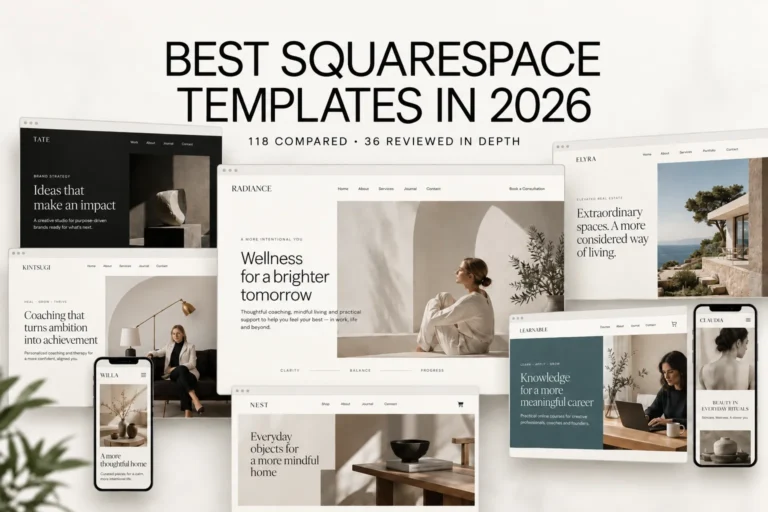
We reviewed every premium Squarespace template in the Squarespell catalogue and shortlisted 36. Prices, page structures, honest limitations and who each one suits.

On Squarespace 7.1 every template has the same features, so what matters is the layout you start from and the few plugins that fill your gaps. Pairings for five business types, with setup steps and prices.
Squarespell All Access
All 48 plugins and every new one, worth $2,044 bought one by one. 14 days free, cancel anytime.
Start 14 days freeOr start free with 13 plugins, no cardFounding price until 1 December, kept for as long as you stay.