Member Content Pro: Show Members-Only Content on Public Squarespace Pages with Native Member Sites$59
 Squarespace · PluginSquarespell Original
Browse by platform
View allBrowse by goal
View allBrowse by goal
Fresh inventory
Recently added
Member Content Pro: Show Members-Only Content on Public Squarespace Pages with Native Member Sites$59Squarespace · PluginSquarespell Original Event Tickets: Sell Tickets on Squarespace Event Pages with Ticket Types, Seats Left and Native Checkout$59Squarespace · PluginSquarespell Original
 Wholesale Order Pad: Squarespace Wholesale Order Form with Bulk Add to Cart, Order by SKU and Reorder$85Squarespace · PluginSquarespell Original
 Squarespace Summary Block Pro: More Than 30 Items, Load More and Pagination$49Squarespace · PluginSquarespell Original
 Squarespace Delivery Area Checker: Postcode and ZIP Code Checker Plugin$49Squarespace · PluginSquarespell Original
 Order Rules: Squarespace Minimum Order, Quantity Limits and Pack Sizes Plugin$49Squarespace · PluginSquarespell Original
Search results
Matching products
Squarespace plugin
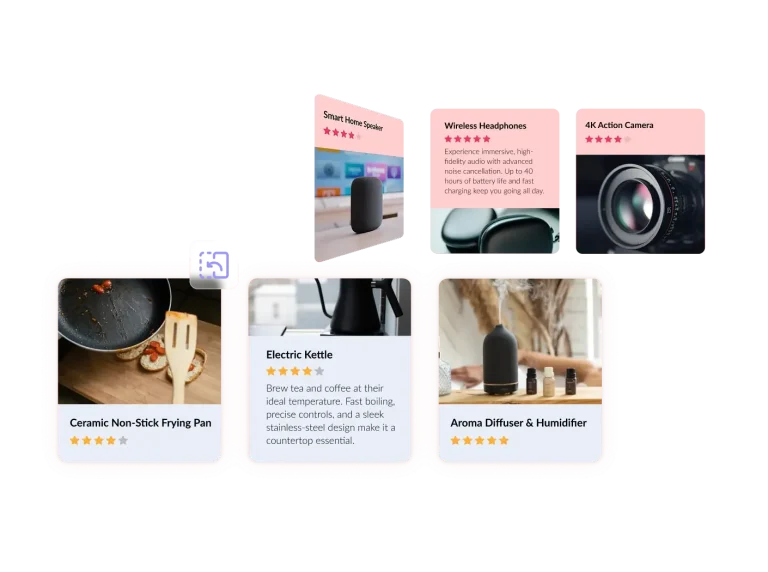
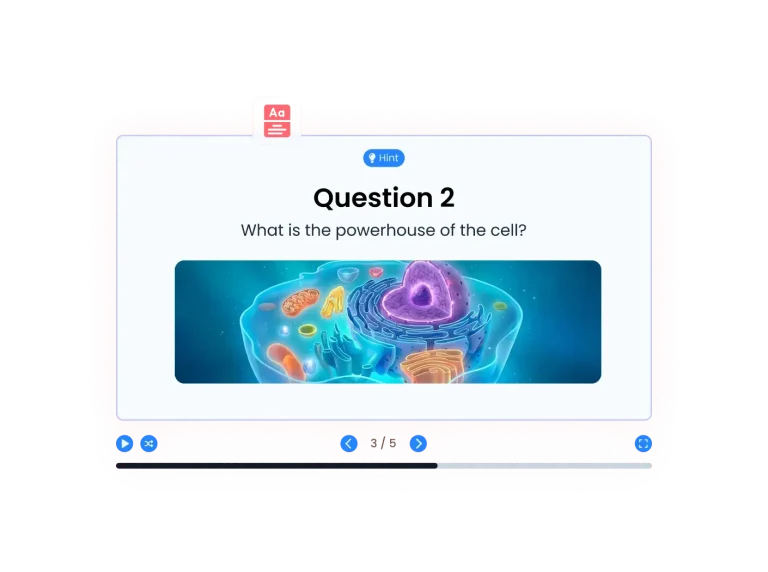
Add interactive two-sided cards with flip effects to present front and back content in a compact, engaging format.
Free plan available set by Common Ninja · Freemium
Buy from Common Ninja (opens the creator’s website in a new tab)You’ll complete your purchase on Common Ninja’s website: they take the payment, issue the licence and provide the support.
Affiliate link. Squarespell may earn a commission if you buy. It never changes our rank or verdict.
Commission does not affect how reviews or ratings are displayed.
The case Common Ninja make for it, on their own product page.
Flip Card's engaging animation draws users’ attention and encourages interaction, making your content more noticeable. This helps reduce bounce rates and increases the time visitors spend on your site. Interactive content like this can play a big role in improving user experience and engagement metrics
By using Flip Cards to emphasize calls-to-action, promotions, or special features, you can guide visitors toward key conversion points. The engaging format helps important content stand out without overwhelming the page. This focused approach contributes directly to lead generation and sales growth.
Use Flip Cards to present important details (like features, pricing, or team bios) in a compact and attractive format. By making the information both accessible and engaging, you help visitors absorb content more effectively. This boosts the chances they'll take desired actions, such as signing up or making a purchase.
The Flip Card widget allows you to present content on both the front and back of each card, doubling your available space without overwhelming the layout. You can use the front side to highlight key information and the back side for extended details, links, or calls-to-action. This layered format keeps your design clean while delivering more value per card.
The Flip Card widget comes with multiple layout configurations to suit different website designs. Whether you're building a grid of product showcases or a vertical list of team profiles, you can choose a layout that complements your site’s flow. This flexibility ensures that your flip cards look organized and professional on any page.
Save time and effort with a collection of beautifully crafted skins designed to fit a wide range of styles. Whether your website is sleek and modern or more playful and bold, there’s a skin that works right out of the box. Each skin offers a polished look without requiring manual design work.
Customize every visual element of the Flip Card widget (colors, fonts, spacing, borders, and more) to create a cohesive design that fits your site perfectly. These styling options give you the freedom to personalize each card while maintaining full consistency with your brand identity.
Choose from a variety of sleek animation styles to control how your cards flip: up, down, left, right, or with push effects. These transitions add a sense of interactivity and motion that enhances user engagement. With just a few clicks, you can match the animation to your site’s tone, whether playful, dynamic, or professional.
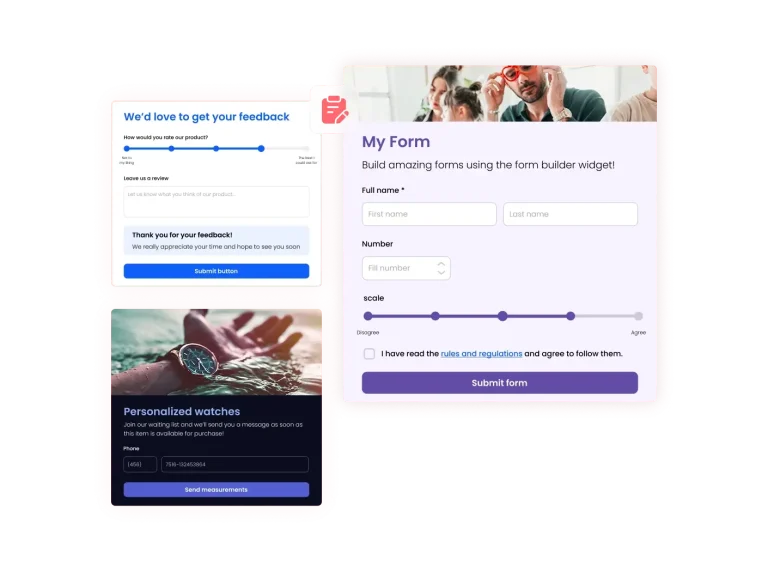
The widget lets you populate cards with a wide variety of fields, such as images, titles, descriptions, pricing, contact details, and ratings. This comprehensive setup makes it ideal for showcasing products, services, or team members in detail. You can mix and match fields to fit any use case or structure.
Enhance your cards with interactive elements like clickable buttons, email links, phone numbers, and coupon codes. These features make it easy for users to engage directly with your content. Whether it’s tapping a link or revealing a deal, the Flip Card promotes hands-on interaction.
Arrange multiple fields on the same horizontal line for a cleaner, more compact card layout. This option is great for pairing elements like ratings and prices, or phone and location info. It helps you display essential data in a space-efficient, visually balanced way.
You don’t need any coding skills to use or customize the Flip Card widget. With a clean and intuitive editor, anyone can adjust content, styling, and animations with just a few clicks. This makes it easy to set up and manage your cards without technical help.
Flip Cards are designed to be fully responsive, so they display perfectly across all screen sizes and devices. Whether your visitors are browsing from desktops, tablets, or smartphones, they’ll enjoy a seamless and interactive experience. This mobile-friendly design ensures maximum engagement everywhere.
For developers and designers who want extra control, the widget supports custom CSS. You can tweak specific visual elements or create entirely unique styles to match advanced branding needs. This flexibility is perfect for adding a personal or professional touch beyond the standard options.
The Flip Card widget can be embedded into any website with a simple line of code. Once added, all changes you make in the editor are automatically reflected live on your site. This hands-off maintenance ensures your content always stays up to date without extra effort.
You set the widget up on Common Ninja’s own site, and they give you a short piece of embed code. That code goes into a Squarespace page wherever you want the widget to appear. They state that nothing beyond pasting the code is required.
Adding embed code to a Squarespace page needs a plan that allows it, so it is worth checking what your plan includes before you start.
There is a free tier, with paid plans above it. Common Ninja set both, and the limits and prices are on their site: we do not restate the numbers here, because they change and a stale price is worse than no price.
No. The badge on this page says Untested, and it will keep saying that until somebody here runs it on a Squarespace site and writes up what happened.
Common Ninja list Squarespace among the platforms they serve, but publish no Squarespace page for this widget in particular.
No reviews yet. Share your experience.
Sign in to write a review We will bring you straight back here.
Squarespell All Access
All 48 plugins and every new one, worth $2,044 bought one by one. 14 days free, cancel anytime.
Start 14 days freeOr start free with 13 plugins, no cardFounding price until 1 December, kept for as long as you stay.