 Kava: Free Multi-Purpose WordPress ThemeFree
 WordPress · Theme
Browse by platform
View allBrowse by goal
View allFresh inventory
Kava: Free Multi-Purpose WordPress ThemeFreeWordPress · Theme CrocoBuilder: AI-Native Dynamic Frontend Builder for WordPress$79WordPress · PluginAffiliate link
 WordPress Form Builder Plugin for Gutenberg, Elementor, and Bricks$49WordPress · PluginAffiliate link
 JetStyleManager – Gutenberg Block Styles PluginFreeWordPress · Plugin
 JetGridBuilder – FREE Elementor Grid PluginFreeWordPress · Plugin
 JetBlog Plugin for Elementor$43WordPress · PluginAffiliate link
Search results
Listing checked checked Aug 2026 How verification works We checked the creator, the product page, the platform and the pricing. We have not installed it ourselves.
 By Elfsight
, see everything Elfsight publishes
By Elfsight
, see everything Elfsight publishes
 Squarespace
Add a customizable PDF Embed viewer to your Squarespace website for free and display PDFs, brochures, menus, or guides directly on your pages.
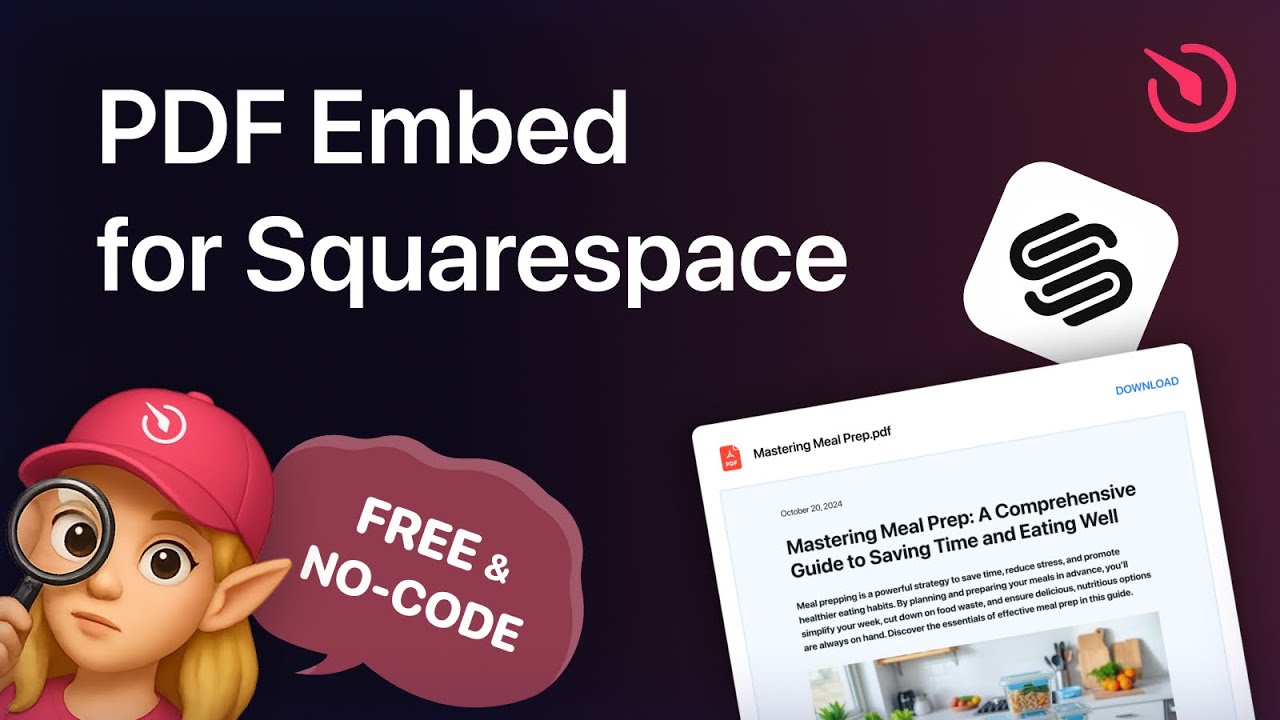
As Elfsight describe it on their own product page.
Custom viewer interface: Use a clean, professional page navigation, zoom, and scroll options.
Download button: Give visitors the option to view online or download the file right from the page.
Full customization: Change colors, fonts, borders, and layout settings to align with your website’s style.
Responsive design: The embedded PDF looks and works great on desktops, tablets, and smartphones.
Fast loading: Optimized file loading ensures smooth performance without affecting your website’s speed.
Getting it on your site
Follow these simple steps to embed a PDF file on Squarespace using Elfsigh – no technical skills needed:
Evidence
No Squarespell customer reviews yet.
Sign in to write a review We will bring you straight back here.
Nobody has reviewed this here yet. Be the first, we only publish reviews left on Squarespell in this section.
FAQ
Published by the creator on their own product page.
These are Elfsight’s answers: read them on their page
Yes, all Elfsight plugins are fully compatible with 7.0 and 7.1, including the new Fluid Engine editor.
Business and Commerce plans allow standard custom code embedding. On the Basic (formerly Personal) plan, the plugin can be added using a Markdown block. Trial websites support installation depending on the selected plan.
Yes, Elfsight provides an embedded viewer where visitors can scroll, zoom, and browse documents inside your Squarespace website.
You can include several PDF files and display them in organized list or grid formats within your Squarespace layout.
Yes, you decide whether the download button appears, giving flexibility between view-only or downloadable files.
Elfsight’s bulk upload functionality allows you to add multiple documents in one action for faster setup.
Yes, you can swap an existing PDF with an updated version while keeping its layout intact.
In the Elfsight editor you can disable downloads and ensure documents remain accessible for reading only within the viewer.
Also from Elfsight
Free plan available
Free plan available
Free plan available
Free plan available
Free plan available
Free plan available
Free plan available
Free plan available









