 Kava: Free Multi-Purpose WordPress ThemeFree
 WordPress · Theme
Browse by platform
View allBrowse by goal
View allFresh inventory
Kava: Free Multi-Purpose WordPress ThemeFreeWordPress · Theme CrocoBuilder: AI-Native Dynamic Frontend Builder for WordPress$79WordPress · PluginAffiliate link
 WordPress Form Builder Plugin for Gutenberg, Elementor, and Bricks$49WordPress · PluginAffiliate link
 JetStyleManager – Gutenberg Block Styles PluginFreeWordPress · Plugin
 JetGridBuilder – FREE Elementor Grid PluginFreeWordPress · Plugin
 JetBlog Plugin for Elementor$43WordPress · PluginAffiliate link
Search results
Listing checked checked Aug 2026 How verification works We checked the creator, the product page, the platform and the pricing. We have not installed it ourselves.
 By Elfsight
, see everything Elfsight publishes
By Elfsight
, see everything Elfsight publishes
 Squarespace
Enhance engagement with the no-code Elfsight Announcement Bar plugin. Present key messages to grab visitors’ attention and prompt them to take action.
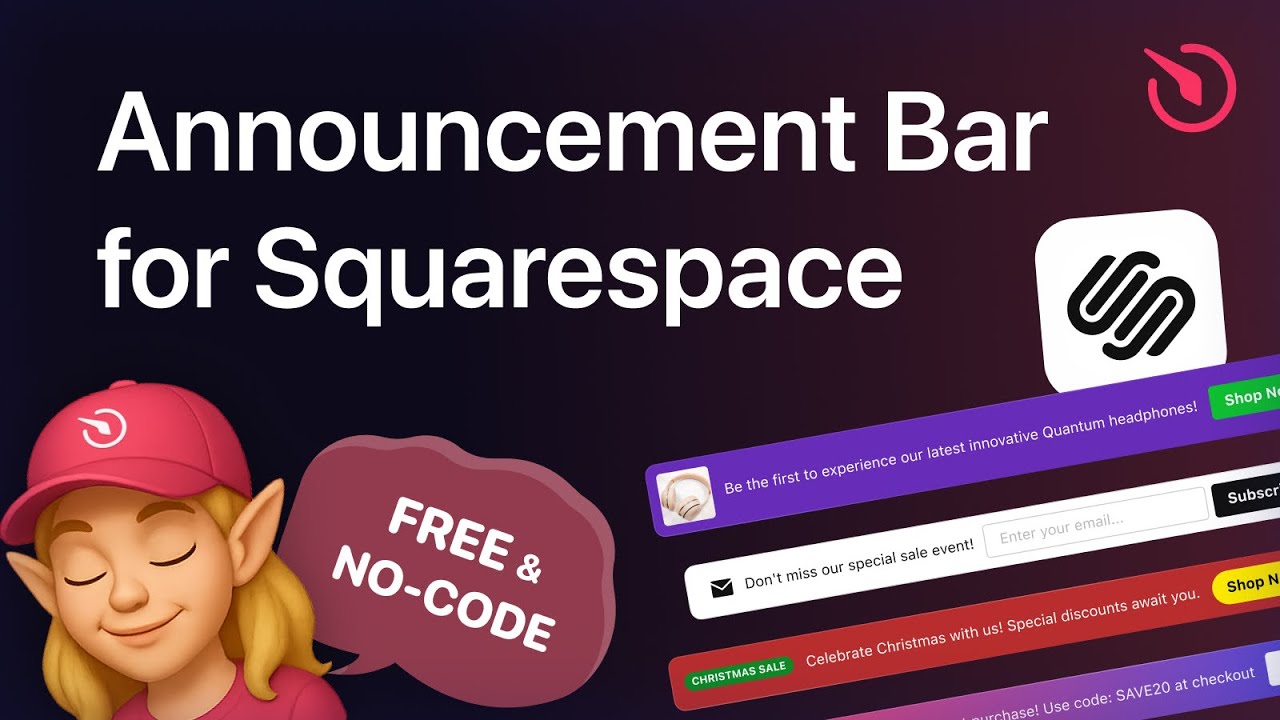
As Elfsight describe it on their own product page.
Customizable design options enable you to create impactful announcements while maintaining a user-friendly experience.
Use the announcement bar to showcase exclusive deals and promotions, effectively drawing attention to specific items.
Feature new launches, additions, or updates to existing products, keeping your visitors engaged with fresh and relevant content.
Fully customizable to match your website’s look and feel, ensuring a seamless and cohesive experience for your audience.
Easily adjust templates, colors, and content to reflect your brand identity and maintain a professional appearance.
Getting it on your site
To place the Announcement Bar plugin on your website, follow these easy steps:
Evidence
No Squarespell customer reviews yet.
Sign in to write a review We will bring you straight back here.
Nobody has reviewed this here yet. Be the first, we only publish reviews left on Squarespell in this section.
FAQ
Published by the creator on their own product page.
These are Elfsight’s answers: read them on their page
Yes, all Elfsight plugins are fully compatible with 7.0 and 7.1, including the new Fluid Engine editor.
Business and Commerce plans allow standard custom code embedding. On the Basic (formerly Personal) plan, Announcement Bar can be added using a Markdown block. Trial websites support installation depending on the selected plan, but if the trial expires, the entire website becomes unavailable until upgraded.
Announcements can be displayed at the top, bottom, or embedded within page sections. You can enable sticky mode so the bar remains visible on your Squarespace website while visitors scroll.
With Elfsight, you can include text, icons, badges, images, and even short videos to create engaging, visually rich announcements instead of plain text notices.
Yes, Elfsight supports buttons and links that redirect visitors to promotions, product pages, landing pages, or external URLs.
Display rules allow you to display the announcement on specific pages and campaign URLs or across your entire Squarespace website.
You can define specific date ranges so the notifications activate and deactivate automatically for campaigns or seasonal offers.
Yes, you can include form fields or connect to a signup page to capture leads while users navigate your Squarespace website.
Also from Elfsight
Free plan available
Free plan available
Free plan available
Free plan available
Free plan available
Free plan available
Free plan available
Free plan available








