Kava: Free Multi-Purpose WordPress ThemeFree
 WordPress · Theme
Browse by platform
View allBrowse by goal
View allFresh inventory
Kava: Free Multi-Purpose WordPress ThemeFreeWordPress · Theme CrocoBuilder: AI-Native Dynamic Frontend Builder for WordPress$79WordPress · PluginAffiliate link
 WordPress Form Builder Plugin for Gutenberg, Elementor, and Bricks$49WordPress · PluginAffiliate link
 JetStyleManager – Gutenberg Block Styles PluginFreeWordPress · Plugin
 JetGridBuilder – FREE Elementor Grid PluginFreeWordPress · Plugin
 JetBlog Plugin for Elementor$43WordPress · PluginAffiliate link
Search results
Listing checked checked Aug 2026 How verification works We checked the creator, the product page, the platform and the pricing. We have not installed it ourselves.
By Squarespell
, see everything Squarespell publishes
 Squarespace
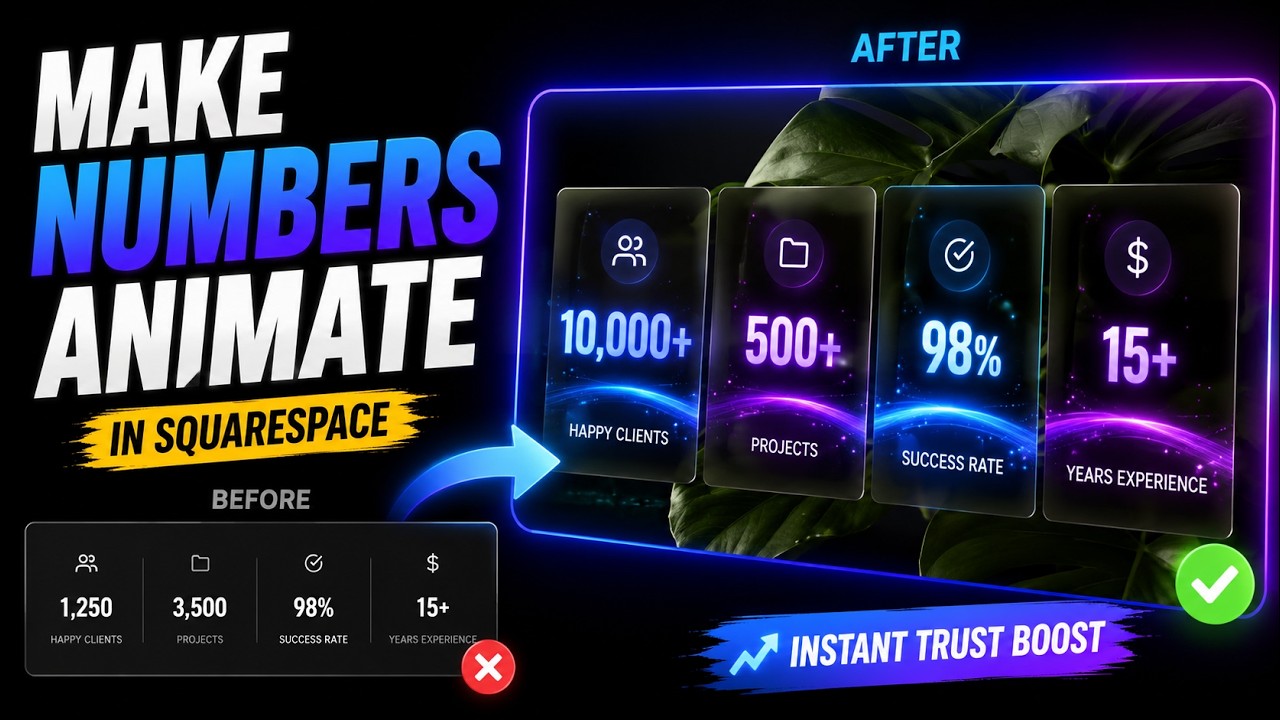
Animated counter widget for Squarespace 7.0 & 7.1. Scroll-triggered animations, fully responsive, easy to customize. No coding required. Free MIT license.
Evidence
No Squarespell customer reviews yet.
Sign in to write a review We will bring you straight back here.
Nobody has reviewed this here yet. Be the first, we only publish reviews left on Squarespell in this section.
FAQ
How do I add an animated number counter in Squarespace?
Still have a question? Email us →
To add an animated number counter in Squarespace, you need a custom code snippet or a dedicated widget. You simply paste the provided code into a Code Block, and the numbers will automatically animate when users scroll to that section.
Yes. A properly built animated counter uses a scroll trigger (viewport detection) so the numbers start counting only when the section becomes visible on the screen.
No. A lightweight counter built with clean JavaScript and no heavy external libraries will not noticeably affect website speed or performance.
Yes. Most animated counter widgets allow you to adjust the animation duration and counting speed to match your design preference.
Yes. You can add prefixes or suffixes such as %, +, $, or K to display percentages, totals, revenue, or milestones clearly.
Yes. You can add multiple counters in different sections of your website to showcase various statistics like clients served, projects completed, or years of experience.
This usually happens if the scroll trigger is missing, incorrectly placed, or conflicting with another script. A properly configured widget ensures the animation triggers only when visible.
Yes. Animated statistics draw attention and build trust by highlighting measurable results, which can increase credibility and improve conversion rates.
Yes. A properly designed counter automatically adapts to mobile and tablet screens, ensuring smooth animation and clean layout on all devices.
Also from Squarespell