 Lodgify: Vacation Rental Website and Channel Manager$18Affiliate link





SquarespaceOthers
Countdown Timer
Learn how to add a countdown timer to your Squarespace website with this step-by-step guide.
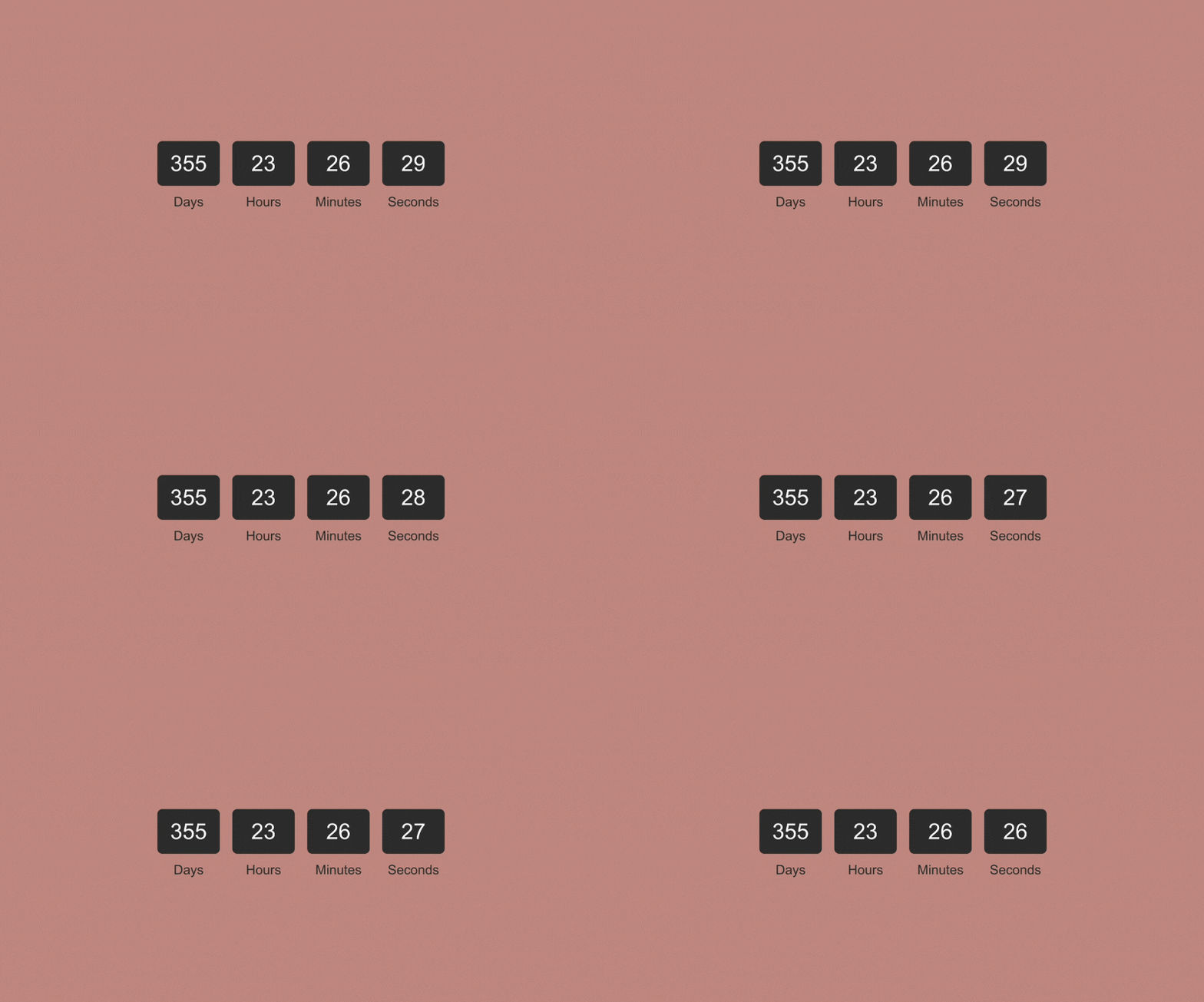
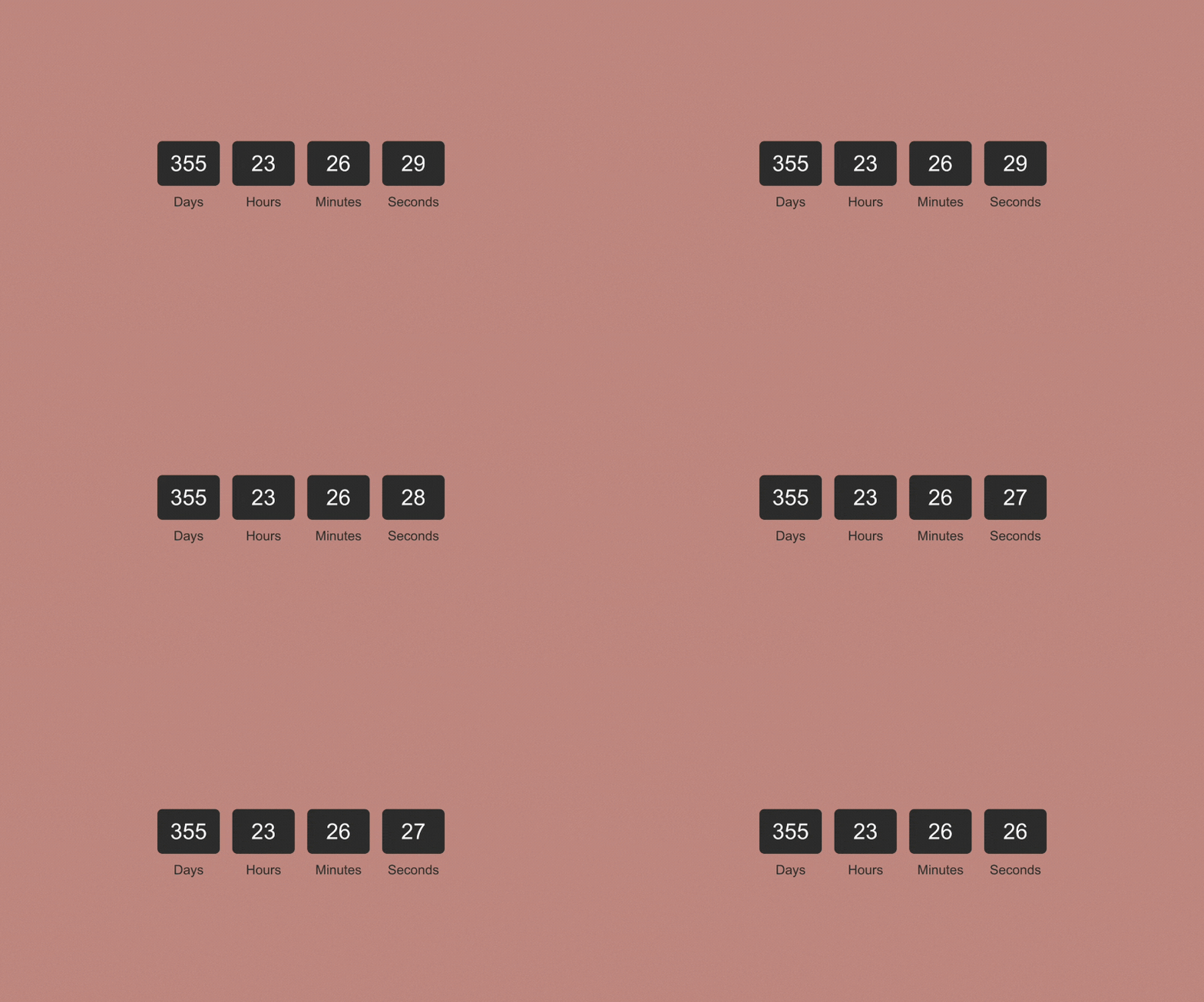
Paste the whole code block below into a Code Block wherever you want the timer to appear — no setup is required, and it works immediately, counting down 30 days from the moment each visitor opens the page. If you’d rather everyone count down to the same fixed date and time instead — a sale that ends on one specific day, say — open the section marked “EDIT THIS” near the top of the script, change USE_FIXED_DATE to true, and set FIXED_TARGET_DATE to your chosen date and time in the format 2026-12-31T23:59:59 (year-month-day, then the 24-hour clock time); add a Z on the end if you want that moment to land at the same instant for visitors in every time zone, not just your own.
<!-- ======================================================================
     SQUARESPELL FREE COUNTDOWN TIMER — Squarespace 7.1, no plugins needed
     Paste this whole block into a Code Block on your page.
     Only the settings marked "EDIT THIS" below need to change.
     ====================================================================== -->
<div class="ss-countdown" data-countdown role="group" aria-label="Countdown timer">
  <!-- The four number boxes. Leave this part as-is. -->
  <div class="countdown-boxes" data-countdown-boxes>
    <div class="countdown-box">
      <div class="flip-number" data-days aria-live="off">00</div>
      <div class="label">Days</div>
    </div>
    <div class="countdown-box">
      <div class="flip-number" data-hours aria-live="off">00</div>
      <div class="label">Hours</div>
    </div>
    <div class="countdown-box">
      <div class="flip-number" data-minutes aria-live="off">00</div>
      <div class="label">Minutes</div>
    </div>
    <div class="countdown-box">
      <div class="flip-number" data-seconds aria-live="off">00</div>
      <div class="label">Seconds</div>
    </div>
  </div>
  <!-- This message appears automatically once the countdown reaches zero.
       EDIT THIS: change the wording to whatever fits your page. -->
  <div class="countdown-ended" data-countdown-ended style="display:none;">This countdown has ended.</div>
</div>

<style>
.countdown-boxes {
  display: flex;
  flex-wrap: wrap;
  justify-content: center;
  gap: 20px;
  padding: 20px;
  font-family: Arial, sans-serif;
}
.countdown-box {
  text-align: center;
}
.flip-number {
  background-color: #333;
  color: white;
  padding: 20px;
  border-radius: 8px;
  font-size: 2em;
  min-width: 60px;
}
.label {
  margin-top: 10px;
  font-size: 1.2em;
  color: #333;
}
.countdown-ended {
  text-align: center;
  font-size: 1.4em;
  padding: 20px;
}
/* Smaller screens: shrink the boxes so all four fit without a horizontal scroll */
@media (max-width: 480px) {
  .countdown-boxes { gap: 10px; padding: 10px; }
  .flip-number { font-size: 1.3em; padding: 12px; min-width: 44px; }
  .label { font-size: 0.95em; }
}
</style>

<script>
// Wrap everything in an IIFE so nothing here clashes with other code on your site
(function () {
  // ====================================================================
  // EDIT THIS BLOCK — and nothing else — to change how the timer behaves
  // ====================================================================
  // OPTION 1 (default, used unless you turn on OPTION 2 below): a ROLLING
  // countdown. Every visitor who loads the page gets a fresh countdown
  // that starts at this many days and counts down from the moment THEY
  // open the page. Because there is no fixed end date, this can never
  // show an expired timer — change the number for a different length.
  const ROLLING_DAYS = 30;

  // OPTION 2: a FIXED countdown. Use this if you want every visitor
  // counting down to the exact same real calendar date and time — for
  // example a sale that ends on one specific day for everyone.
  // To turn this on: set USE_FIXED_DATE to true, and set FIXED_TARGET_DATE
  // below in the format 'YYYY-MM-DDTHH:MM:SS' (24-hour clock).
  //
  // IMPORTANT — time zones: written this way, the date is read in each
  // VISITOR'S OWN time zone, so people in different countries will not
  // hit zero at the same real-world moment. If you want everyone to hit
  // zero at the same instant regardless of where they are, add a Z on
  // the end, e.g. '2026-12-31T23:59:59Z' (Z means UTC).
  const USE_FIXED_DATE = false;
  const FIXED_TARGET_DATE = '2026-12-31T23:59:59'; // only used if USE_FIXED_DATE is true

  // ====================================================================
  // Nothing below this line needs to be edited.
  // ====================================================================

  function getTargetTime() {
    if (USE_FIXED_DATE) {
      const fixed = new Date(FIXED_TARGET_DATE).getTime();
      // If the date above was typed in a format JavaScript can't read,
      // fall back to the rolling countdown instead of showing a broken timer.
      if (!isNaN(fixed)) return fixed;
    }
    return Date.now() + ROLLING_DAYS * 24 * 60 * 60 * 1000;
  }

  function startCountdown(container) {
    const targetTime = getTargetTime();
    const boxesEl = container.querySelector('[data-countdown-boxes]');
    const endedEl = container.querySelector('[data-countdown-ended]');
    const daysEl = container.querySelector('[data-days]');
    const hoursEl = container.querySelector('[data-hours]');
    const minutesEl = container.querySelector('[data-minutes]');
    const secondsEl = container.querySelector('[data-seconds]');

    function update() {
      const remaining = targetTime - Date.now();
      if (remaining <= 0) {
        // Countdown reached zero: stop updating and show the end message.
        clearInterval(timerId);
        if (boxesEl) boxesEl.style.display = 'none';
        if (endedEl) endedEl.style.display = 'block';
        return;
      }
      const days = Math.floor(remaining / (1000 * 60 * 60 * 24));
      const hours = Math.floor((remaining % (1000 * 60 * 60 * 24)) / (1000 * 60 * 60));
      const minutes = Math.floor((remaining % (1000 * 60 * 60)) / (1000 * 60));
      const seconds = Math.floor((remaining % (1000 * 60)) / 1000);
      if (daysEl) daysEl.textContent = String(days).padStart(2, '0');
      if (hoursEl) hoursEl.textContent = String(hours).padStart(2, '0');
      if (minutesEl) minutesEl.textContent = String(minutes).padStart(2, '0');
      if (secondsEl) secondsEl.textContent = String(seconds).padStart(2, '0');
    }

    const timerId = setInterval(update, 1000);
    update(); // run once immediately so the page doesn't flash "00" first
  }

  // Starts every countdown timer on the page — safe to paste this
  // block more than once on the same page.
  document.querySelectorAll('[data-countdown]').forEach(startCountdown);
})();
</script>More free plugins

Text Outline Effect
Looking to make your Squarespace website stand out? This blog walks you through creating a sleek text outline…
CSSView plugin
Custom Icons to the Accordion Block
Discover how to enhance your Squarespace accordion block by adding custom icons while retaining the arrow or plus…
CSSView plugin

Font Zoom Animation
Learn how to add a smooth font zoom animation to your Squarespace website with our free plugin.
CSS · HTMLView plugin